リンクをクリップボードにコピー
コピー完了
皆様こんにちは。
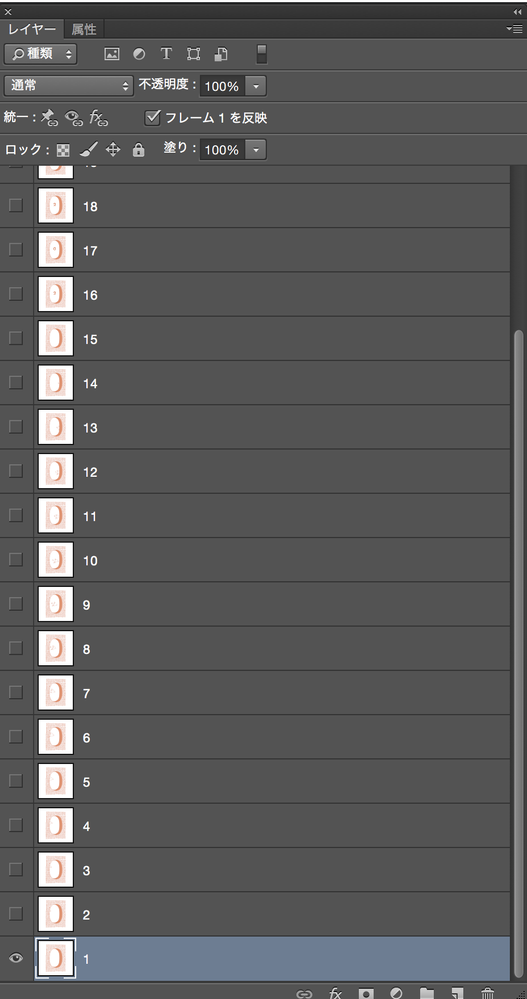
PhotoshopCS6のタイムラインを使用しアニメーションを作り、タイムラインで再生するとうまくいくのですが、なぜかウェブ用に保存をしようとすると、アニメーションが動かなくなってしまいます。
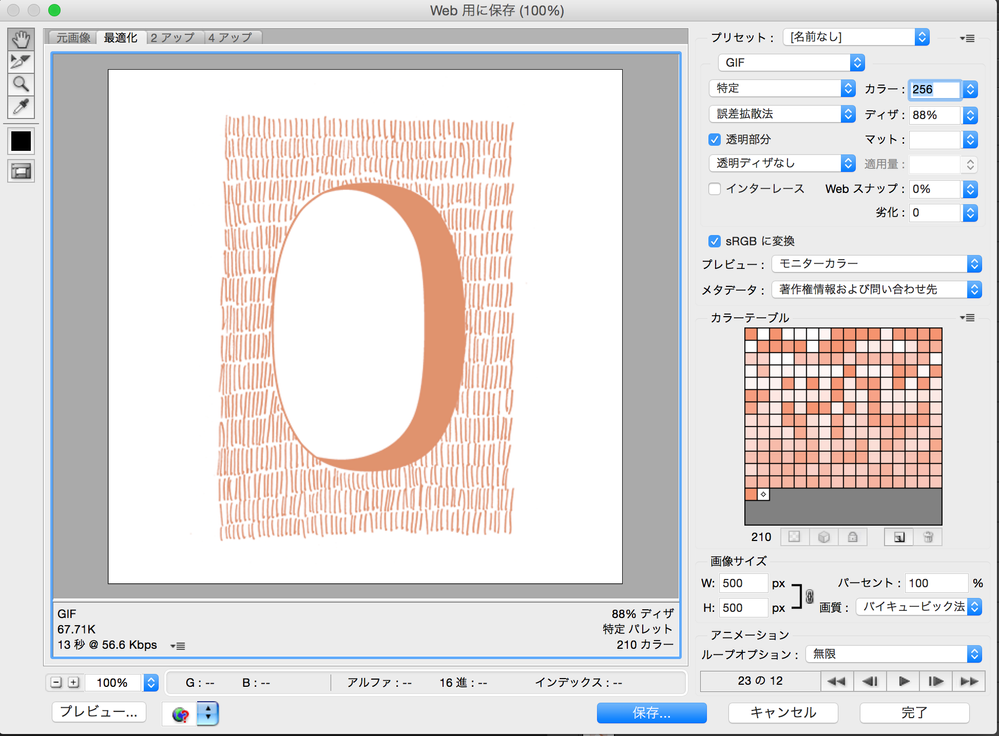
「ウェブ用に保存」の窓で、右下の再生ボタンを押してみると、フレームの番号は動くのですが、プレビュー画像は動きません。そのまま保存してみても、GIFファイルは作成されるのですが、不動の画像になっています。
何がおかしいのか、教えていただけると嬉しいです。
お忙しいところどうぞよろしくお願いいたします。
ジェニポン
リンクをクリップボードにコピー
コピー完了
Moving to the Photoshop forum from Community Help
リンクをクリップボードにコピー
コピー完了
Hi there,
We are are sorry about the issue while trying to create an animated GIF.
Would you mind sharing the macOS version you are currently using on the computer? Have you started facing this issue after any update to the computer?
You can try to reset the Preferences of Photoshop using the steps mentioned here: https://helpx.adobe.com/photoshop/using/preferences.html
Note: Please backup your actions, brushes, etc. before you reset the preferences. Please check: https://helpx.adobe.com/photoshop/using/preset-migration.html
Regards,
Nikunj
アドビコミュニティ(フォーラム)が進化します!新しい体験を1月にお届けします。
詳細はこちら