
Exit
  • Global community
    • Language:
      • Deutsch
      • English
      • Español
      • Français
      • Português
  • 日本語コミュニティ
  • 한국 커뮤니티
2

P: Generator Error

Contributor ,
Jul 28, 2023 Jul 28, 2023

Hello,

After downloading and installing Photoshop 2023 Beta 25.0, I keep getting the the following error message about Generator.Screenshot 2023-07-28 at 8.26.13 AM.jpg
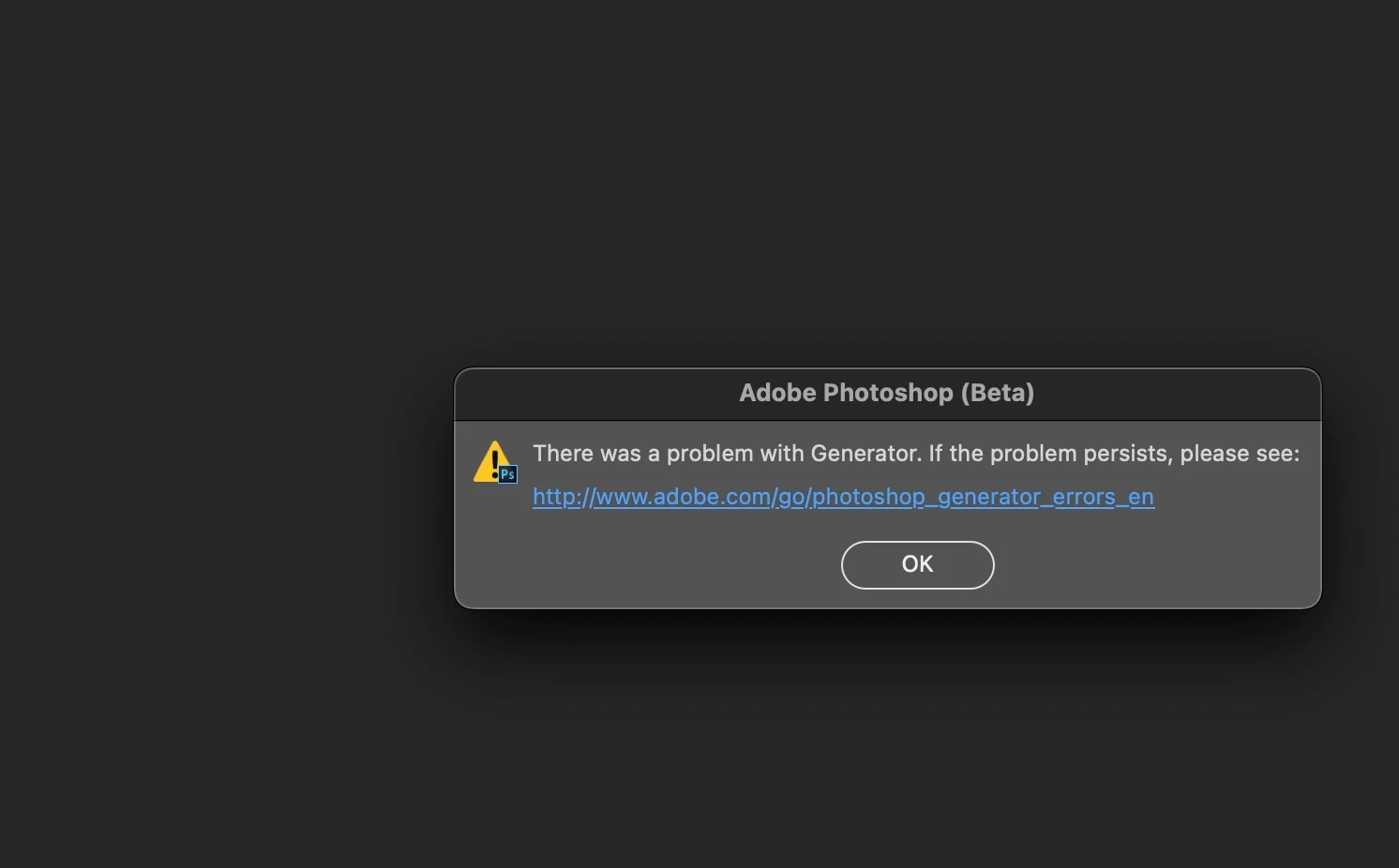
When going to the link it suggests removing and reinstalling all plug-ins.  I hope there is a better way to do solve this.  I'm not about to uninstall and reinstall my plug-ins.  Anyone have any ideas?  I've uninstalled the Beta and re-installed the Beta, but get the same error message.


Thanks,

Dennis

Bug Fixed
TOPICS
Desktop-macOS
1.3K
Translate
Report
Community guidelines
Be kind and respectful, give credit to the original source of content, and search for duplicates before posting. Learn more
community guidelines

correct answers 1 Correct answer

Adobe Employee , Sep 14, 2023 Sep 14, 2023

Hi all,


We are happy to announce the release of Photoshop version 25.0 (public release), which incorporates the resolution for this particular problem. To see the list of all fixed issues, click here


To update Photoshop to 25.0, click "Update" in the Creative Cloud desktop app next to Photoshop. More detailed instructions for updating


Let us know if the update resolves the problem for those affected, and share your feedback.


Thanks,

Mohit

Status Fixed
Translate
4 Comments
Adobe Employee ,
Jul 28, 2023 Jul 28, 2023

Thank you @zeetoe25 we can see this as well and will pass on to the team.


Status Acknowledged
Translate
Report
New Here ,
Aug 14, 2023 Aug 14, 2023

Error message: Can't load generator.

Reloaded program w/o change.

Reloaded PS 24.7.0 without error message.

No new plug-ins, etc.

Translate
Report
Contributor ,
Aug 18, 2023 Aug 18, 2023

Thanks Adobe for fixing this so quickly!!!  Downloaded the new version of PS Beta this morning and the Error Message was gone!!!  Everything is working okay at this time.

Dennis

Translate
Report
Adobe Employee ,
Sep 14, 2023 Sep 14, 2023
LATEST

Hi all,


We are happy to announce the release of Photoshop version 25.0 (public release), which incorporates the resolution for this particular problem. To see the list of all fixed issues, click here


To update Photoshop to 25.0, click "Update" in the Creative Cloud desktop app next to Photoshop. More detailed instructions for updating


Let us know if the update resolves the problem for those affected, and share your feedback.


Thanks,

Mohit

Status Fixed
Translate
Report