


MeredithStotzner
Community Manager
Community Manager
April 23, 2024
Question

Adobe Firefly Image 3 Model in Generative Fill (beta)

  • April 23, 2024
  • 4 replies
  • 3411 views

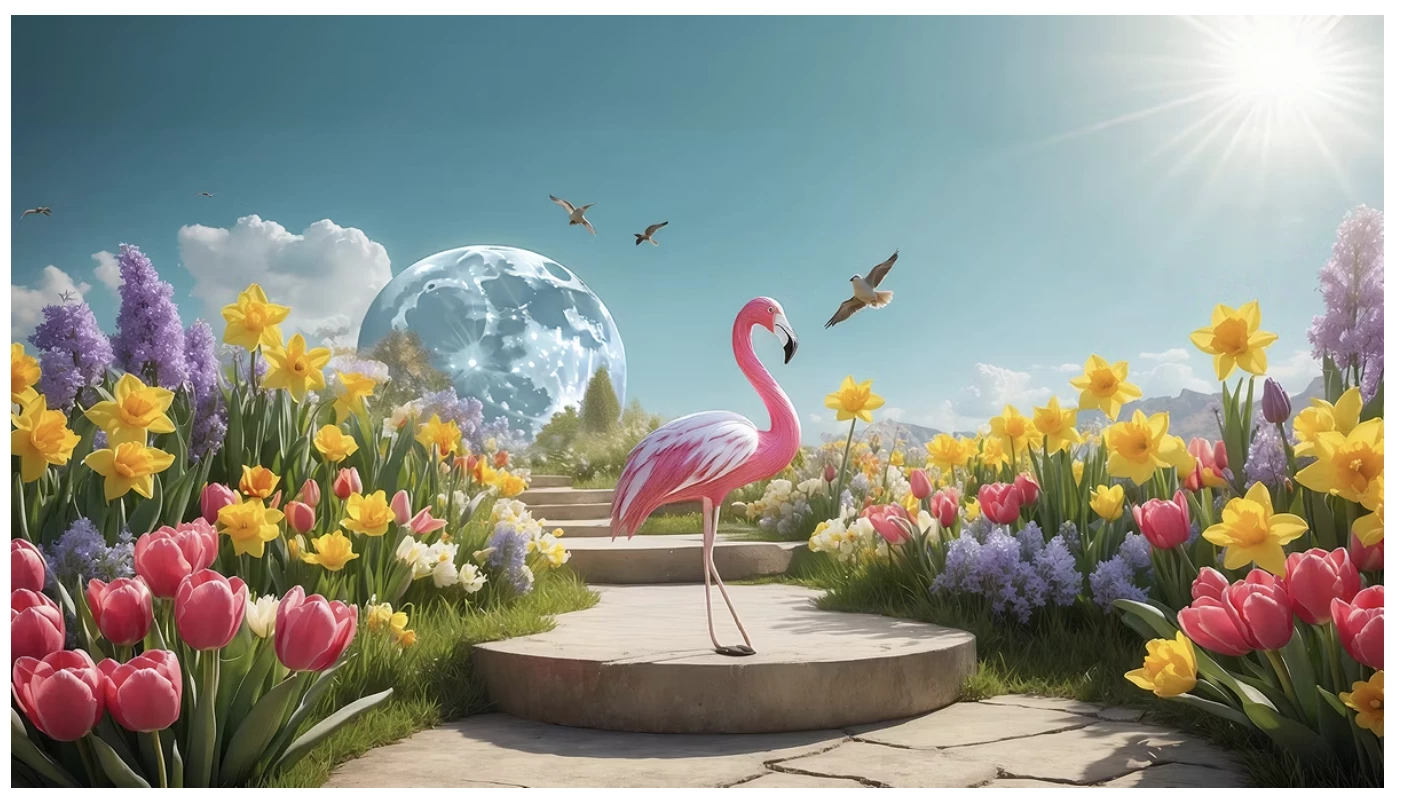
The April 2024 release of Photoshop (Beta) on the desktop 25.9 previews an early look at the new Adobe Firefly Image 3 Model. This under-development AI technology which powers Photoshop’s generative AI features, will create more realistic and higher-quality content.Everything created with Generative Fill, Generative Expand, Generate Similar, Reference Image, and Generate Background in this beta build is using the new image model.
  
Feedback request:

  • Please let us know what you think of the images produced by the AI features.  Do the results meet your expectations?   
  • Tell us how you will use these results in your projects.

Compare the results with those created using the same methods in the general Photoshop release.
Respond in this thread or provide input via the Beta Feedback Panel; click the beaker, next to the blue Share button, in the Photoshop Options Bar.



Known Issues:

  • If using a mask with opacity to create the selection, Generative Fill does not work as expected.
  • Groups of people are not generated as expected.
  • Using the words “realistic” or “hyper-realistic” in the prompt results in the opposite.


We sincerely thank you for your time and genuinely appreciate your feedback to help us improve this technology.

Thank you.

4 replies

New Participant
August 30, 2025
This tool stopped working for me in PS Beta a few days ago. It says I need to switch to Firefly Model 3, but it's using exactly that option. Even so, the tool remains disabled after I select a part of the image to add an object. Can anyone help me?
New Participant
April 30, 2024

HI guys, 

I love some of these features i really do, but I don't think the results from Beta 25.9 are realistic. I'm using Photoshop 25.7 and Beta 25.9 simultaneously and the difference is really staggering. I think the beta update took a couple of steps back.  Also, some of my text prompts arent being allowed in the Beta version but are ok on Photoshop. Specifically when I select subject and invert to change the backgroud. If I type "jungle", the "we encountered an error" message pops up.

New Participant
April 23, 2024

Hello, before today (around lunch time) I was able to create absolutely realistic and perfect photos with Firefly. Now I only get images that look like cartoons and have nothing to do with photography. Of course I set everything to photography and use the same prompts and settings. Nothing works. It's not possible anymore to generate photos with Firefly. This is more than a major issue or bug. Please fix it asap. Thanks!

CShubert
Community Manager
Community Manager
April 23, 2024

Hi @freezelighter could you share some images of before and after, what settings you are using, etc.  Are you saying you see a change in Ps beta and your results, or are you talking about the Firefly website creation results?


We would be happy to see what might be happening.


Thanks,

Cory - Photoshop Product Manager

New Participant
April 23, 2024

Thank you all for responding to me. After I switched to model 3 on iOS, it added 5 random styles to my prompt. The added styles are not visible in iOS so I only saw them when I went to safari and opened firefly prompting there in full view. I removed all styles and now generating photos works again. My heart stopped to work for a while 😵‍💫

marliton
Community Expert
April 23, 2024

That's great. Huge improvements. Tks!


Marlon Ceballos