
Question
Adobe Photoshop Generative Fill: adapt object brightness or change impact on light
Hi all,
I'm playing with generative fill to create a nice background for product photos that have a white background.
Here is an example: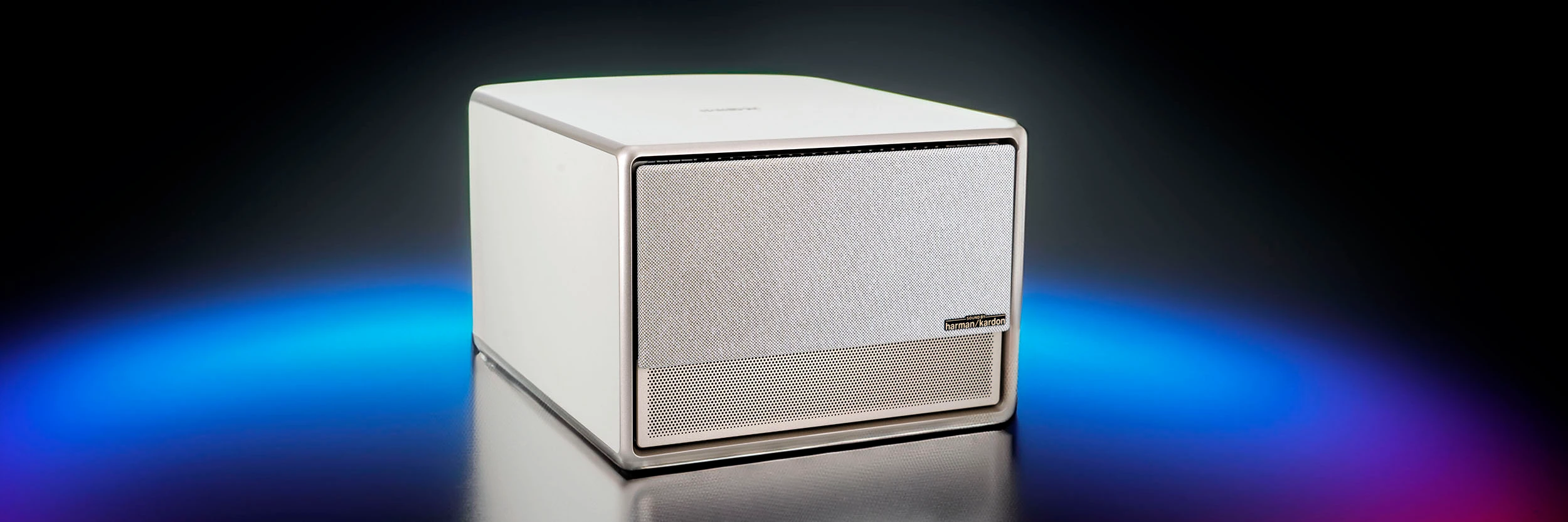
While I'm happy with the background, the object looks less natural because it is unaffected by the changes in the background. Is there a way to make the object look more realistic with changes in light and color to match the background?
Thanks
Laurent
 AdChoices