
Background removal edges
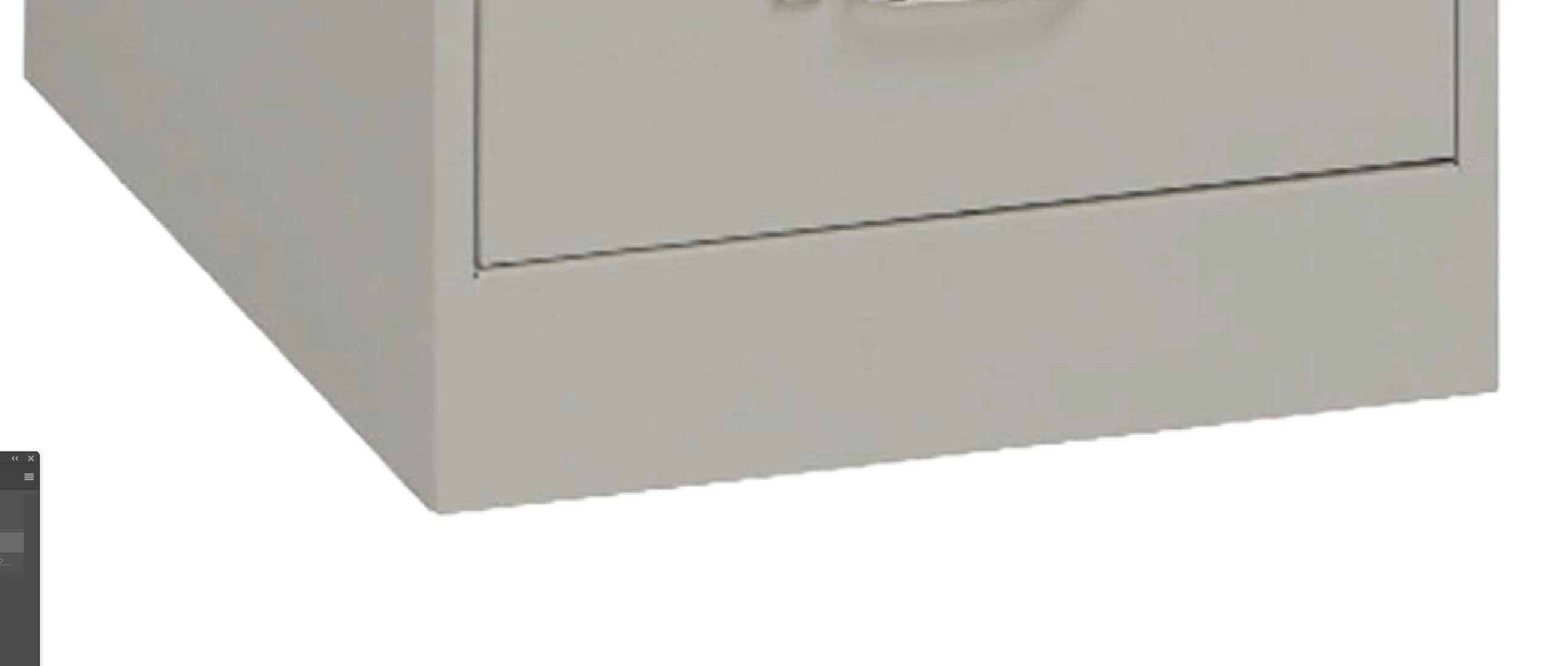
Not sure if something changes on the backend but i've notice the background remove button isnt as sharp with the edges anymore, ive notice on product images before it would do an amazing job keeping the edges nice and sharp but it seems alot more jagged lately not sure if something happened in these updates.
System info
Adobe Photoshop Version: 27.0.1 20251012.m.3255 d971f80 x64 (beta, PublicBeta)
Operating System: Windows 11 64-bit
Version: 11 or greater 10.0.26100.6584
System architecture: Intel CPU Family:6, Model:10, Stepping:2, AVX2, AVX-VNNI, HybridCPU(6:8),
Built-in memory: 97960 MB
Free memory: 62837 MB
GPUName: NVIDIA GeForce RTX 4090 Laptop GPU
For example the background removal would forsure make that edge alot more crisp but now its very jagged after its been removed
 AdChoices