
Answered
Brush Tool not working to edit mask
I normally use the brush tool with a mask highlighted to refine the selection to be used for the mask. I just tried doing that in the beta version (25..12.0) and it is not working properly. Brush flow and opacity set to 100%. Layer opacity set to 100%. The brush will only sporadically paint (see image below.) There is nothing selected on the image which would be restricting where the brush is applied. The solid red areas were part of the original mask. The dotted red areas are what the brush would paint when trying to refine the mask. I am running on a Windows 11 platform and everything is working properly on the production version (25.11). 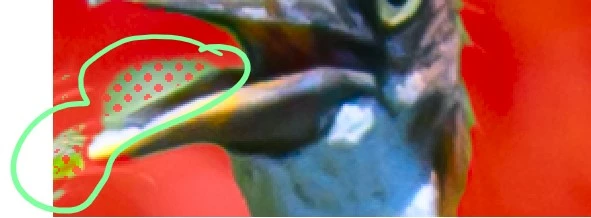
 AdChoices