


Question
Generate Background in Photoshop (beta)
Now available in the April 2024 release of Photoshop (beta) on desktop 25.9 previews an early look at a new feature, Generate Background.
Generate Background allows you to replace your background with generated content that matches the lighting, shadows and perspective of the subject in just a few steps. Rather than manually selecting the background and using Generative Fill, Generate Background automatically detects, selects and fills in the background with new content, simplifying workflows and saving time with a streamlined experience in the Contextual Task Bar.
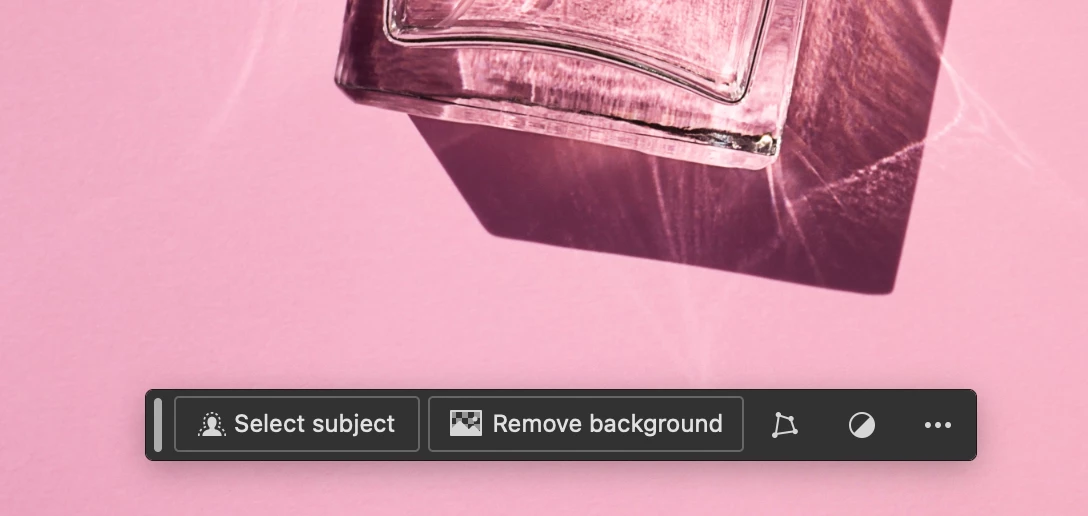
Follow these steps to start using Generate Background:
- Open an image and select "Remove Background" from the Contextual Task Bar
- After the background is removed, you will now see 3 options available -- you can "Fill with color" to change your background to a desired color, "Import Background" uses an image from your device, and "Generate Background" gives the option to generate an image using your description in the text prompt field.
Tips and Tricks:
- For best results, ensure the background mask is as precise and refined as possible to get the cleanest edge boundary
Feedback requested!
- Please provide feedback on the generated results -- does it meet your expectations?
- Please include the prompt text you used in any feedback to help us repro any issues
- Are there other controls you wish you had available to help generate your results?
We thank you for your input and feedback to help us improve this feature!
 AdChoices