Question
Lock\Unlock Layers
If you have a folder with many layers and you have it locked, the layers in the subfolders will not be unlocked.
Only the top level folder is unlocked. The rest have to be unlocked manually.
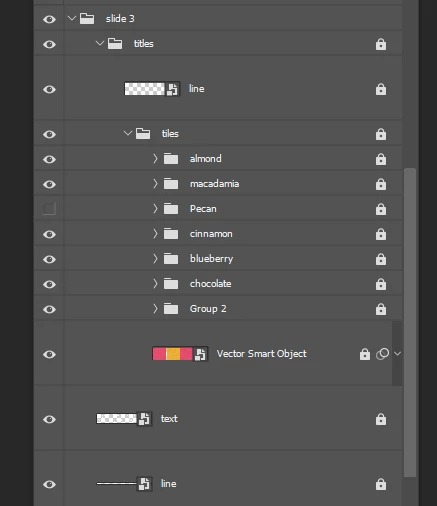

If you have a folder with many layers and you have it locked, the layers in the subfolders will not be unlocked.
Only the top level folder is unlocked. The rest have to be unlocked manually.
Already have an account? Login
Enter your E-mail address. We'll send you an e-mail with instructions to reset your password.
 AdChoices