
Participant
October 14, 2023
Question

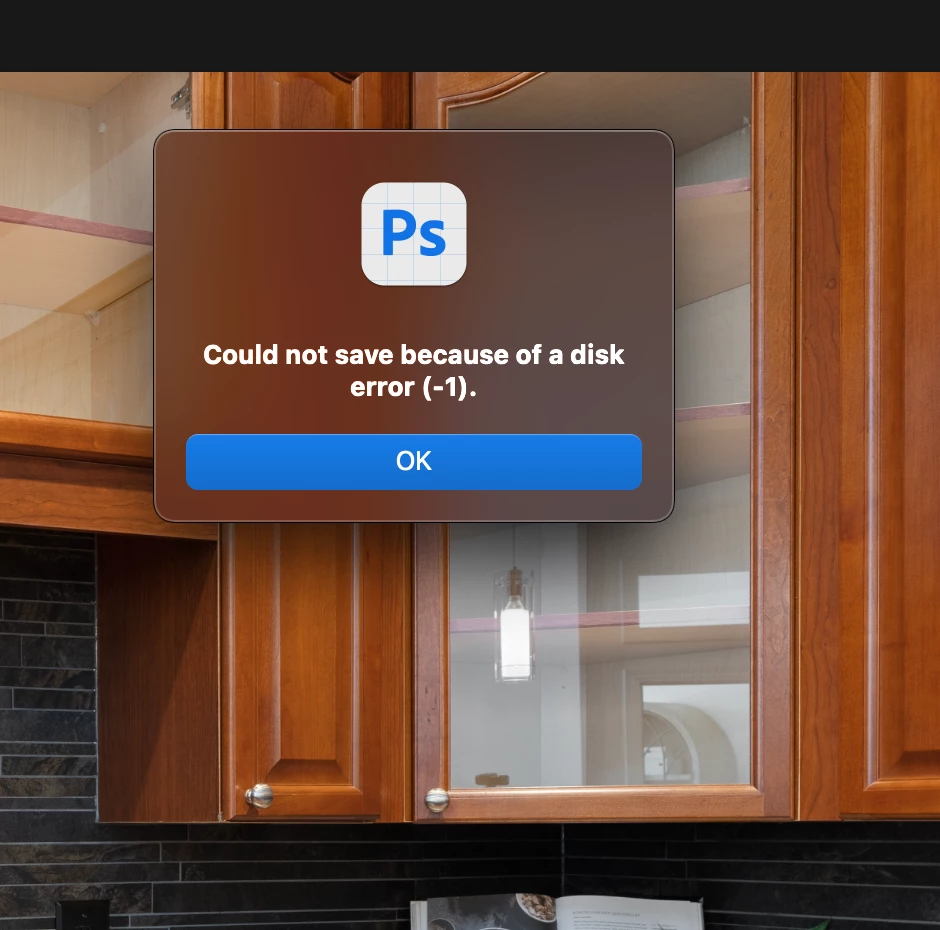
Photoshop Beta - Could not save because of disk error (-1)

  • October 14, 2023
  • 7 replies
  • 15115 views

Hi everyone,


Is there anyone who have this problem like mine? Sometimes it stopped me to save (save a copy) to .jpg, it says "Could not save bcause of disk error (-1)". I notice it happen a lot more with the new version of Beta (25.2.0).


It's quite annoying because some of my work took hour and then I can't say it in any format (jpg, psd...or even make a online sharing.


Thanks for your time, any support is appreciated!
 

7 replies

CShubert
Community Manager
Community Manager
November 9, 2023

@defaultzxjo46r4w3gj no worries, it is important to keep them seperate so the team can focus on issues per app.  If you do have the same issue on Ps release as in beta, please do post it on the correct forum so we can look into it.


richardr5091678
Participating Frequently
May 6, 2024

Do you have a link to the correct form that resolves this issue? This thread is the top search result for this problem.

Participant
November 9, 2023

Apologies! I will pay more attention next time. 

richardr5091678
Participating Frequently
April 25, 2024

Is there a follow up for this on another form? Same issue

CShubert
Community Manager
Community Manager
November 9, 2023

Since this is the Ps beta forum, we should keep details and issues that only reflect in Ps beta.


Participant
November 9, 2023

I just realised I wasn't in Beta, but rather regular PS v25.1.0.  Here are my settings.


CShubert
Community Manager
Community Manager
November 9, 2023

Thanks for the update @defaultzxjo46r4w3gj curious what version of Ps beta are you on, current is: Adobe Photoshop Version: 25.2.0 20231104.m.2388 fdf2b8a arm64 and also wondering what is your setting for the File Handling section?


Participant
November 9, 2023

Myself and a colleague experienced this as well this week. I couldn't solve it but a workaround when it popped up was to save using File -> Scrips -> Image processor and save it to whatever location was previously used (woudn't let me edit the desitination folder). At least it prevented me from loosing my work but I would still love to prevent the error from happening in the first place! @Justin3020633906eq  did @CShubert solution work for you?

Participant
April 5, 2024

THANK YOU! This was an absolute lifesaver. 

CShubert
Community Manager
Community Manager
October 17, 2023

Hi @Justin3020633906eq does this happen in Ps release version as well? Does it also happen on all files or just some?


Try resetting Prefs for the Beta:

/Users/yourname/Library/Preferences/ Photoshop Beta Settings (Mac Ventura)

/Users/yourname/Library/Preferences/Adobe\ Photoshop\ \(Beta\)\ Settings (Mac)
C:\Users\user name\AppData\Roaming\Adobe\Adobe Photoshop (Beta)\Adobe Photoshop (Beta) Settings )Win)

Launch BETA Photoshop While Pressing The Keyboard Shortcut

With Photoshop closed, press and hold Shift+Ctrl+Alt (Win) / Shift+Command+Option (Mac) on your keyboard and then Launch Photoshop the way you normally would.

https://helpx.adobe.com/photoshop/using/preferences.html#Manually 


It may help if we could see your Photoshop System Info. Launch Photoshop, and select Help >System Info...and copy/paste the text in a reply.