
Question
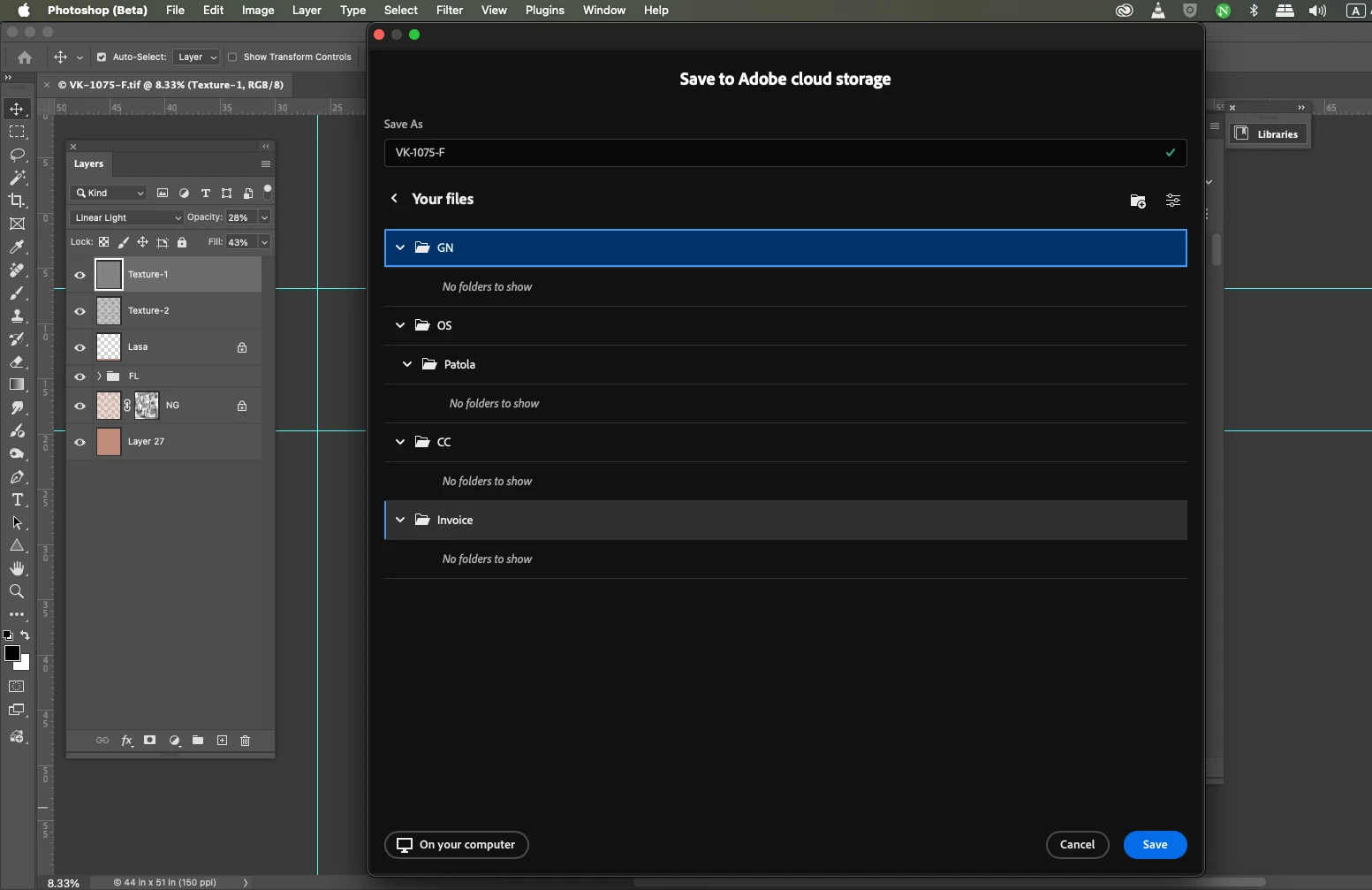
Photoshop Files and Thumbnails Not Showing in Creative Cloud Files.
I am experiencing a serious issue with Adobe Creative Cloud. When I use the Save As option in Photoshop and save my files to the Creative Cloud Files folder, the files do not appear in Creative Cloud Documents. Additionally, thumbnails for these files are also not visible, which makes it difficult to identify and manage my work.
I have already checked Creative Cloud Sync settings and ensured that all apps are up to date, but the problem still persists. This issue is affecting my workflow and causing delays in my projects.
I kindly request you to look into this matter and provide a solution as soon as possible.
Vishal Kunwar
[email removed for your protection from scammers]
 AdChoices