
Inspiring
September 3, 2022
Answered

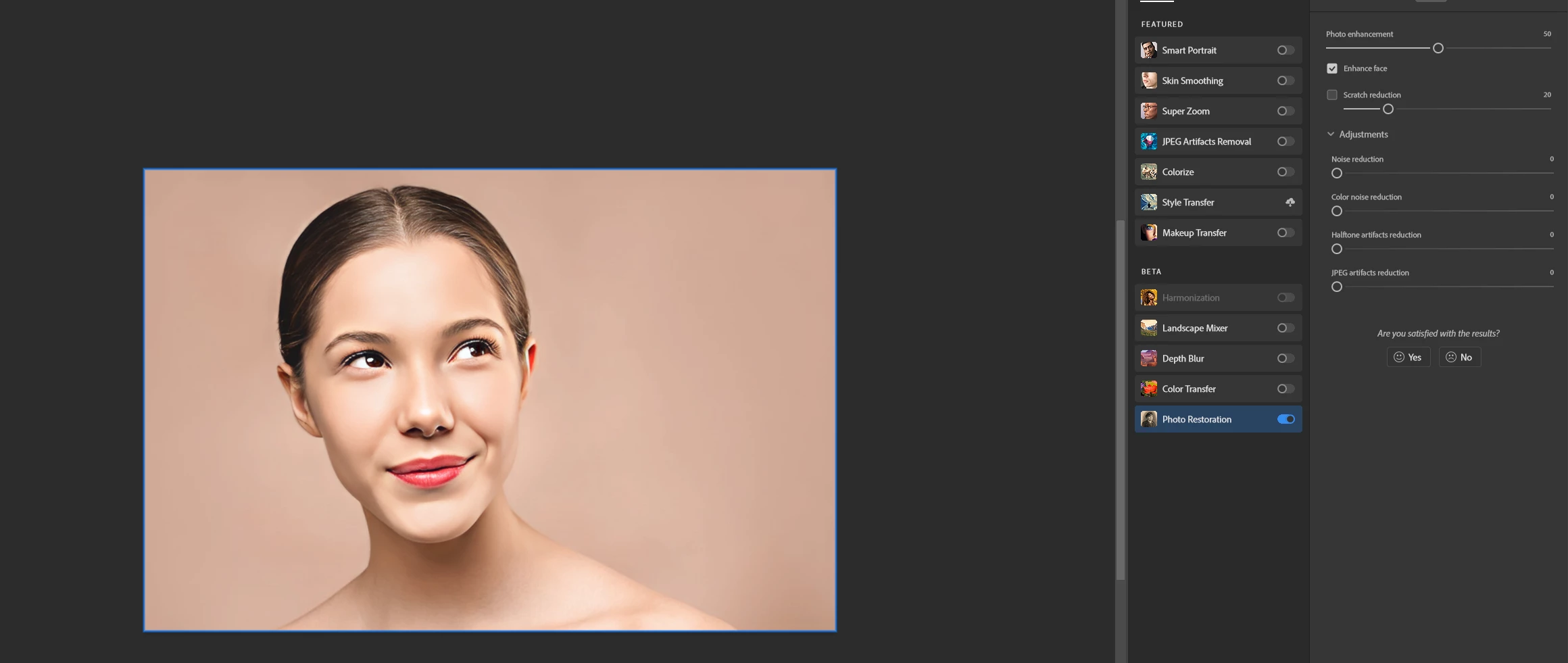
Photoshop photo restoration has stopped working in version 23.5

  • September 3, 2022
  • 3 replies
  • 879 views

Hi,
I've updated photoshop beta to latest version 23.5 and Photo restoration has stopped working. It just creates black borders all around. I wanted revert back to older version but the photo restoration filter is no available anymore in 23.4

Any suggestions?


This topic has been closed for replies.
Correct answer Jacek Pilarski

If you have same issue after updating I've managed to fix it by removing/replacing photo enhancement folder with older database, then PS updated them.
in AppData\Roaming\Adobe\UXP\PluginsStorage\PHSPBETA\23\Internal\com.adobe.nfp.gallery\PluginData

3 replies

Participant
November 29, 2023

I lowered the DPI and then it became enabled.

Jacek PilarskiAuthorCorrect answer
Inspiring
September 3, 2022

If you have same issue after updating I've managed to fix it by removing/replacing photo enhancement folder with older database, then PS updated them.
in AppData\Roaming\Adobe\UXP\PluginsStorage\PHSPBETA\23\Internal\com.adobe.nfp.gallery\PluginData

Inspiring
September 3, 2022

Hi,
I've updated photoshop beta to latest version 23.5 and photo restoration has stopped working. It just creates black borders all around. I wanted revert back to older version but the photo restoration filter is no available anymore in 23.4

Any suggestions?


Inspiring
September 3, 2022

If you have same issue after updating I've managed to fix it by removing/replacing photo enhancement folder with older database, then PS updated them.
in AppData\Roaming\Adobe\UXP\PluginsStorage\PHSPBETA\23\Internal\com.adobe.nfp.gallery\PluginData