Participating Frequently
December 8, 2023
Answered

Text Bullets in Photoshop

  • December 8, 2023
  • 2 replies
  • 17493 views

How do I add bullets to a list in photoshop? I'm not seeing the option 
This topic has been closed for replies.
Correct answer jane-e

@Anna3173000119lu 


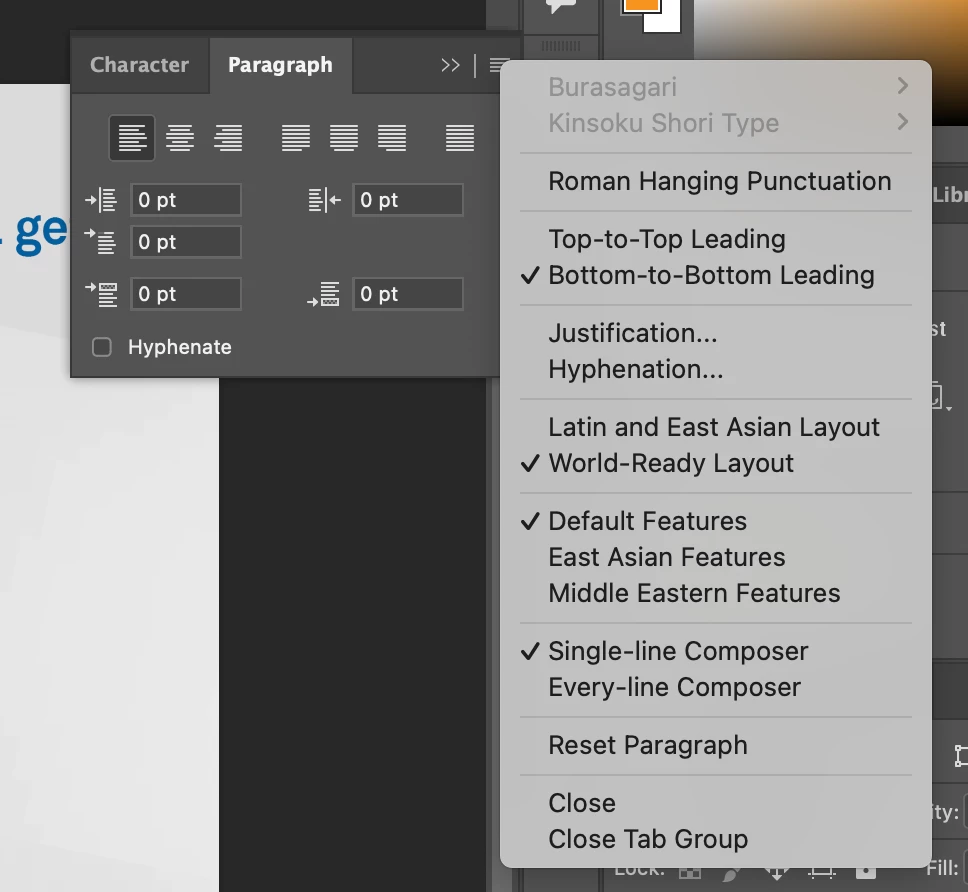
Photoshop is primarily an image editor and it does not have the same text features as InDesign and Illustrator. It does not have bullets. On your Mac, use Option+8 for a bullet character • in Photoshop or anywhere.


Jane

2 replies

Participant
August 15, 2024

Just incase anyone else stumbles on this article as I did with the same question - highlight the text you want to add bullets to, then go to Window > Properties > Bullets and Numbering. Select the bullet option.

jane-e
Community Expert
jane-eCommunity ExpertCorrect answer
Community Expert
December 8, 2023

@Anna3173000119lu 


Photoshop is primarily an image editor and it does not have the same text features as InDesign and Illustrator. It does not have bullets. On your Mac, use Option+8 for a bullet character • in Photoshop or anywhere.


Jane

Participating Frequently
December 8, 2023

Hm, I use photoshop for much more than photo editing and often integrate text into photo designs. I feel like it was in previous versions and was removed for some reason? Very weird that we don't have that basic text capability..... 

jane-e
Community Expert
Community Expert
December 8, 2023
quote

I feel like it was in previous versions and was removed for some reason?

By @Anna3173000119lu


No, unfortunately Bullets have never been in Photoshop.


If you want a hanging indent, do this:

  • Set the left indent to X points, where X is 9 pts, 10 pts, 11 pts, etc
  • Set the first line indent to -X points (minus X): -9 pts, -10 pts, -11 pts


Jane
