Participating Frequently
December 8, 2023
Answered

Text Bullets in Photoshop

  • December 8, 2023
  • 2 replies
  • 17556 views

How do I add bullets to a list in photoshop? I'm not seeing the option 
This topic has been closed for replies.
Correct answer jane-e

@Anna3173000119lu 


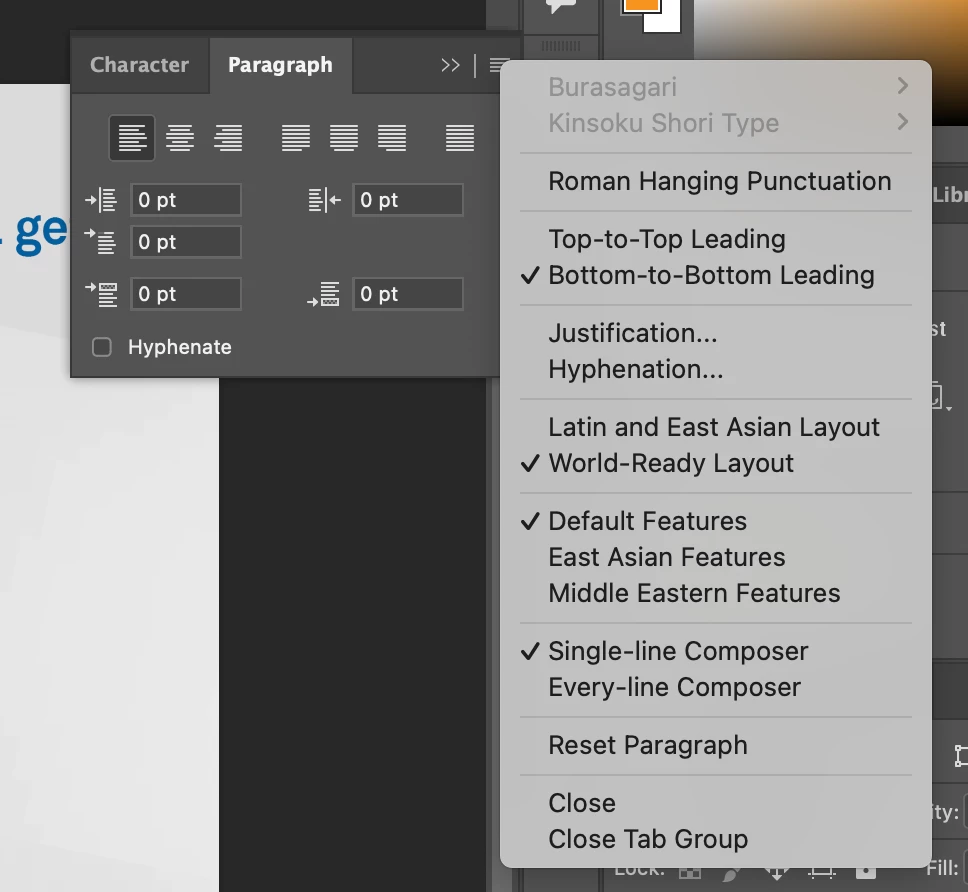
Photoshop is primarily an image editor and it does not have the same text features as InDesign and Illustrator. It does not have bullets. On your Mac, use Option+8 for a bullet character • in Photoshop or anywhere.


Jane

2 replies

Participant
August 15, 2024

Just incase anyone else stumbles on this article as I did with the same question - highlight the text you want to add bullets to, then go to Window > Properties > Bullets and Numbering. Select the bullet option.

jane-e
Community Expert
jane-eCommunity ExpertCorrect answer
Community Expert
December 8, 2023

@Anna3173000119lu 


Photoshop is primarily an image editor and it does not have the same text features as InDesign and Illustrator. It does not have bullets. On your Mac, use Option+8 for a bullet character • in Photoshop or anywhere.


Jane

Trevor.Dennis
Community Expert
Community Expert
December 9, 2023

That's so strange Jane.  I was so convinced that the option was there, I had to go look to prove it to myself. I'm sure that if you do this stuff often enough, for long enough, it becomes automatic muscle memory that we do without thinking about.  My Chris can touch type, and annoys me by typing away without looking at the keyboard. 🙂  I can type almost as quickly as her, but I do have to glance occasionaly.  So my fingers must, more or less know where the keys are, but if you asked me to map out a qwerty keyboard, I'd zero chance of getting it right.

jane-e
Community Expert
Community Expert
December 9, 2023


@Trevor.Dennis 


There must be other posts about bullets in the Photoshop forum, but I didn't do a search since this has annoyed me for too many years. In Windows I think the shortcut for a bullet is Alt+Numeric 0149.


Try typing the alphabet without looking Trevor. I bet you can do it! And you called it a qwerty keyboard, so you already know the first six letters on the top row! 🙂


Jane
