


Trevor.Dennis
Community Expert
Community Expert
Jun 25, 2023 10:27 AM UTC
Question

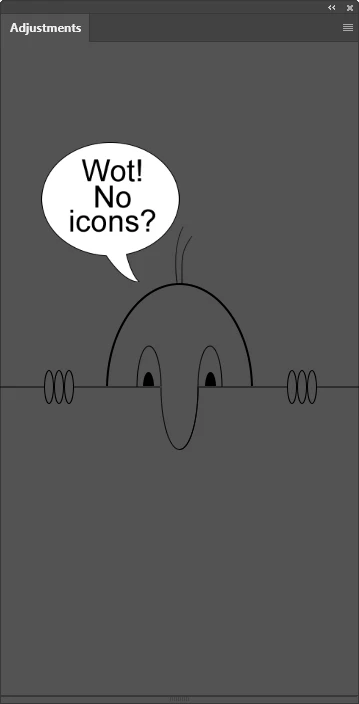
Adjustment Layer Icons Disappearing

This is the third time I have had the contents of the Adjustments panel disappear on me.  The last two times I reset Preferences, but this time I thought to try restarting Photoshop, and that worked for me.  This has only happened with the Beta version, and this is after today's mini-update.  I am finding the beta version a wee bit flakey, with it hanging on me, but not closing before saving all open documents to the Recovered folder.


I have not been using Deactivate Native Canvas up till now, but I think I'll try it going forward as it has been fixing some unlikely sounding display issues on this forum.
5 replies

Participating Frequently
Aug 8, 2024 4:54 PM UTC

Adjustments missing on my end as well. Only the beta works for me. 


Have you managed to fix your issue? Is so, how was it done?

Translate
Participant
Jul 19, 2023 10:53 PM UTC

Would also like to know of a fix for this, I can still make the adjustment layers via the menu on the top right of the box but annoying without the icons.

Translate
Participating Frequently
Aug 31, 2023 6:42 PM UTC

same problem. very annoying

Translate
Trevor.Dennis
Community Expert
Community Expert
Jun 28, 2023 11:38 PM UTC

Thanks Ged.  I have just responded to another thread involving messed up workspace, so it is looking like my experience is not just me.

Translate
Ged_Traynor
Community Expert
Community Expert
Jun 25, 2023 11:26 AM UTC

@Trevor.Dennis and that's why I never use the Beta version, maybe report it here

Even with the current stable version 24.6 the icons don't show correctly on first opening, takes a couple of seconds before they actually load

Translate