Bracket keys [ ] resizing brushes slowly
- April 26, 2025
- 1 reply
- 313 views
I have a new m4 max mac studio and an m3 pro macbook pro. Both macs are running macos 15.4.1 and photoshop versions 26.6 but this was happening prior to the latest update. On the laptop, using the brackets to resize brushes results in a fast/smooth increase/decrese in brush size. On the studio, brush resizing this way is very slow. When using the control+option drag method, it's smooth on the studio but 15 years of muscle memory is tough to reset.
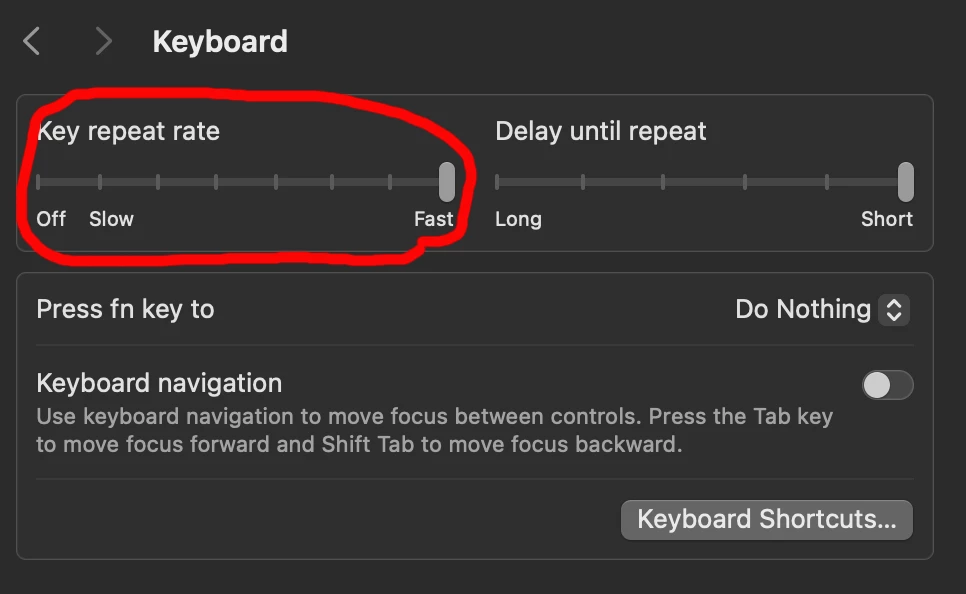
When I have the brush settings open, I can see the brush is jumping to preset sizes and not gradually resizing. Adobe support wasn't able to figure it out. We tried using rosetta and that didn't help either. I tried a logitech bluetooth keyboard and a mac bluetooth keyboard and that didn't help either. We reset preferences and that didn't help either. I'm supsecting there is some obscure setting I'm not finding. I've include a screenshot of the brush settings I'm currently using and the tools preferences.
 AdChoices