
Question
Copy from AI and paste in PS not working
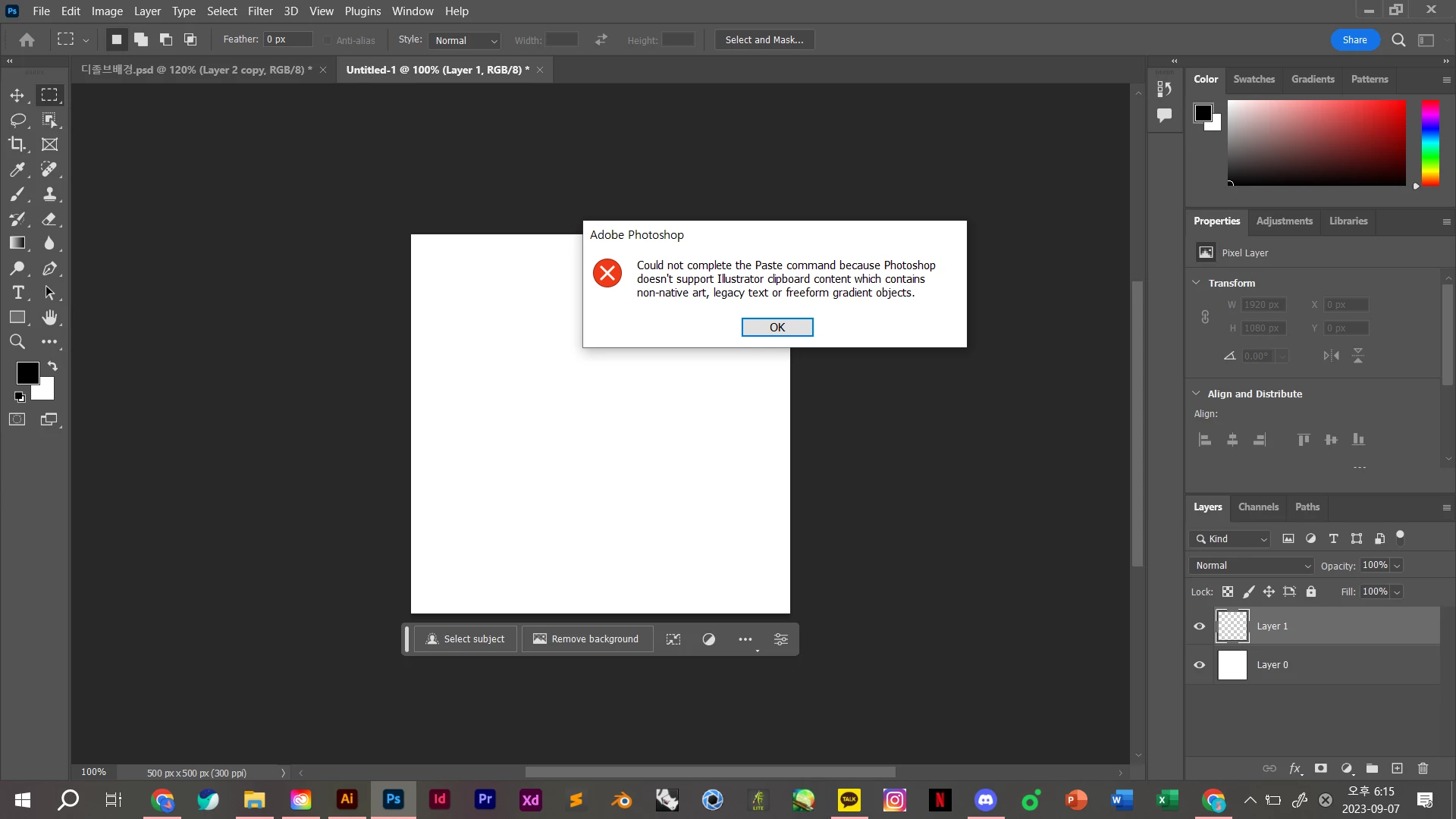
I tried to paste layers from Illustrator to Photoshop, But I couldn't proceed because of this warning
'Could not complete the paste command because Photoshop doesn't support Illustrator clipboard content which contains non-native art, legacy text or freeform gradient objects.'
I've tried to find a way out of the community and Google, but I haven't found a solution.
The object I was trying to copy was made up of simple shapes. None of the warning statements are applicable.
Why does this error occur? I even erased the program and reinstalled it, but I couldn't solve it. It's so frustrating.
If anyone knows how to solve it, please help.
The operating system is Windows 10. All Adobe programs are up to date.
 AdChoices