Participant
July 28, 2023
Question

Grey boxes appearing when using smart filters and adjustment layers

  • July 28, 2023
  • 3 replies
  • 239 views

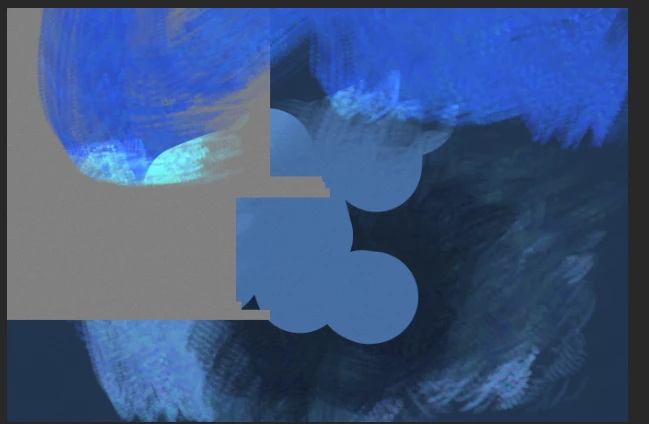
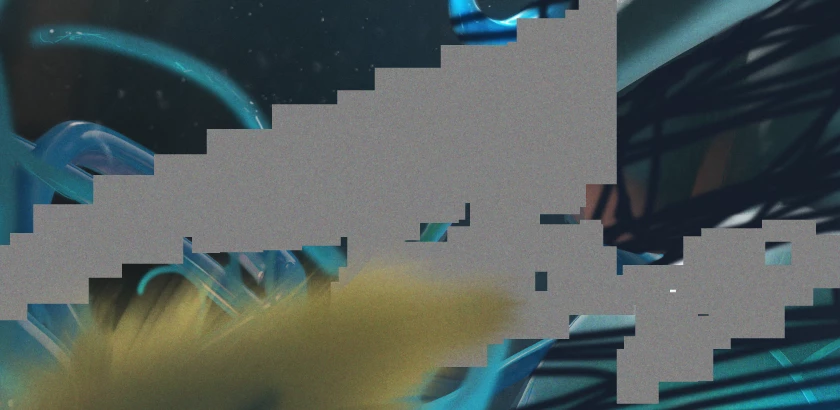
Hello! I have been recently having a problem where when an active smart filter is on, these grey boxes appear all over the canvas.   
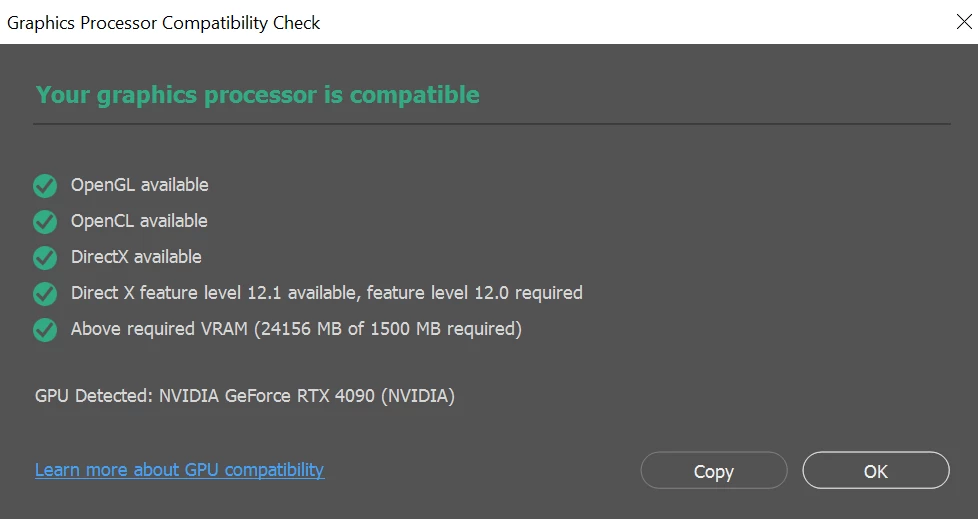

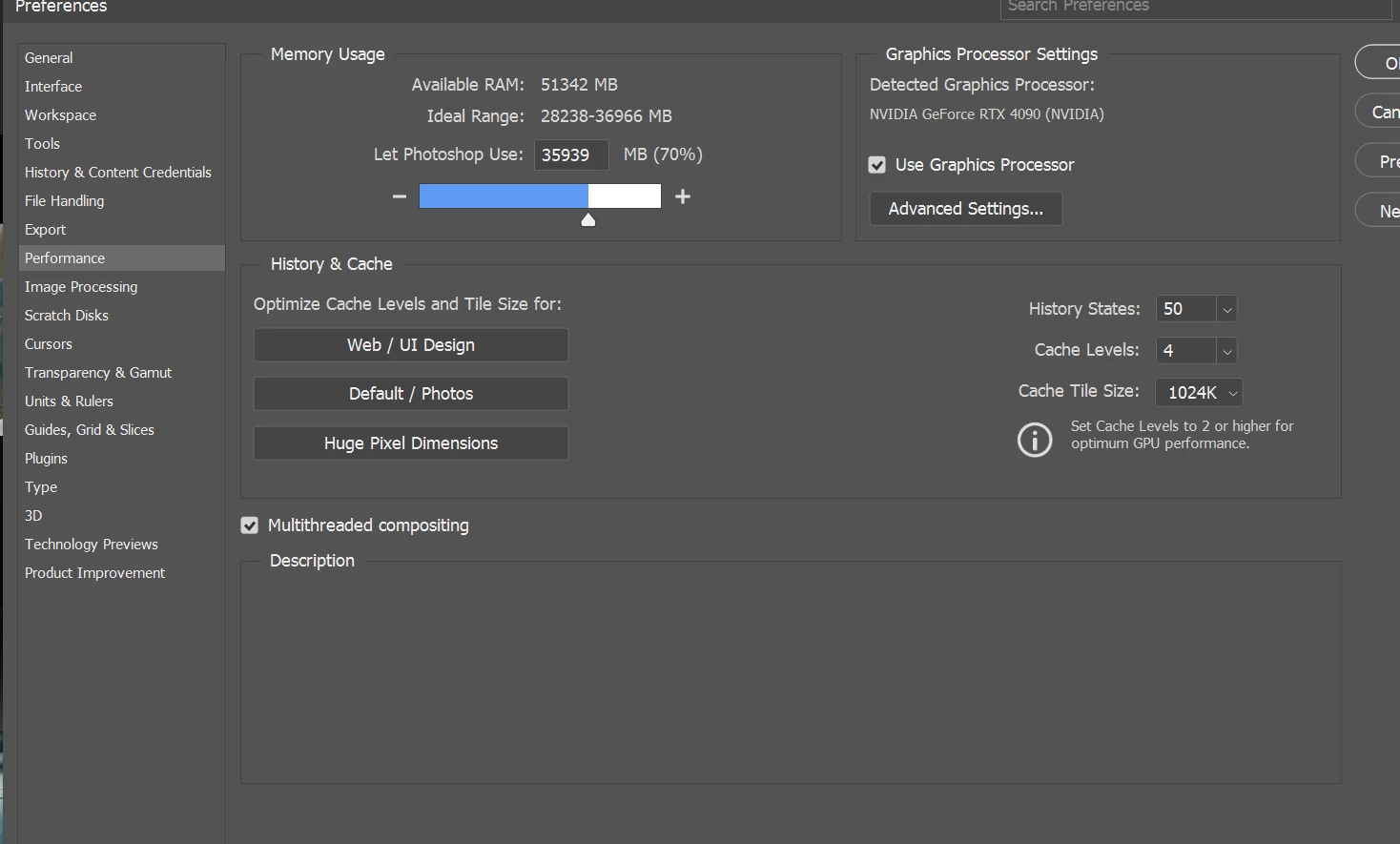
I have made sure my gpu driovers are update, tried isntallying various versions of photoshop. THe thing that made me post here is that I isntalled V22.2 and the error was not present. But every version I have worked down of 24 has had it so far. Any advice or improvement that could be made would be esxtremely aprpeciated, thank you!

This topic has been closed for replies.

3 replies

Kevin Stohlmeyer
Community Expert
Community Expert
July 28, 2023

@Xander5E17 Did you also check "Use older GPU"?

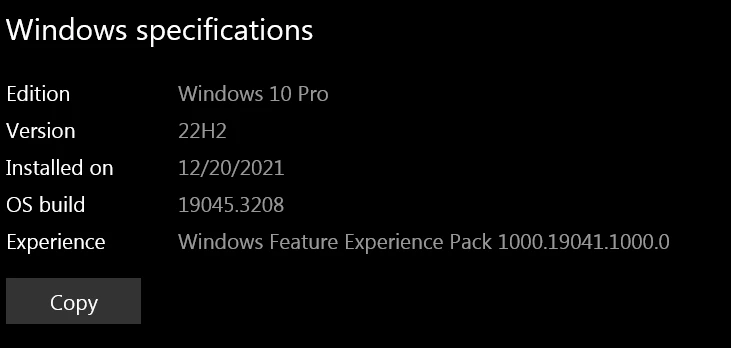
If so go to Photoshop Help Menu/System Info and copy/paste details in a reply. Post only once as the system takes time to process the large amount of data.

Participant
July 28, 2023

Heya, I did try that and the problem persisted unfortunately

Kevin Stohlmeyer
Community Expert
Community Expert
July 28, 2023

Hi @Xander5E17 Go to Photoshop Preferences/Technology Preview and check “Disable Native Canvas”. Restart PS.