

RoelofVenter
Known Participant
March 29, 2023

P: HUD color picker not working for Gradient tool in version 24

  • March 29, 2023
  • 15 replies
  • 3903 views

I constantly use the HUD color picker for selecting color. The shortcut is Shift + Alt + Right click. This lets a hue strip or color wheel pop up to quickly choose colors on the fly. This shortcut used to work for both the brush tool and the gradient tool. Below is a screen grab of the HUD color picker wheel.
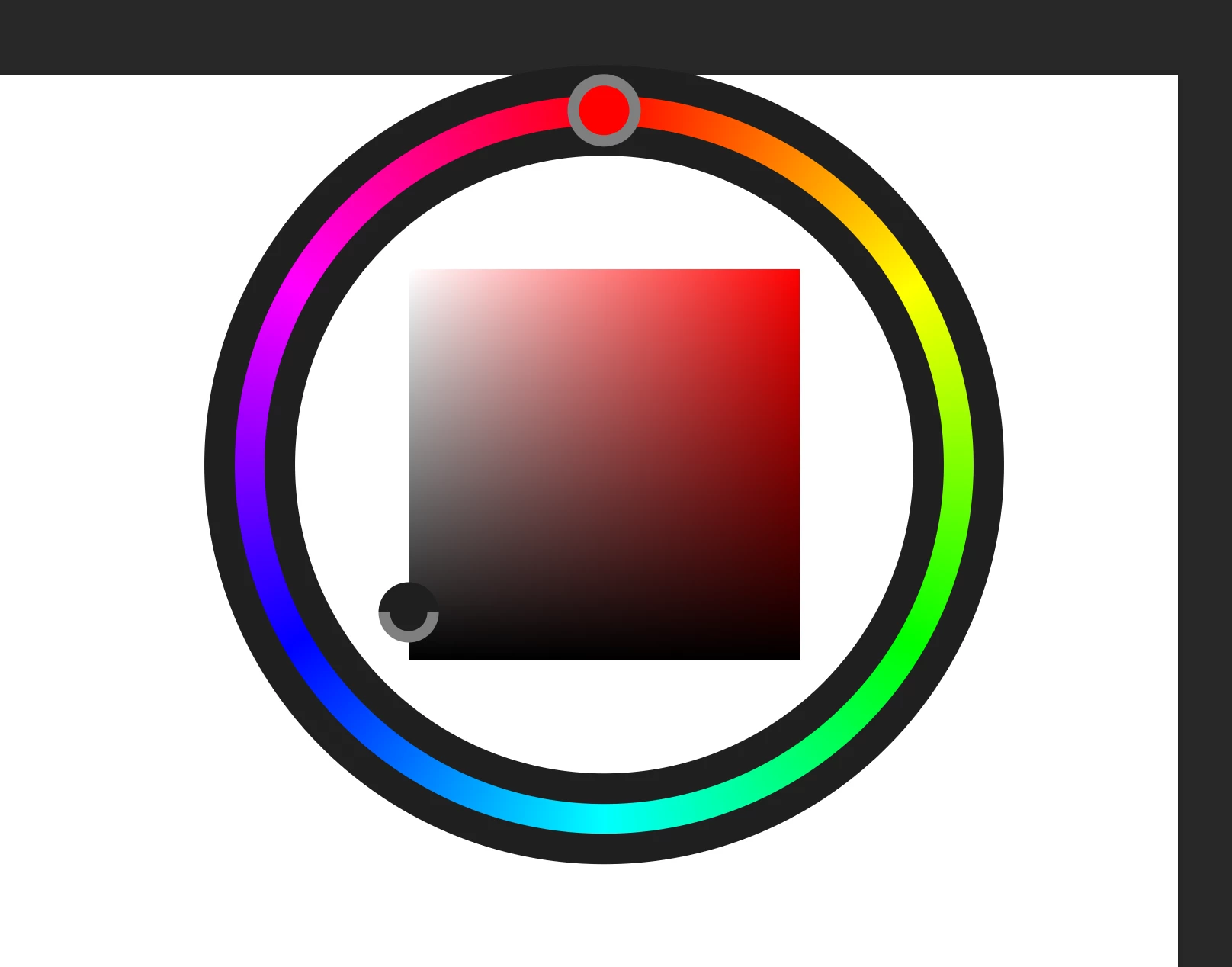
 

Ever since version 24 has been introduced this shortcut no longer works for the gradient tool. 


I have been in touch with Adobe numerous times, but the recent updates still have this bug. So, I am still using version 23.


Is anyone else struggling with this?

This topic has been closed for replies.

15 replies

Known Participant
May 7, 2024

Edit, ok it does work 🙂 By defualt when you make a gradient map layer it puts you onto the mask layer, you need to click on the main gradient before going in and trying to edit the colours or it'll just pick from the mask layer instead, all good!

Known Participant
May 7, 2024

Still doesn't work in 25.7. Can we get a fix for this? It's really annoying

Participant
November 13, 2023

shift+alt+right click not working to bring up color wheel in ver 25.1.0.  Using wacom intuos pro.  After reinstalling wacom drivers / software, it did work only on the first new file I created in photoshop, which was used as a test file.  Did not save the .psd as it was only a test.  Any subsequent files created with photoshop it will not work in, the same keyboard shortcut now brings up the eye dropper tool.  And no, the keyboard shortcuts were not changed in photoshop.  I have reproduced this behavior twice.  That being a fresh install of wacom software works only on the first edited .psd.  Any other .psd file after will not work.

Participant
November 1, 2023

hi, I use Photoshop v25.1.0 with Win 10 and it still doesn't work, not in color mode or gradient mode:(

RoelofVenter
Known Participant
April 21, 2023

That is absolutely amazing! Thanks so much, guys!

Mohit Goyal
Community Manager
Community Manager
April 20, 2023

Hi all,


We're happy to announce the release of Photoshop 24.4.1. This update includes the fix for this issue. To see the list of all fixed issues, click here


To update Photoshop to 24.4.1, click "Update" in the Creative Cloud desktop app next to Photoshop. More detailed instructions for updating


Let us know if the update resolves the problem for those affected, and share your feedback.


Thanks,

Mohit

CShubert
Community Manager
Community Manager
April 12, 2023

Hi all, the team has fixed this issue and will be available in the next release.


Jeff Arola
Community Expert
Community Expert
March 29, 2023

I can confirm that with the Gradient Tool the Hud Color does not work in photoshop 2023 (ps ver 24.3)

It does however work on macOS running photoshop 2023 (ps ver 24.3)

RoelofVenter
Known Participant
March 29, 2023

It does not work in any of the above versions. So, I am using 23.5.5 in which it works.

PECourtejoie
Community Expert
Community Expert
March 29, 2023

Can you share the exact version number that you use?