
P: Photoshop 26 Search field in Finder-based panels not working
Hi!
This is my first time having such a problem, I can't seem to find my brushes when i want to import them. They appear no problem when i look into my folder but once i am typing .abr (so it shows them all no matter how old) it doesn't show anything. Yet, they are still there in my folders.
I am on the latest version of Photoshop (V.26) and the latest version of Mac OS (Sequoia 15.1.)
Here are some screenshots to illustrate the problem (I put comments in between each of them for more explanation) :
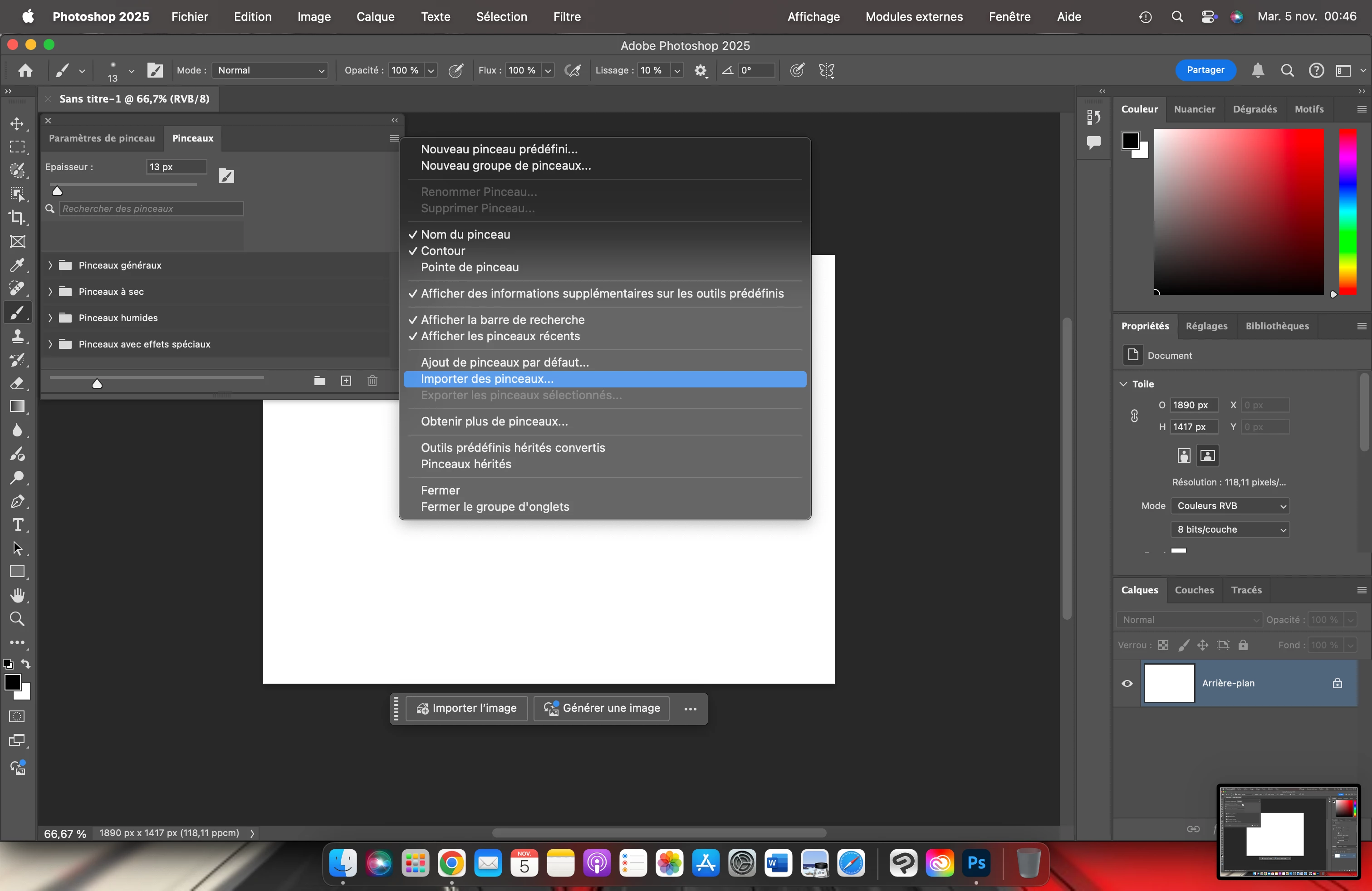
Because my U.I is in french I will provide explanation for each pictures.
This one is me opening "Import brushes"
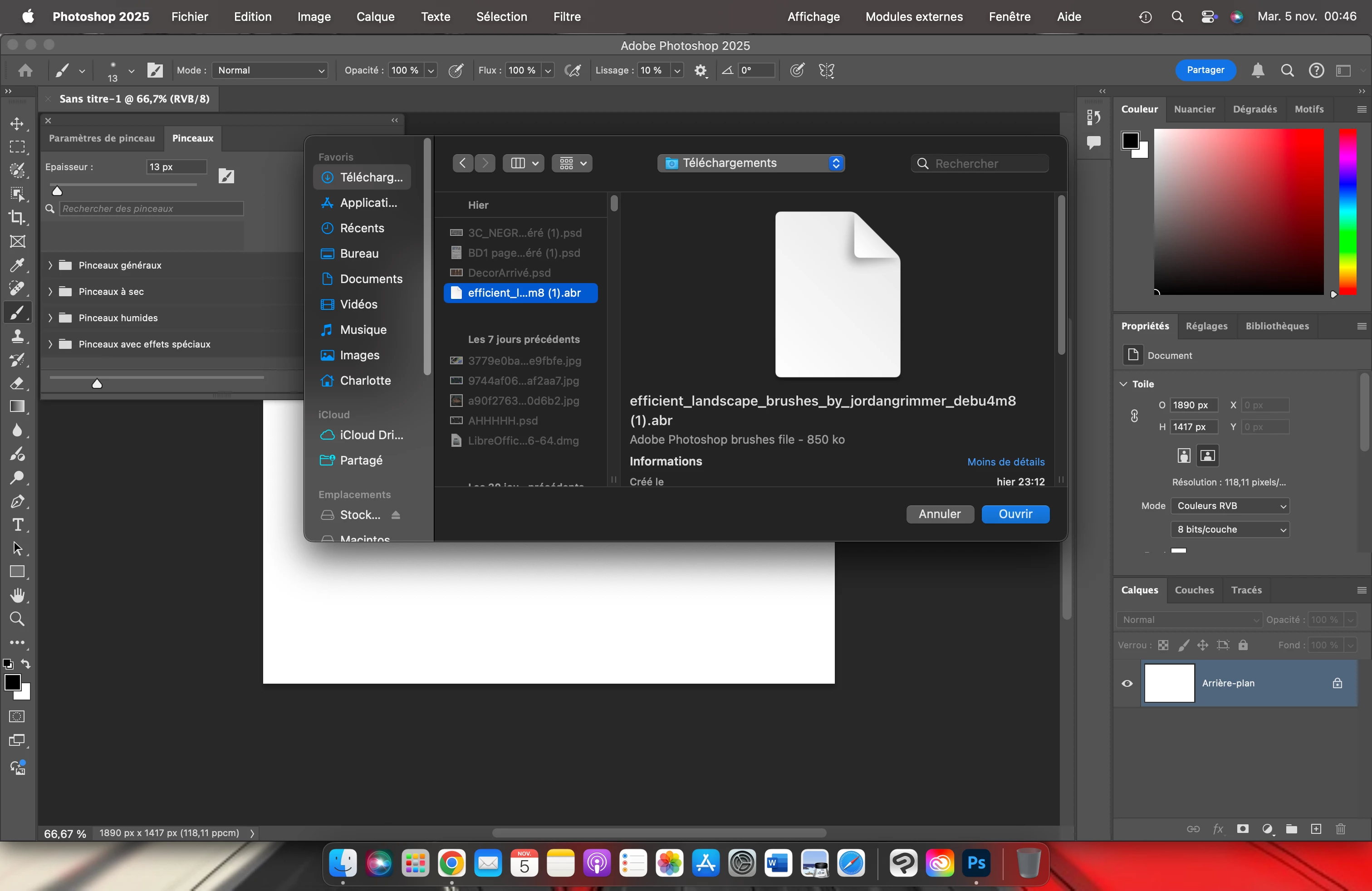
This one is me showing that my brush file does exist whithin my finder files and I can open it as it shows, so far, no problem.
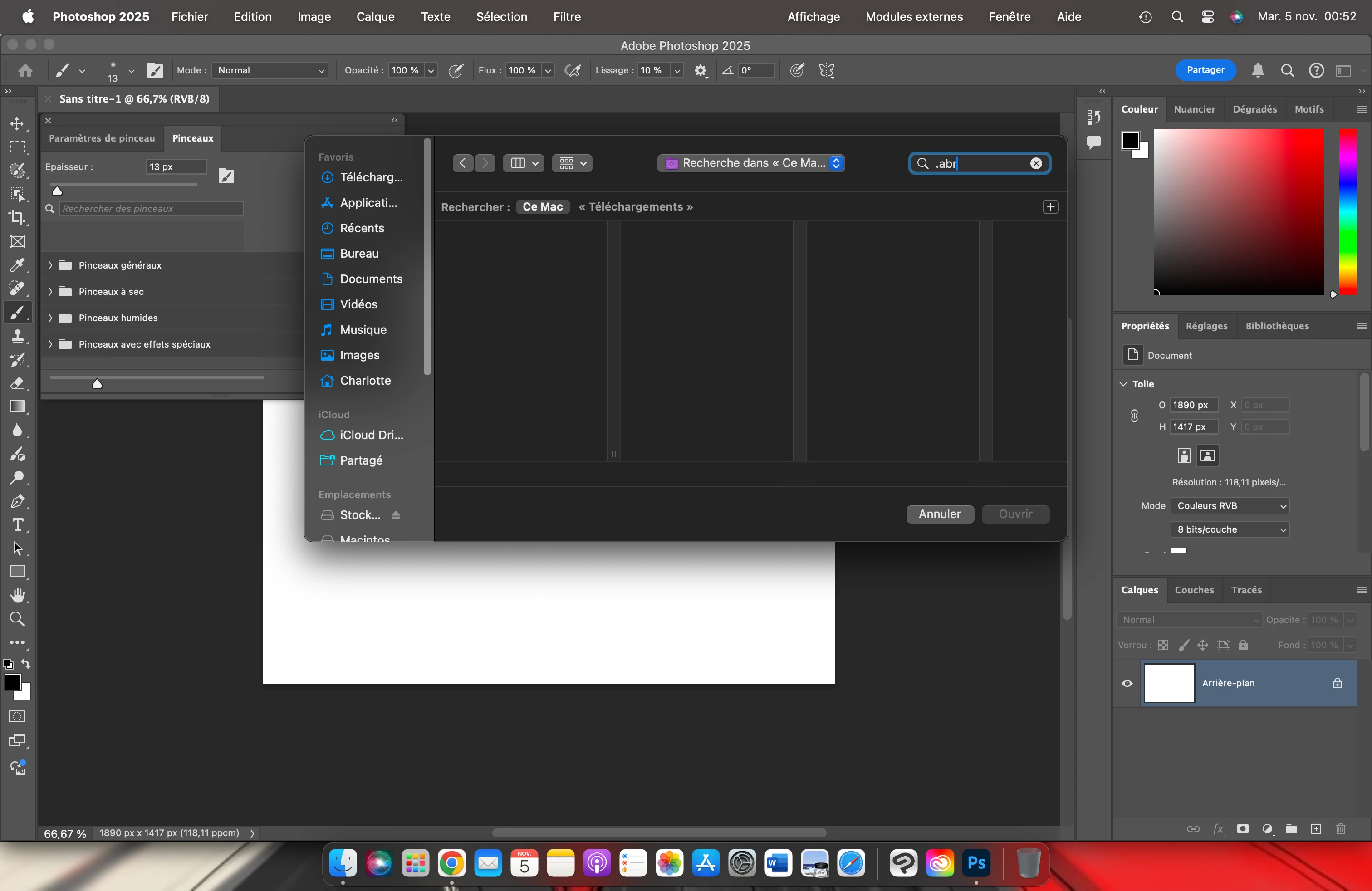
And now here is the problem, as you can see, I searched in the search bar for ".abr" which is the format of photoshop brushes. But nothing comes up.
Which means it's very difficult to search for older brushes that might be piled under other stuff I got a while ago or that are in folders I can't remember. It also means it's preventing me from searching specific ones as even just me typing the names of my brushes files instead of the format name also results in nothing.
It's starting to drive me a little mad, can someone help me please?
{Title updated by moderator}
 AdChoices