

Jeff Arola
Community Expert
Community Expert
March 21, 2022

P: Selection Marching Ants display inconsistently with Transform controls present

  • March 21, 2022
  • 5 replies
  • 515 views

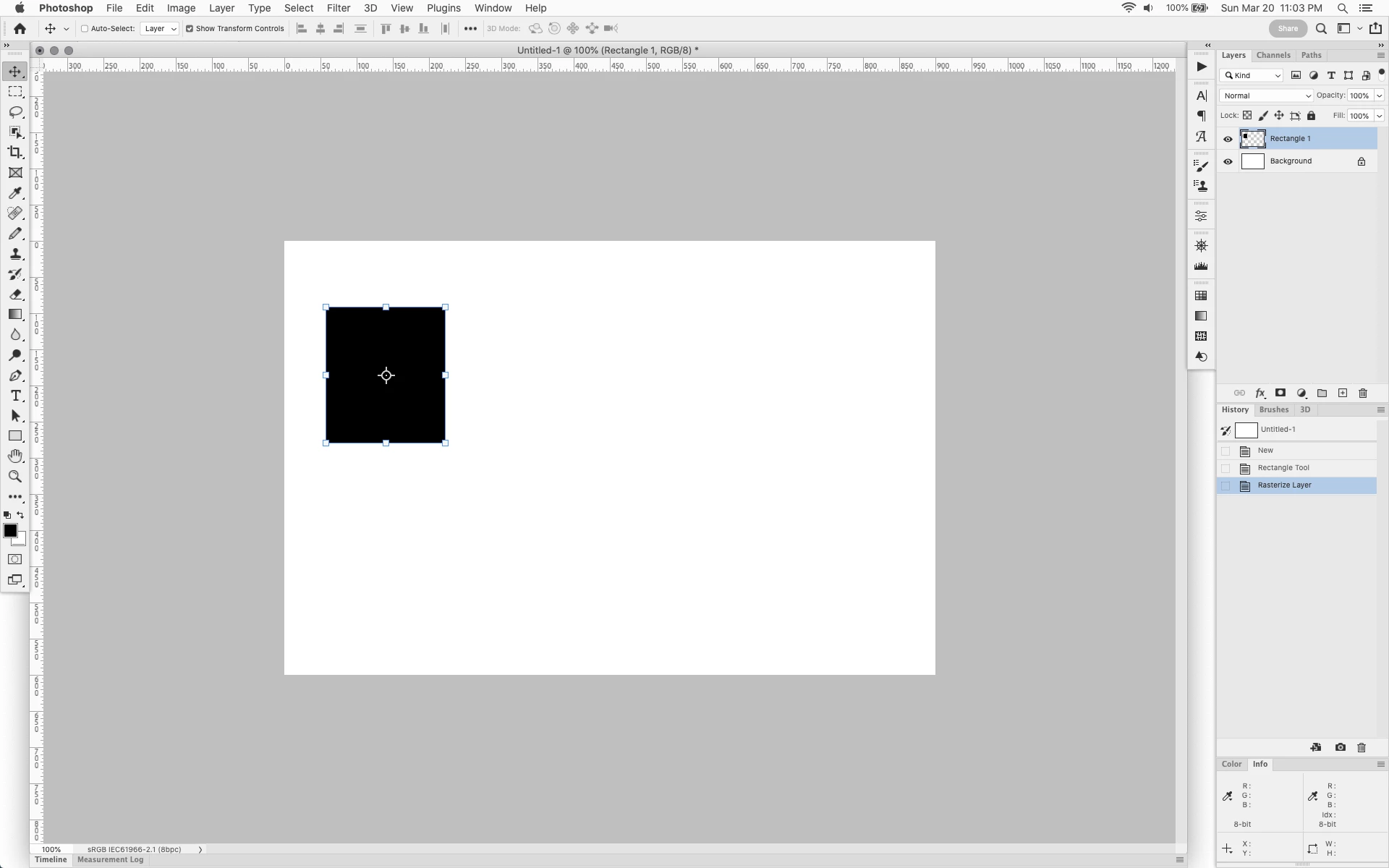
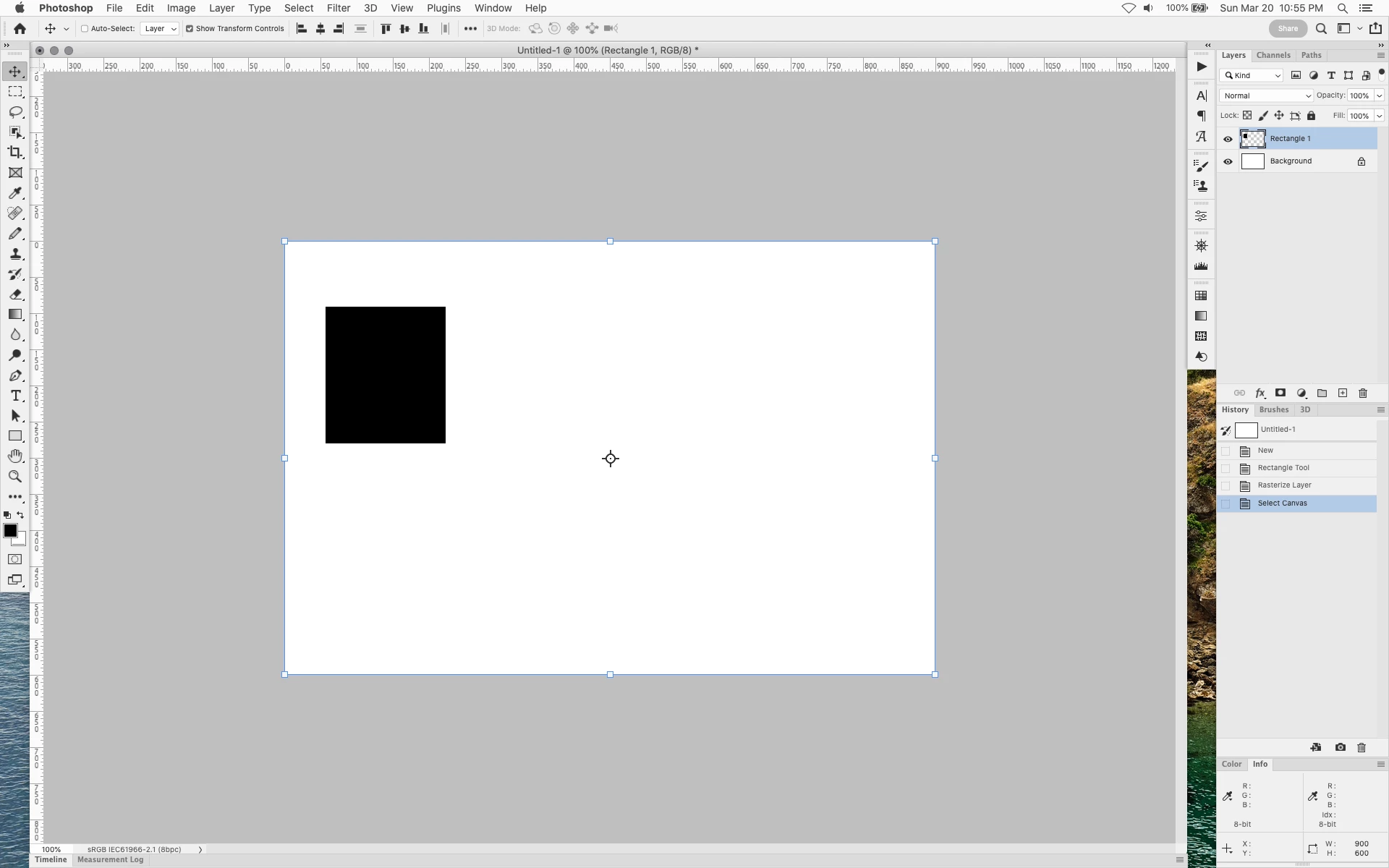
If in photoshop 2022 (23.2.2) and photoshop 2021 (22.5.6) windows and mac, one has a pixel layer, selects the Move Tool with Show Transform Controls enabled and then does a Select All, the layer bounding box goes from surrounding the pixel layer bounds to whole canvas.


Does not happen with shape layers,


move tool selected bounding box around layer


select all bounding box moxes to cover whole canvas


This topic has been closed for replies.

5 replies

Legend
March 22, 2022

Hmm. That's a good point that the selection/marching ants don't draw with the transform controls active. Let me look at it more with the team. That behavior has seem to changed (at least from 2019). Haven't had a chance to do a binary search for where it might have changed in between now and then.

Kukurykus
Legend
March 21, 2022

Now the conversation type can be changed to Discussions.

Jeff Arola
Community Expert
Community Expert
March 21, 2022

Okay thanks.


I guess what threw me off was one can't see the selection (marching ants).


If you have a pixel layer and select the pixels and then select the move tool, one can still see the selection, but with select all the selction is no longer visible, just the bounding box around the canvas shows.

Legend
March 21, 2022

Hi Jeff,


This behavior is 'as-designed.' Transform is contextual. When you select all, the pixel selection supercedes the layer contents.

Legend
March 21, 2022

I'm not sure if this is a bug.

If we create a freeform selection anywhere in the document and switch to the move tool with the show transform controls option enabled, we will see a transform rectangle around the selection. Since moving and transforming vector layers using selection tools is not possible (this is easy to check by trying to cause a transformation with an active selection on a layer with a vector object), it is logical that we do not see similar behavior there.

I don't remember how the transformation rectangle behaved before, but the way it behaves now seems logical to me.