
pietrom93010827
Participant
August 23, 2023
Question

Photoshop 23 image is mostly greyed out after un minimizing

  • August 23, 2023
  • 3 replies
  • 137 views

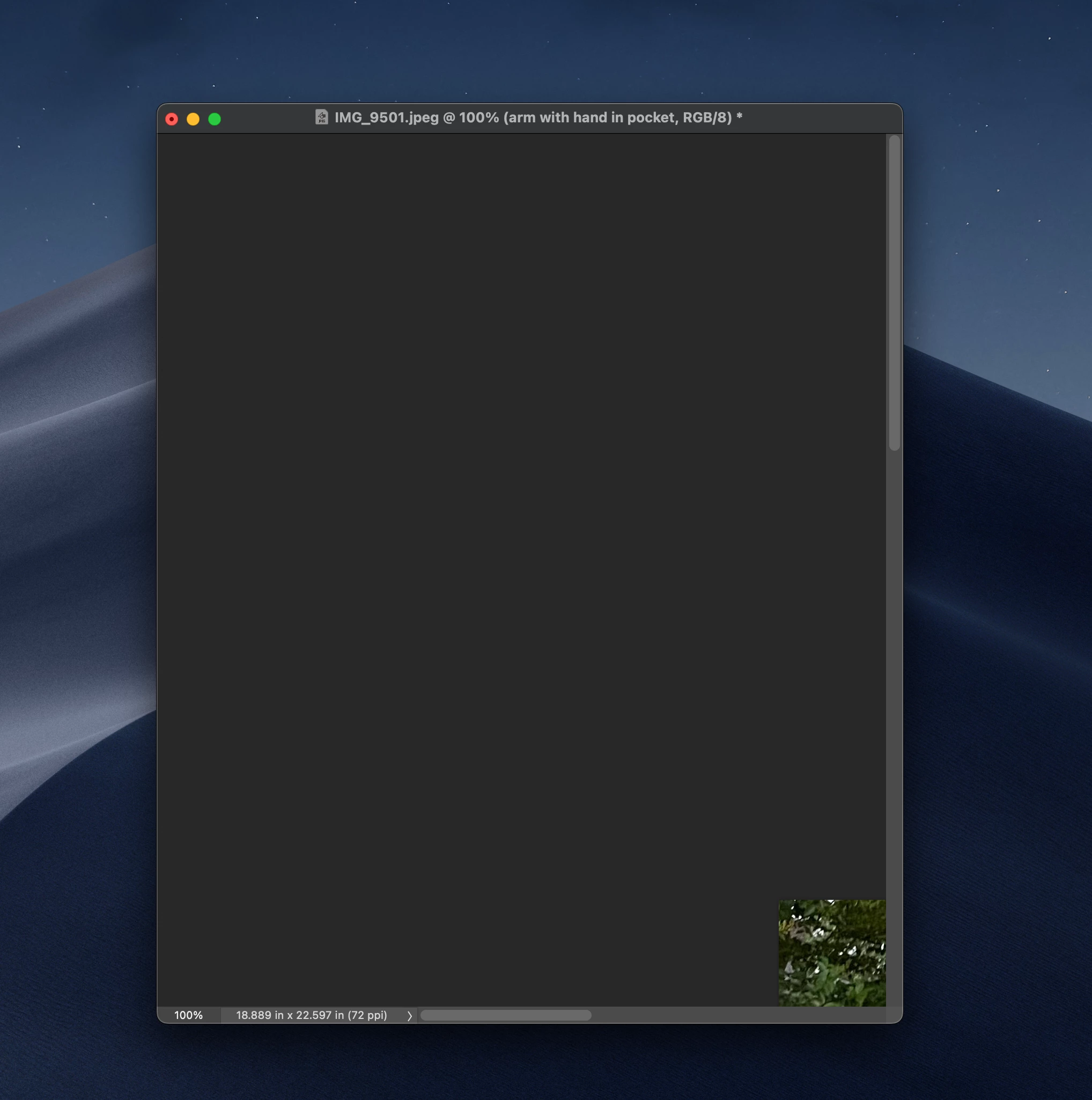
Photoshop 23 image is mostly greyed out after un minimizing. If I minimize an image using the yellow minimize circle on top left side of any image, and then work on a different image,  un minimizing the first image it is mostly greyed all I see is a partial square on botton right of image it does not open into a full image. See example image
This topic has been closed for replies.

3 replies

Jeff Arola
Community Expert
Community Expert
August 23, 2023

What version of macOS are you using?

Did this just start happening recently?


If you grab the corner of the image with the Hand Tool can you reveal the full image?


You can try resetting the photoshop preferences temporarily by following the directions here under Reset Photoshop preferences Manually.

https://helpx.adobe.com/photoshop/using/preferences.html

pietrom93010827
Participant
August 23, 2023

Overscroll is already unchecked and still happening.

Jeff Arola
Community Expert
Community Expert
August 23, 2023

In photoshop go to Photoshop >Preferences (Settings)>Tools and uncheck Overscroll.