
Subject: Photoshop Crashing When Using Remove Tool – Need Assistance
Hi everyone,
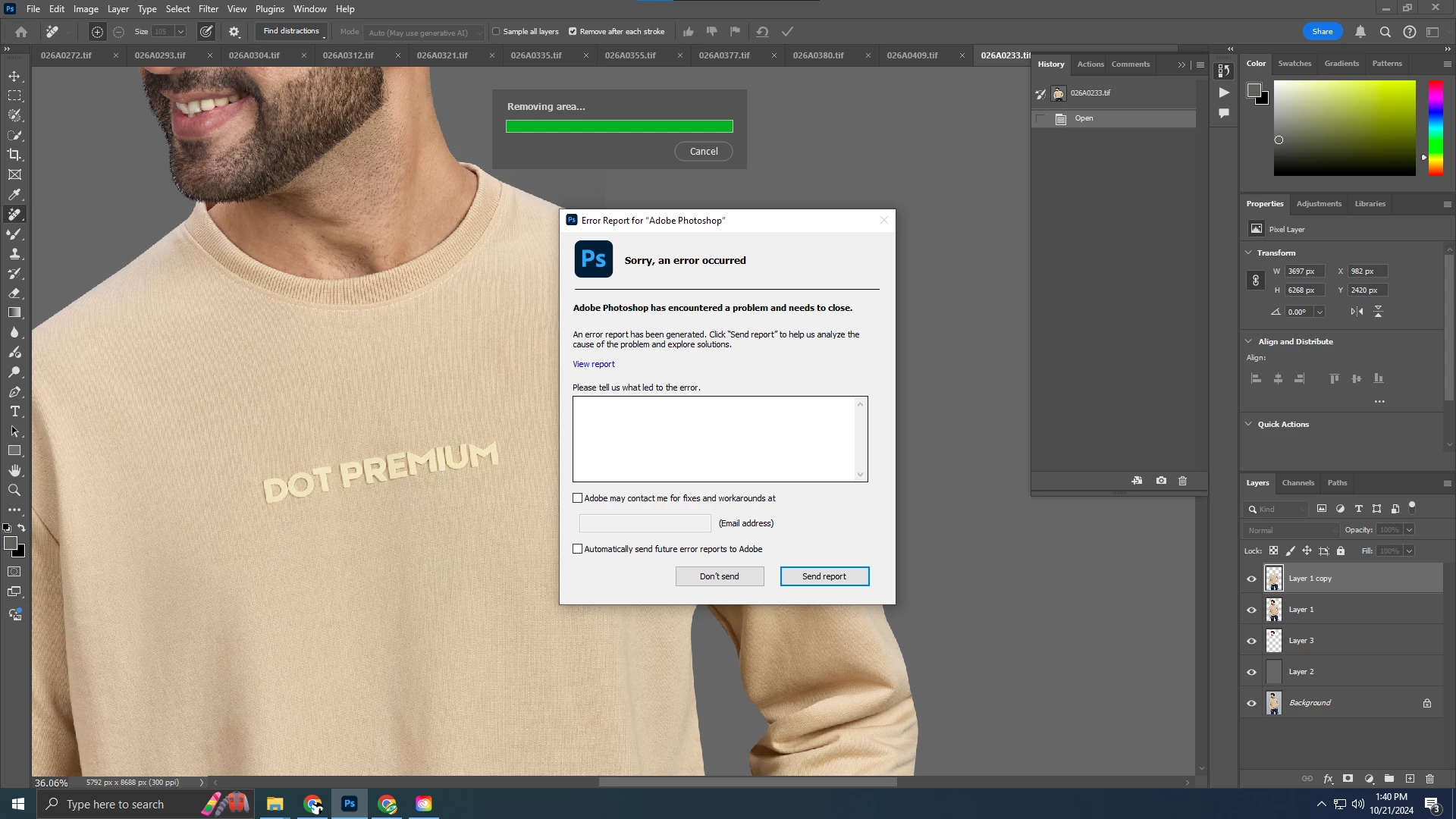
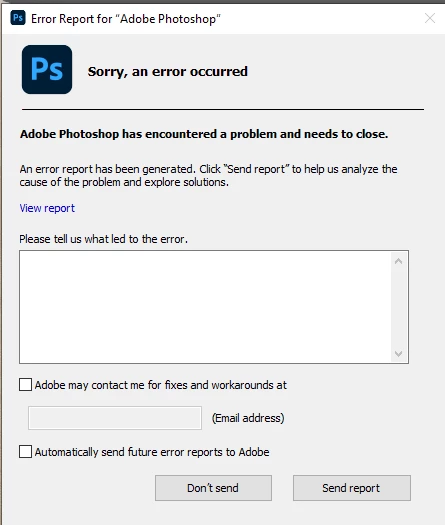
I’m experiencing consistent crashes while using the Remove Tool in Photoshop. Every time I try to use the tool, Photoshop shuts down and I get an error report window (screenshot attached). Here's what I've already tried:
- Updated Photoshop to the latest version.
- Reset Photoshop preferences to default.
- Updated GPU drivers (NVIDIA/AMD).
- Disabled and re-enabled the Use Graphics Processor option in Preferences.
- Allocated more memory to Photoshop via the Performance settings.
- Tried running Photoshop as an administrator.
- Tested different image files to see if it was a file-specific issue.
- Reinstalled Photoshop but the issue still persists.
System Specs:
- OS: Windows 10
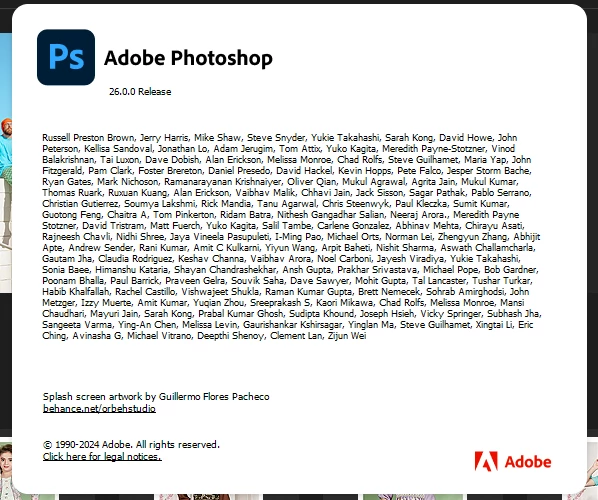
- Photoshop version: 2024 v26.0
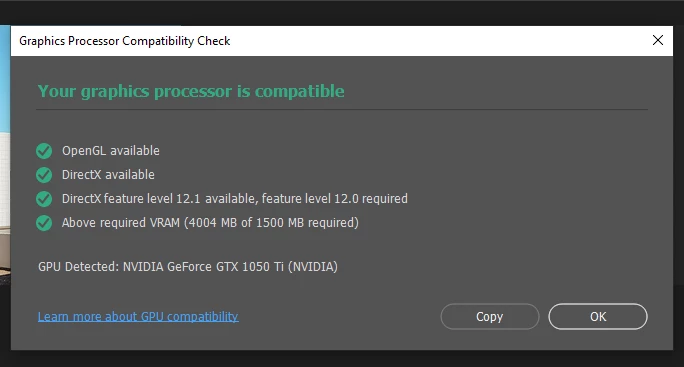
- GPU: NVIDIA GeForce GTX 1050 Ti (NVIDIA)
- RAM: 16 GB
- Processor: Intel(R) Core(TM) i5-10400F CPU @ 2.90GHz 2.90 GHz
Additional Notes:
- Other tools in Photoshop seem to work fine, and I’m only encountering the crash when using the Remove Tool.
- I have enough disk space, and I've also tried disabling my antivirus software to no avail.
I would appreciate any suggestions or insights! Has anyone else experienced this problem? If so, how did you resolve it? Thank you in advance!
 AdChoices