
Known Participant
June 30, 2013
Answered

100% zoom is too small on screen (designers don't get high resolution displays)

  • June 30, 2013
  • 62 replies
  • 294460 views

Hello, I'm using photoshop CC on amacbook pro retina. I mainly use photoshop for web design and when I open a document that is 300x200 px, the 100% view is too small on screen. Any ideas, It was this way on PS cs6 also before I upgraded. I just tried to delete the prefs file and restarted PS and it did not change. I have also tried to change my screen resolution to "best for retina" and it is still the same.

Steve
This topic has been closed for replies.
Correct answer D Fosse

...and just for kicks, I started to read from the beginning of this endless thread. It turns out that the whole "problem" was fully explained inside 20 posts or so. The rest of the thread, 360 or so posts by now, is just repetition, over and over and over again.

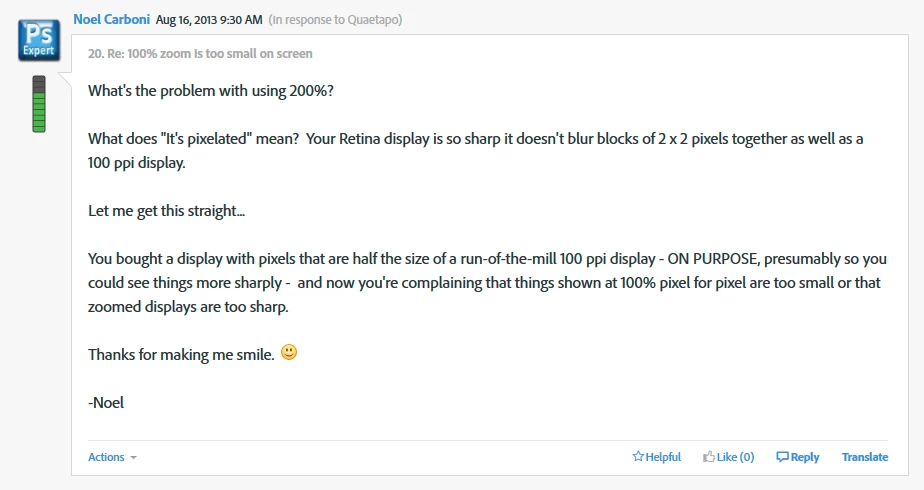
This one, post #20, from Noel Carboni, gave me an acute sense of déjà vu...

And two posts later, he went all in with a detailed and comprehensive rundown on every aspect of high resolution displays. Read it, everyone, please. And when you've read it, read it again, and again, until it's understood:

https://forums.adobe.com/message/5601271#5601271

Case closed, you might think...

62 replies

Participant
August 1, 2013

I'm having this exact same issue. I'm using Photoshop CC on a Macbook Pro with Retina display. When I am editing images, the resolution image size says that it is enormous but the actual editing view shows it at nearly half the size. Zooming in doesn't fix it -- everything is just blurry as if the image is actually tiny. When I save as a jpg, the image saves in the correct size, but it's impossible to properly edit before.

Any help for this issue would be very appreciated! Thanks.

Quaetapo9487410
Known Participant
August 15, 2013

Yep, I'm the same – I'm needing to have a second monitor attached so I can make sure I'm seeing it at the same size other people will. It's wierd, but when you move the application window from a retina screen to a traditional screen, all the elements (palattes, menu items, toolbars) remain proportionally the same, but the image increases to the right size. Then when you take it back to retina, it does a "minimise" for the image, while everything else fits.

Would be nice if there was some way to change the resolution/appearance of the workspace, because you can't develop for the web like it is.

Seems like I'm missing something.

June 30, 2013

Photoshop has adjusted the software to compensate for retina increased resolution.  100% view should be accurate.  Other programs with out compensation may look 2X bigger.

pmlink360Author
Known Participant
June 30, 2013

Thanks for your reply but something is wrong, see the attached screen shot. this is a 300px x 200px image, way too small on screen.

June 30, 2013

OK, I am having a brain fog, but it is a mac thing.  You need to turn off a feature so it displays normally like a window rather than what you are seeing.  Does that ring any bells?