Answered
2 color logo need reverse white
Ill preface with I am self taught, so I may not use the proper terms, but I have a 2 color logo I need to make reverse white. Best way? I keep losin the lighter green tree portion of the logo. 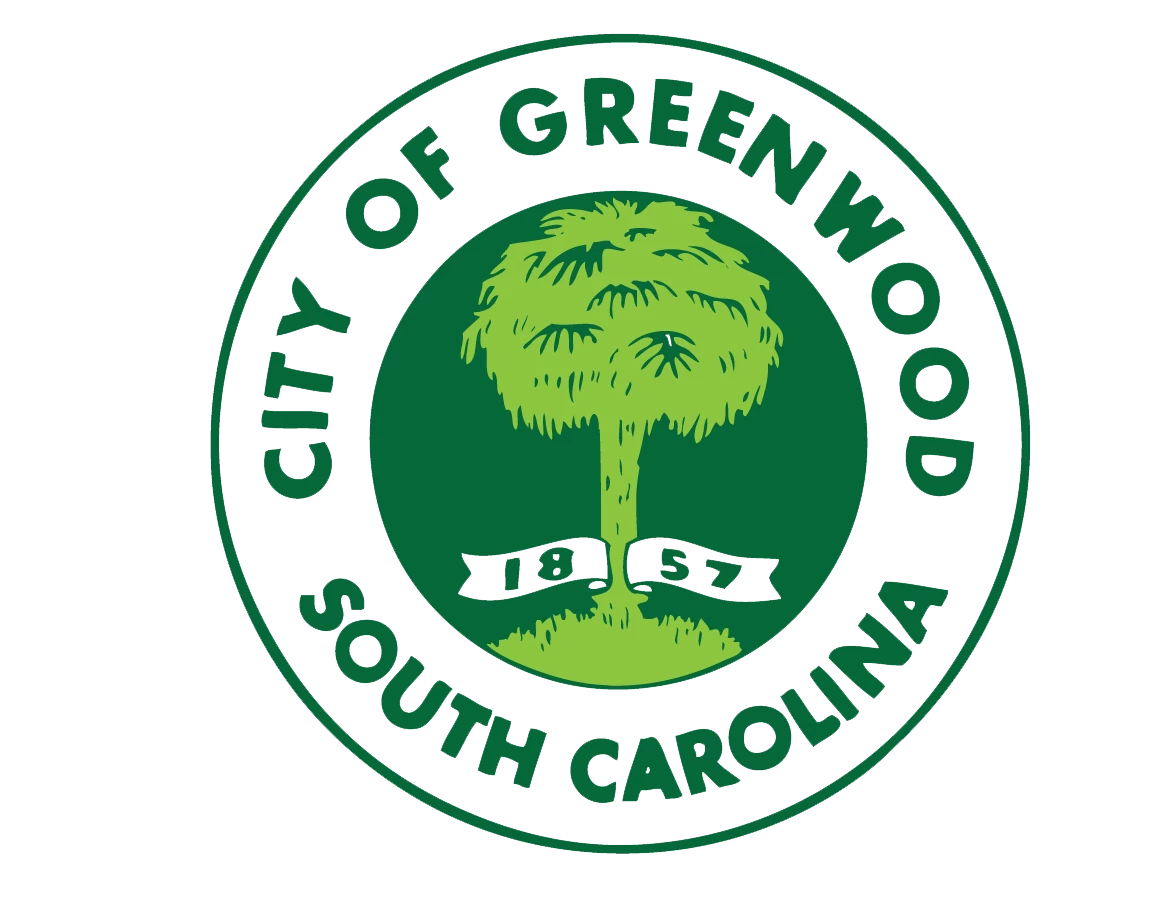

Ill preface with I am self taught, so I may not use the proper terms, but I have a 2 color logo I need to make reverse white. Best way? I keep losin the lighter green tree portion of the logo.
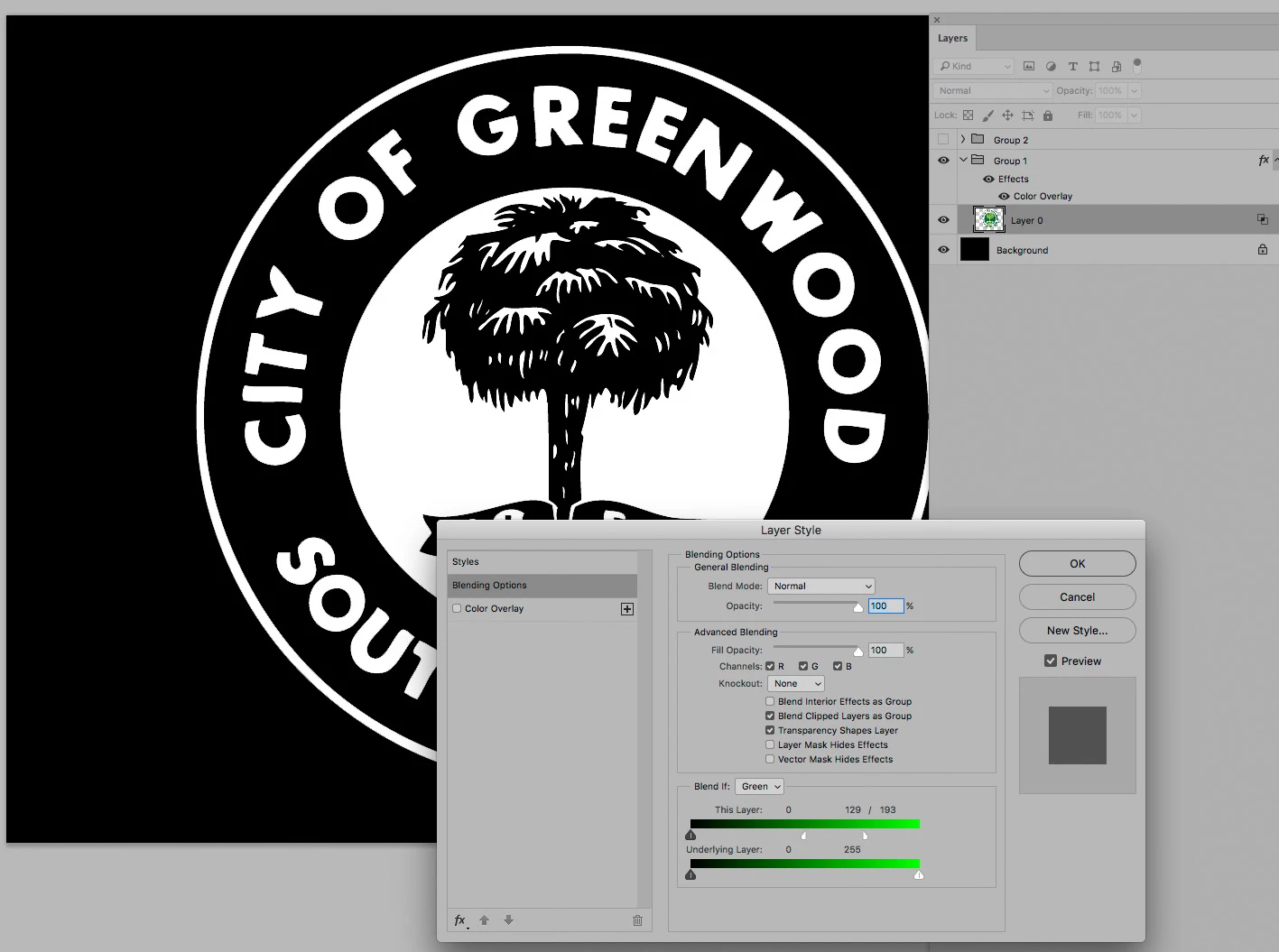
In the absence of vector data you could
• put the logo in a Group
• apply a Color Overlay (white) to the Group
• use the Layer’s Blend if settings to hide the light green (best with split handles)
Already have an account? Login
Enter your E-mail address. We'll send you an e-mail with instructions to reset your password.
 AdChoices