
20.2 June release - object ghosting (major screen redraw issues)
- June 24, 2020
- 5 replies
- 2448 views
Not sure who beta tested this version or if Adobe's QA went on vacation during the pandemic, but this release is one of the worst we have seen!
Aside from the slower performance, there is a major flaw in screen redraw. And yes, I posted a bug report this morning...just curious how many others are seeing this issue.
Everyone in our staff updated last week and can reproduce this problem on various machines (laptops, desktops) under Windows 10 using different nVidia video cards and drivers. We even updated to the latest nVidia driver this morning (released today on June 24) and it still happens.
Basically moving any object pasted from Illustrator (bitmap or smart object) leaves an imprint of the image (screen redraw issue) on the background layer and/or will cause other artifacting on the artboard and over various UI panels. Zooming in and out to refresh the screen does not fix this. Toggling the layers off and on will show what is happening (see the video).
I posted a bug report on this so hopefully Adobe tech support can respond with either a workaround or release a patch soon! It is driving our graphic artists crazy. It did NOT happen last week with the previous version.
Posting a screen recording and some screenshots.
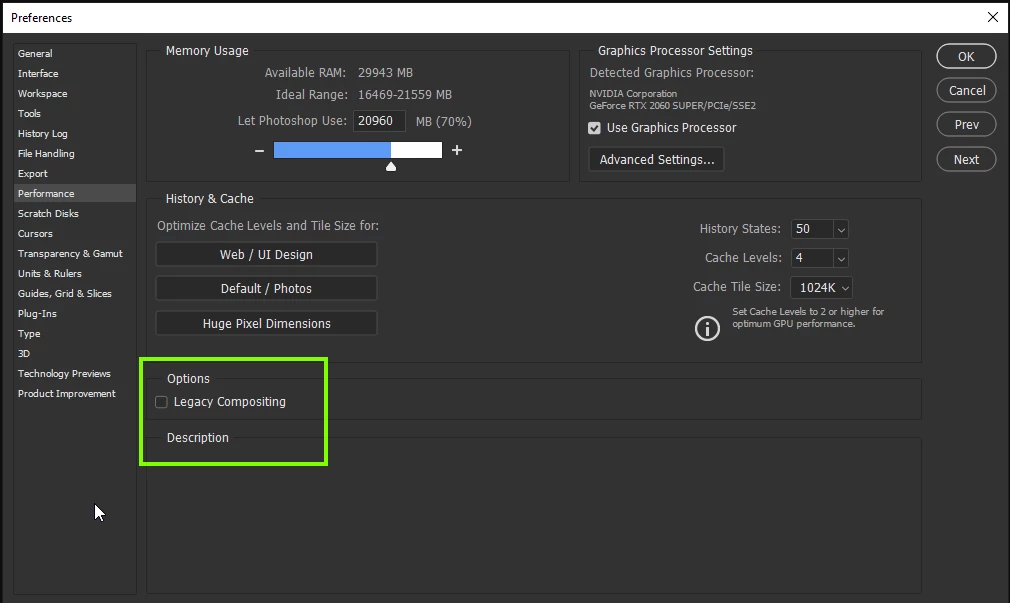
We are running Windows 10 64-bit with various nVidia cards. Toggling the "Use Graphics Processor" on or off does not make any difference other than the full object shows with it on, and random lines and artifacts show with it off.
ANYONE ELSE HAVING THIS ISSUE?
 AdChoices