
360 spherical panorama, "edit the texture" after recent updates has gone?
Hi there.
I'm an illustrator and I draw Spherical Panorama Illustration.
I stuck with my current project and losing time and money and client.
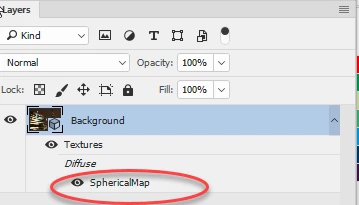
Since I've recently updated Photoshop, I cannot find the feature "Edit texture" for 360 panoramas. I can see only "current camera" in the "3D" panel. Buttons "Show all scenes elements", "Show all materials" (which linked to editing panel) and others on the "3D" panel are disabled. I can just paint on the panorama with only 1 layer and export it to jpg. But it is not enough!
How can I work it out? Rollback to the previous version (but how)? Or Adobe just only hides these functions to the secret place?
Thank you.
Update: I've done install the previous version, 2017, and it works perfectly again, but it is not a good way to get out the necessary features in updates, how do you think?
 AdChoices