This topic has been closed for replies.

2 replies

Mylenium
Legend
January 12, 2023

Feel free to install the older version, of course. Just be aware that PS 3D always was limited and it may take time to get your F1 car looking good. Alterantively of course simply use Blender since the file seems to have originated there, anyway and should look picture perfect. Alternatively you could try Substance 3D Stager, but since it's not part of the regular CC, you may not have access to it unless you pay extra.


Mylenium

rayek.elfin
Legend
January 12, 2023

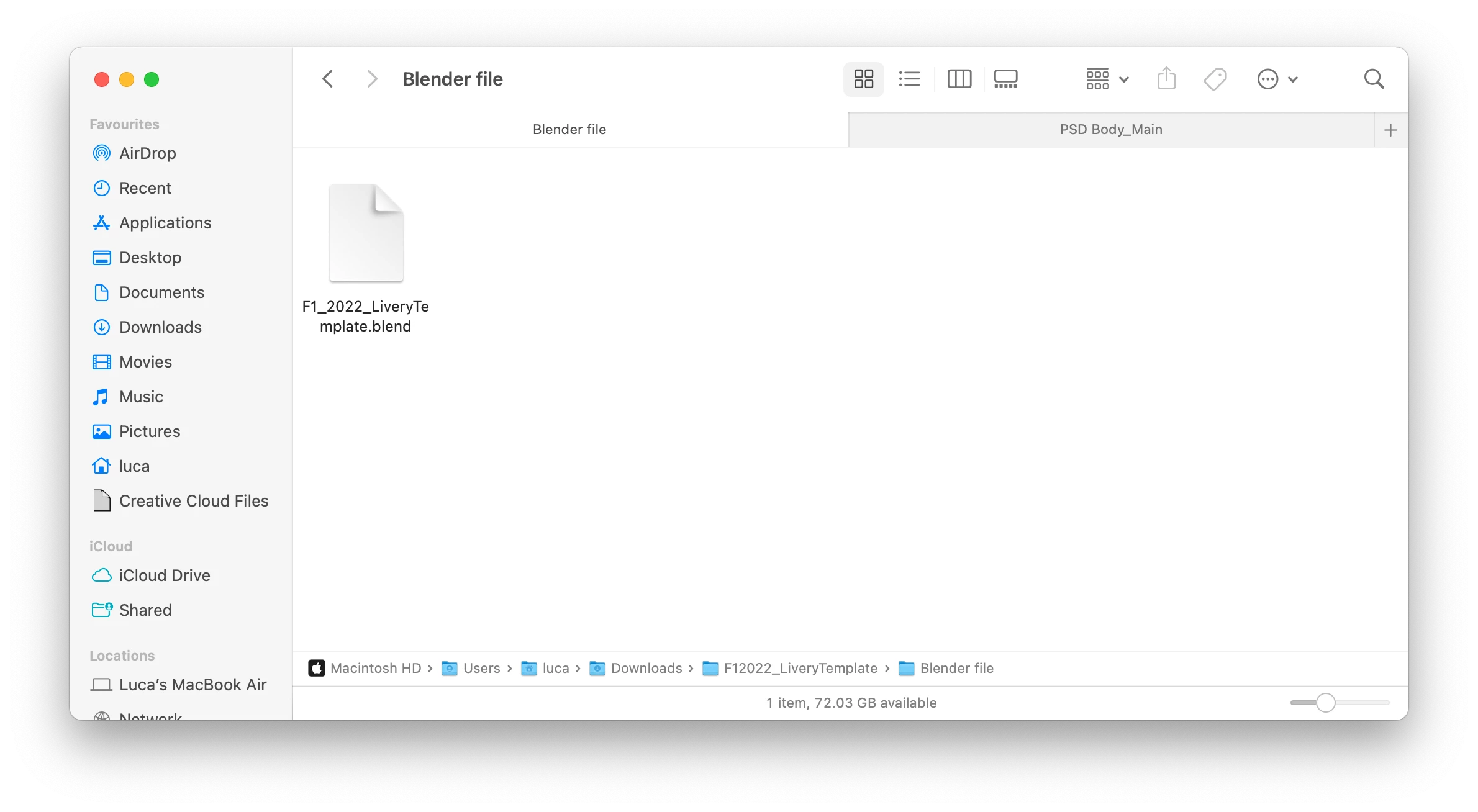
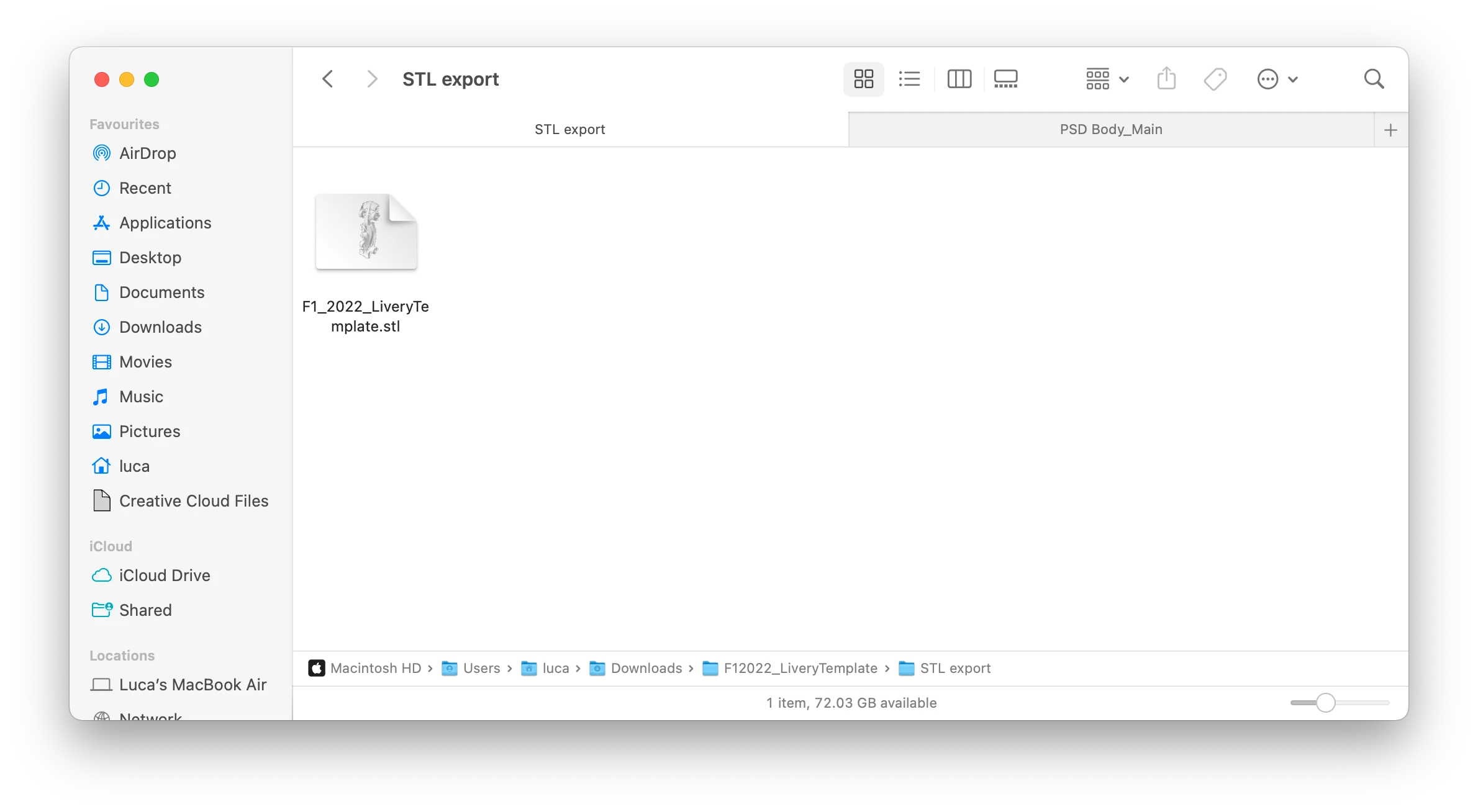
The original source file is a *.blend file, which is the native file format Blender uses. You are in luck: Blender is free and open source. Open the file in Blender:

www.blender.org


As for creating a new paintjob, you have several options:

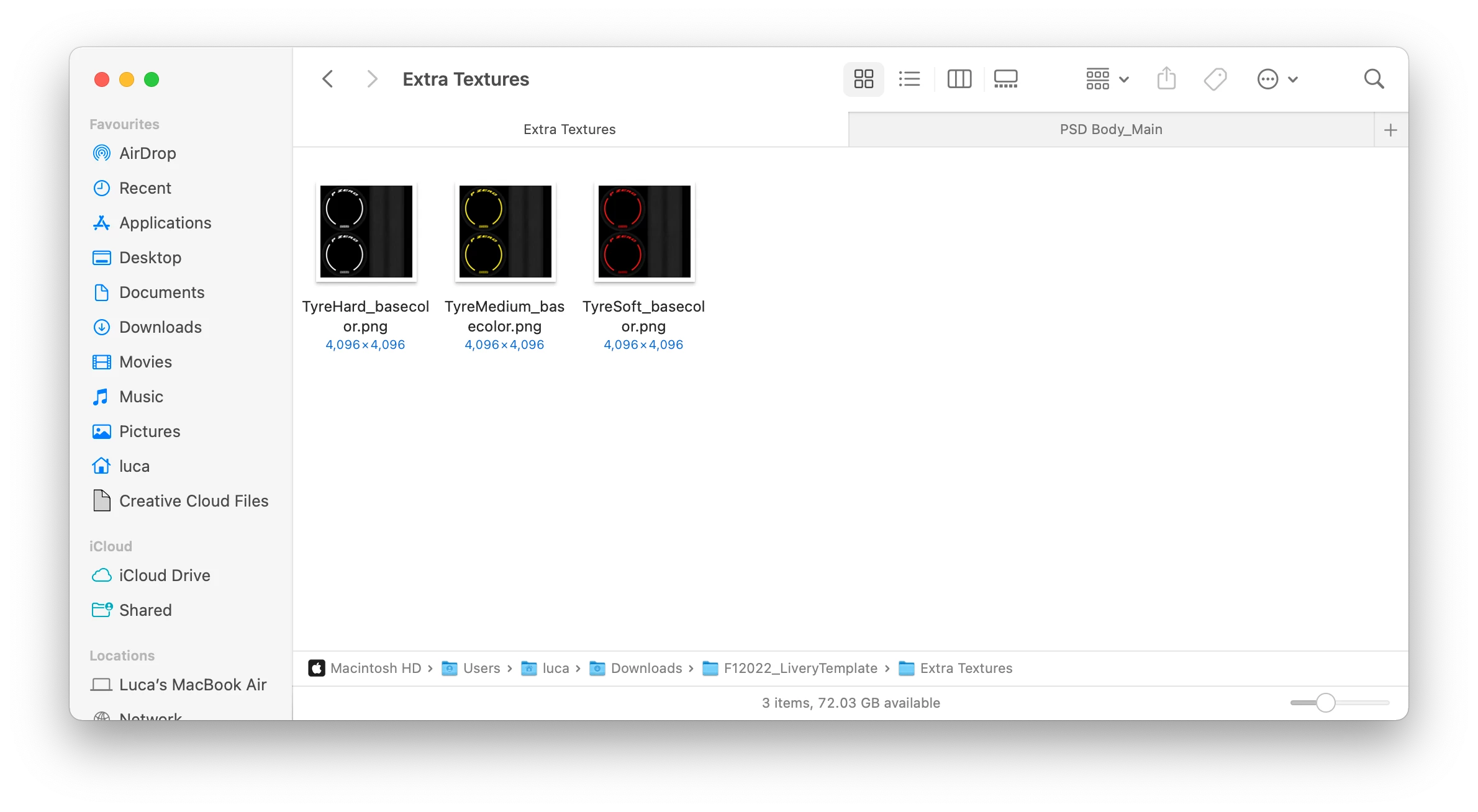
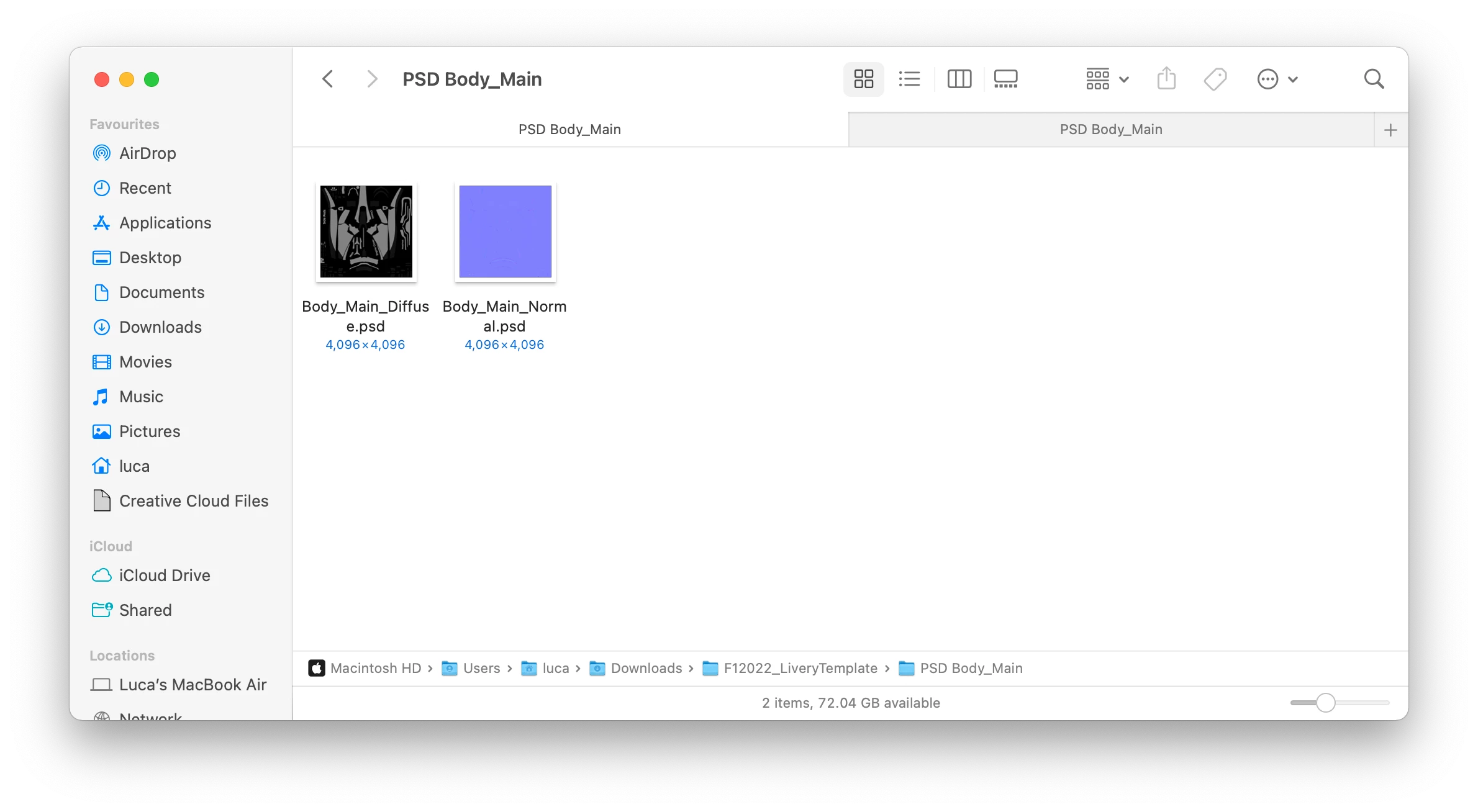
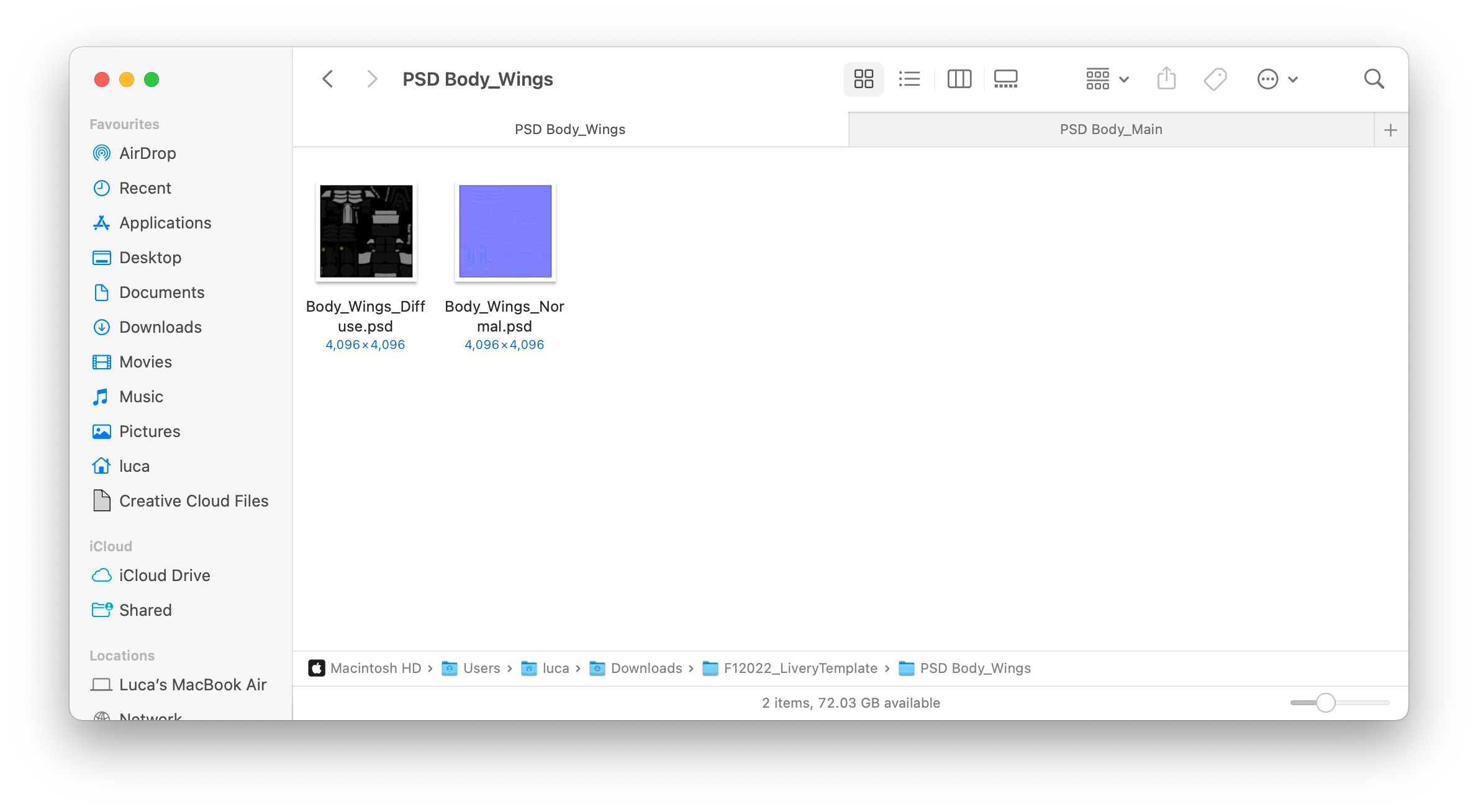
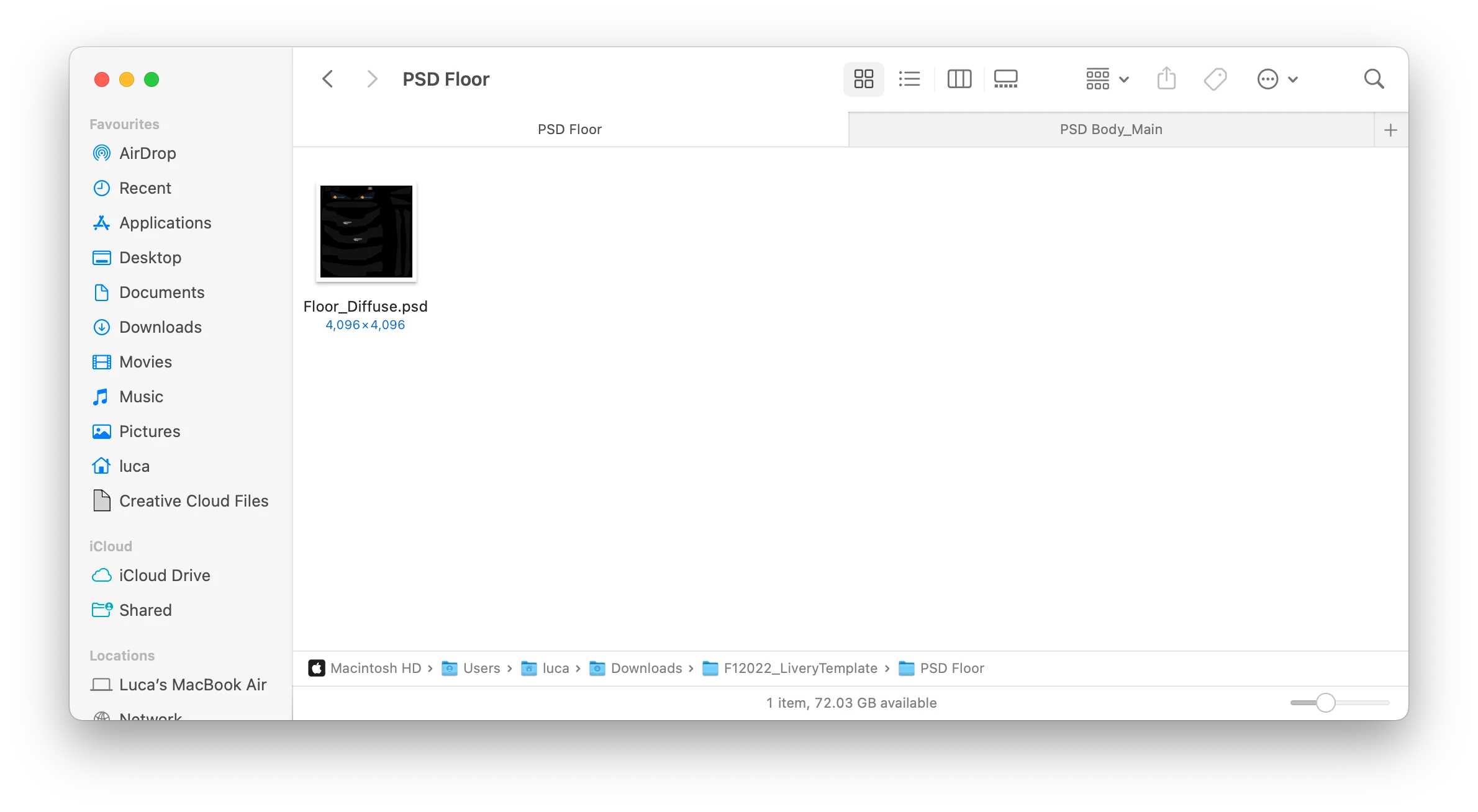
- open the 2d texture in Photoshop, create a new layer and fill in the areas with your own content. This will work to a certain extent, but may introduce stretching etc. depending. To preview the result you must open the file in Blender and load/reload the textures while you work on them.

It is an awkward approach, but the simplest one.


- or open the file in Blender, and paint & projection paint the diffuse texture files using the built-in painting tools. You might also want to look into addon such as Decalmachine or helpful addons that expand Blender's built-in painting tools, for example: https://blendermarket.com/products/pbr-painter?ref=247


In both cases you will still have to learn the basics of Blender and its texturing workflow. This may take you a week or 2 of studying, or so. Probably a month of study is required to gain basic understanding of the entire texturing process.


- or use a dedicated 3d painting and texturing tool and open the model in that together with the textures.

https://armorpaint.org/ Armorpaint opens Blender files directly and is very affordable.

https://pilgway.com/product/3dcoattextura is affordable as well, and comes with a 30 day unlimited trial, so you could use that for painting your model. Blend files not supported: you must either open the OBJ or FBX file with it.

Substance Painter that Adobe own now is also an option.


A warning though: it seems that you are a complete beginner.

Since you mention that you have no idea what each file does, you are in for a very tough and steep  learning curve. Working with and texturing 3d objects is not something that is learned in a day or two: it requires more experience and knowledge than that.

You might get by with one of the 3d painting apps that I listed above, though, and focus on the texturing part only. But without the knowledge and experience to back that up, I doubt the result will look convincing or good.


That said, the 3dcoat forum is very active and helpful, for example, and the people there may be able to guide you through the process.


As for using an older version of Photoshop for this task: just don't. Photoshop's 3d features were FAR behind the curve even 10 years ago. The tools are outdated. For a project like this good projection painting tools are required in a 3d app or 3d painting app.


Good luck!

Mylenium
Legend
January 12, 2023

3D in PS is deprecated and you cannot create any new content this way. You can only open older files and behind the scenes the 3D renderer will handle them. Refer to this:


https://helpx.adobe.com/photoshop/kb/3d-faq.html


Mylenium

Known Participant
January 12, 2023

Thanks for the reply. What other 3D programme would you recommend? All I'm doing is editing the textures of the car's body to have a custom paintjob.