



3D Mockup Template davescm perhaps you can shed some light for me
I found a Free 3D Mockup on the Web so I downloaded it look at it. Its an Animated mockup that easy to use all the was required to do to repopulate it was replacing the contents of top layer smart object. The layer visibility is off but the layers smart object is shared by several layer in lower Layer group layers. Rendering the animation take quite some time on my slow 2GHZ machine the as 2 six core xeon processors Photoshop does not multi-thread may things. Freebie Coffee Cup Animated Mockup
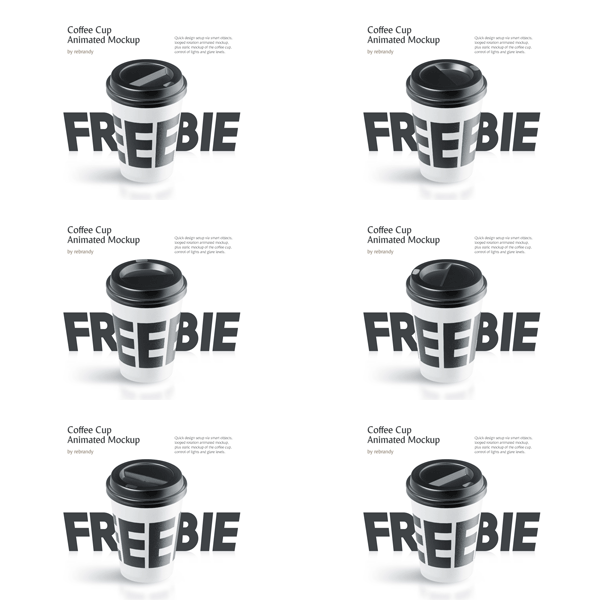
I can still write I have never seen a mockup template that has any Photoshop 3D layers. The template psd has 10 layer groups and 20 Layers. Many of the layers are Smart object layer and some of the layers smart objects contain smart objects that are video animations. There is no Photoshop 3D layer to be found though it is obvious that at some point there were 3D layers that video animations were made form and somehow made onto smart objects. The actual Mockup template's video time line does not seem to have any key frames to animate any layer all animation seems to be within layers smart objects. Here is what the mockup template layers stack looks like.
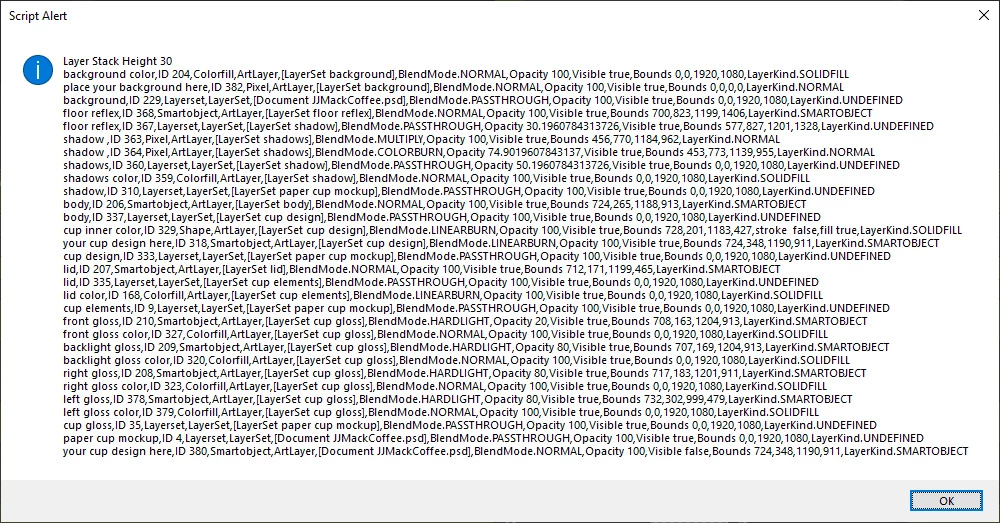
Dave can you download this template and tell me how you think it was made. It easy to use and changes colors and the cups surface and add logos etc. However I do not think I could create that template PSD file and I would like to reverse the rotation.
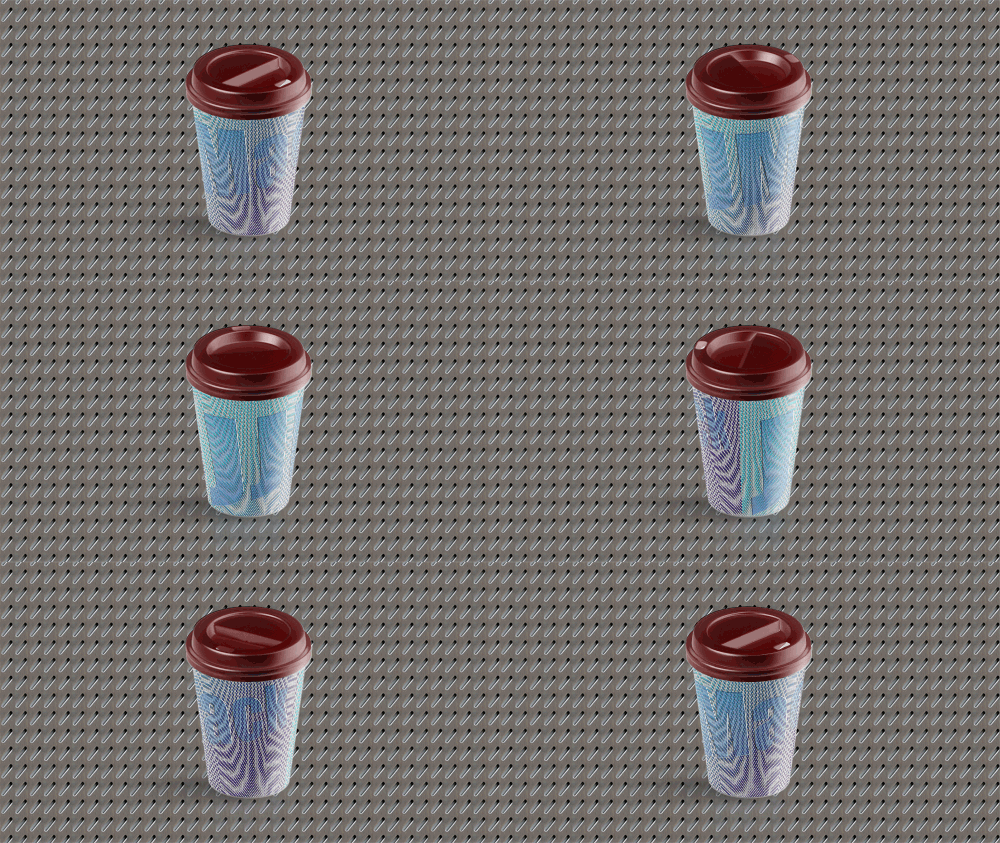
Flipping the document reversed the rotation
 AdChoices