

3d model in Photoshop: equal lighting without shadows
Hi!
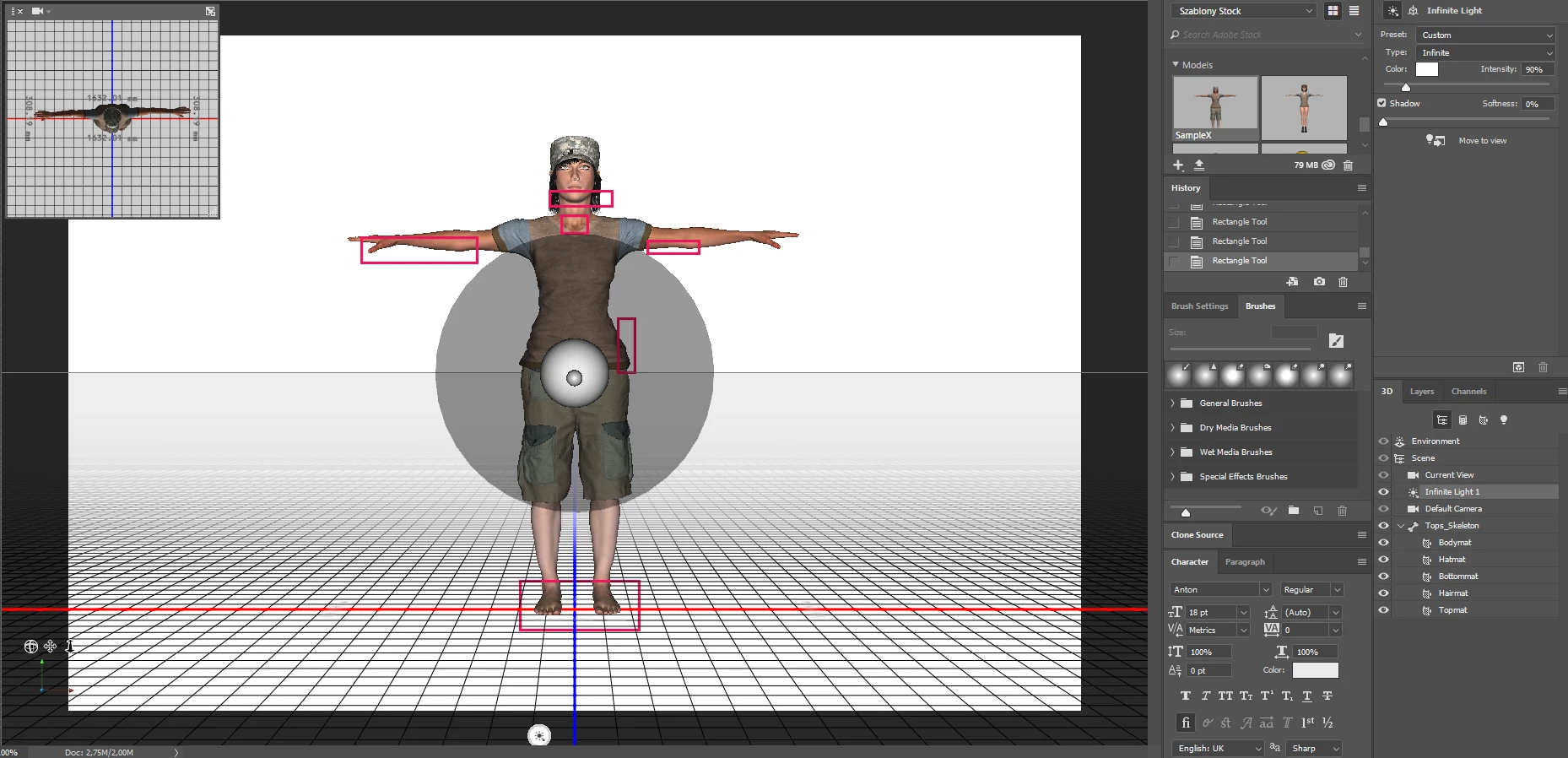
I have a question regarding setting lighting in 3d models in Photoshop. Basically, when you upload your Fuse character, you have an option in "3D section -> Infinite Lighting". I can set the light to be centrally on the character (attached figure), however even then, strong shadows appear on the character (for example on face). I would like to get rid of these strong shadows and have a equally lilluminated character, without any shadows, or with little shadowing. Deleting source of lighting makes character all black, and adding a new one is also not an option (I tried to have two with different options, but the shadows were even bigger and more visible).
I added an simple image with the "Infinite Light" setting that I'm using. With red rectangles I marked samples of "deep shadow", that I would like to get rid of.
Do you know how to change that? There is for sure a way, that I'm not aware of  .
.
Thank you very much for any advice and comments!
 AdChoices