
A Few General Questions
I'm new to Photoshop, I'm currently trying to get my toolbar organized (To show all tools rather than some). However, it's really confusing and not very beginner friendly. I've used GIMP for 5 years (On and off, not constantly) and I know that software like the back of my hand. I've had to begin using Photoshop because GIMP was lagging way too much, and I needed software that used GPU over CPU.
After messing around with Photoshop with an hour, I gotta say, I'm really confused about some of the design choices. And I draw using mouse, that's important to keep in mind. How do I make Photoshop more like GIMP?
Specifically:
1) How do I zoom in and out with scroll wheel instead of Ctrl Space? (For some reason that's what it is, it was Z before) in GIMP, you just hold down control and use the mousewheel to zoom, similarly with Shift. CTRL + Scroll Wheel = Zoom in and out. SHIFT + Scroll Wheel = X Axis Scroll, and just Scroll Wheel = Y Axis Scroll.
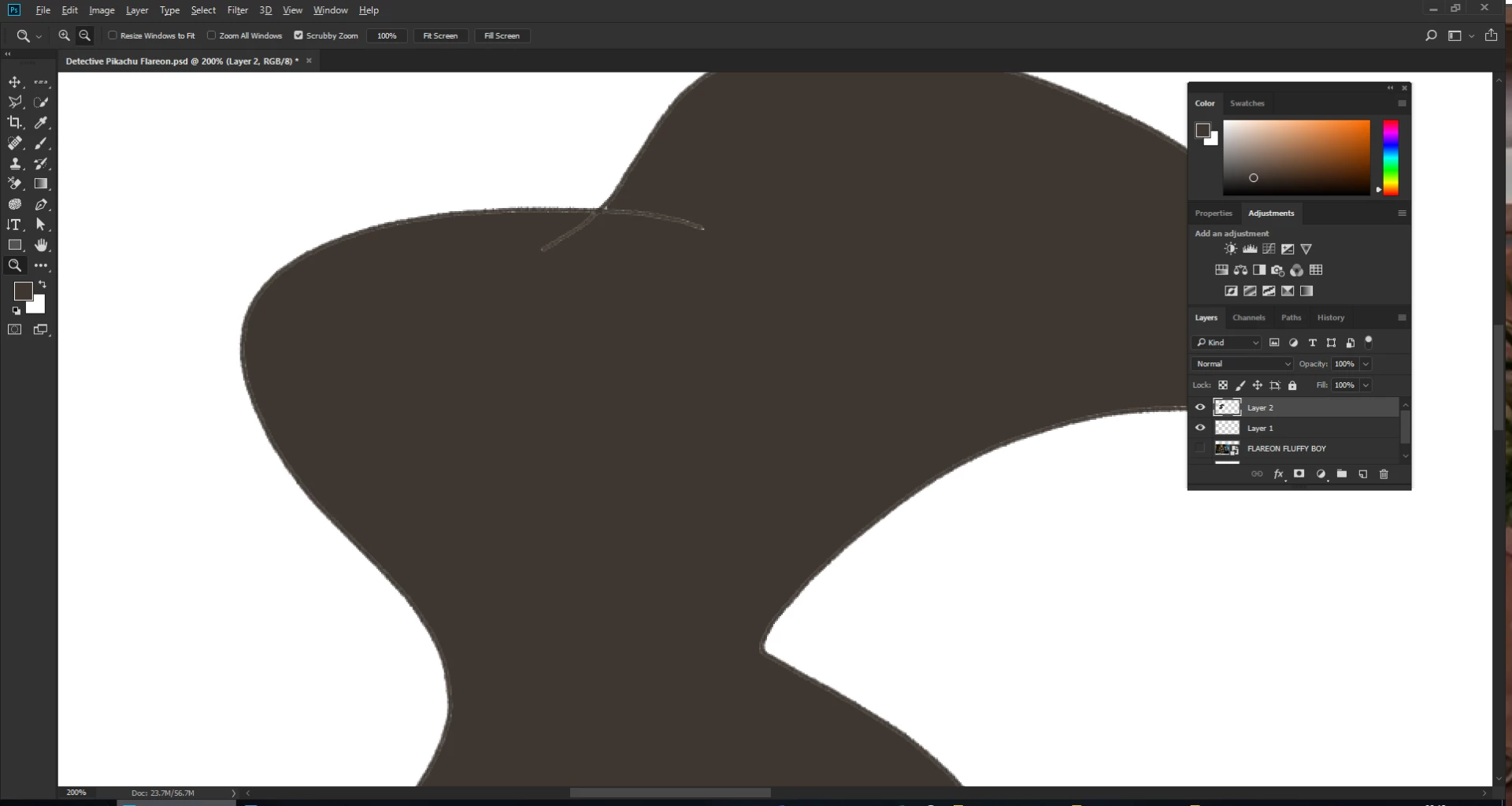
2) Using the Magic Wand tool, in GIMP, after you pick an area to use it, it of course shows a selection, then I'd right click and grow the pixels. In Photoshop there is no option to grow the selection (I use this for filling in the outlines with soft edges) and I can't seem to find a way to do this? Grow does nothing, it doesn't do anything at all. As a result, I get this sort of look:
3) I noticed my brush seems to be a bit slow at updating at times, is there a way I can make it not drag along like a trail? I'm used to a very responsive feel.
4) In GIMP, I use the Line tool a lot, and I can use it with both brush and pencil. Is there a way I can use the Line Tool alongside the Brush and Pencil to save me needing to make a few extra actions? Because in GIMP, you just use the brush where you want to start, hold shift, drag it to wherever, click, and there you go, a straight line, quick and easy. Nevermind, just discovered that IT IS a thing, it just doesn't show a guide like GIMP does. Which is an obvious design flaw, right?
5) In GIMP, there is a tool that makes brush have a weighted effect, where it goes from large to small, based on how long you hold the brush (I draw with mouse) and I was wondering if that tool exists in Photoshop anywhere? I don't plan on using a drawing tablet. I would like to get that sort of drawing tablet look and feel though. It would be really neat to have my outlines end off with a fade out or appear thinner.
I'll add more questions if I have any. Thanks in advance!
 AdChoices