p_r_a_u49657654
Participant
April 16, 2018
Answered

A per pixel edge fade?

  • April 16, 2018
  • 1 reply
  • 646 views

I seriously hope someone knows a good way to go about this...

i have an image in the shape of a circle, the background is transparent.

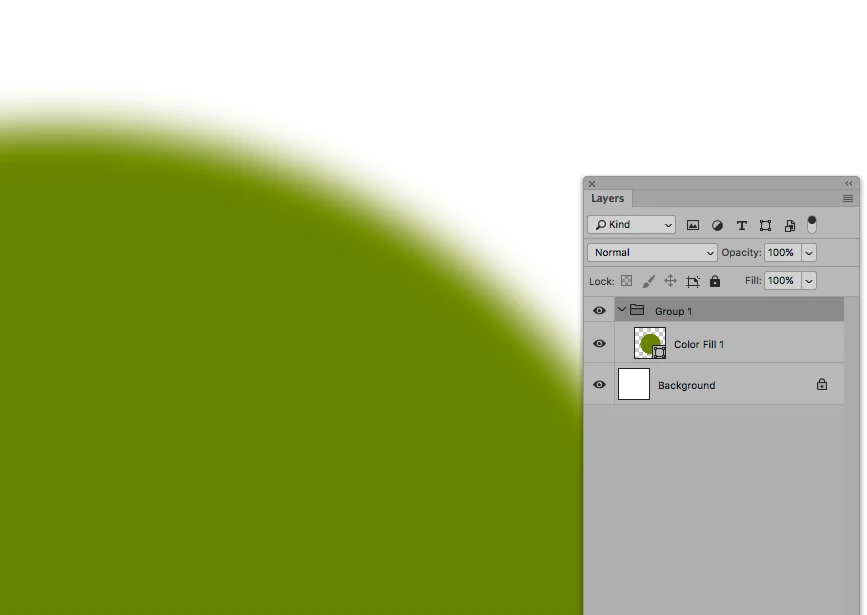
I want to fade the edges of the circle into transparency, BUT the only results i get are actual transparency values per pixel. aka a soft fade (such as a blur or from a eraser brush)

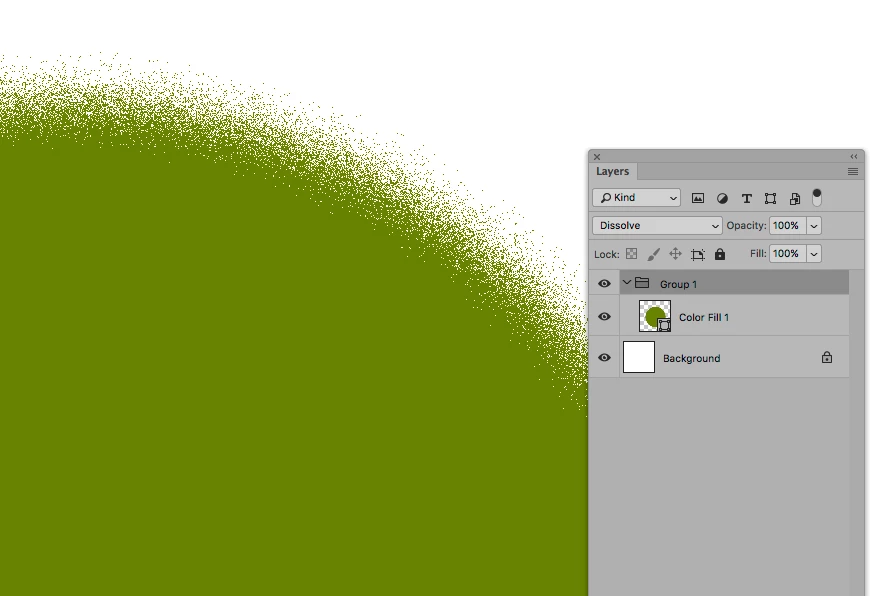
But what I really need is a per pixel fade: either a pixel is there or it is removed. so the edges would miss a lot of pixels and towards the center the amount of pixels deleted would have to be less and less till its solid in the central area.

Any help would be greatly appreciated!
    This topic has been closed for replies.
    Correct answer p_r_a_u49657654


    Ok so the steps are:

    -> use gaussian blur /any blur

    -> set layer to dissolve

    dissolve on its own seemed to do little.

    That seems to work! Thank you for your time!

    Much appreciated

    1 reply

    c.pfaffenbichler
    Community Expert
    Community Expert
    April 16, 2018

    Have you tried the Blend Mode »Dissolve«?

    Could you please post a screenshot taken at View > 100% and with the pertinent Panels (Layers, Channels, Options Bar, …) visible?

    p_r_a_u49657654
    Participant
    April 16, 2018

    i have no idea what you mean by options and all that, so many options in this program.

    this is what the layer looks like when its set to dissolve:

    https://i.gyazo.com/ba00e80786e39e740a684bb5179b455a.png

    there are only 2 layers here right now, transparent background and a black circle for testing

    c.pfaffenbichler
    Community Expert
    Community Expert
    April 16, 2018

    Window > Options

    Window > Layers

    etc.

    Please post images on this Forum directly.

    And once again: Have you tried the Blend Mode »Dissolve«?