
Strangefinder
Participant
July 14, 2025
Question

absolutely uniform in brightness

  • July 14, 2025
  • 6 replies
  • 425 views

Hello,

about the problem.

I need to digitise 50x50cm carpet tiles to be able to lay (or tile) them together in a 3D program for room planning.

To do this, they must be absolutely uniform in brightness. So not darker or lighter at the top or bottom left or right.

You can't achieve this by scanning or photographing.

Now I have thought about dividing the image into several grids and assigning the same brightness values and ideally colour values to each grid element.

but i have not found a way to transfer an absolute brightness value or curve.


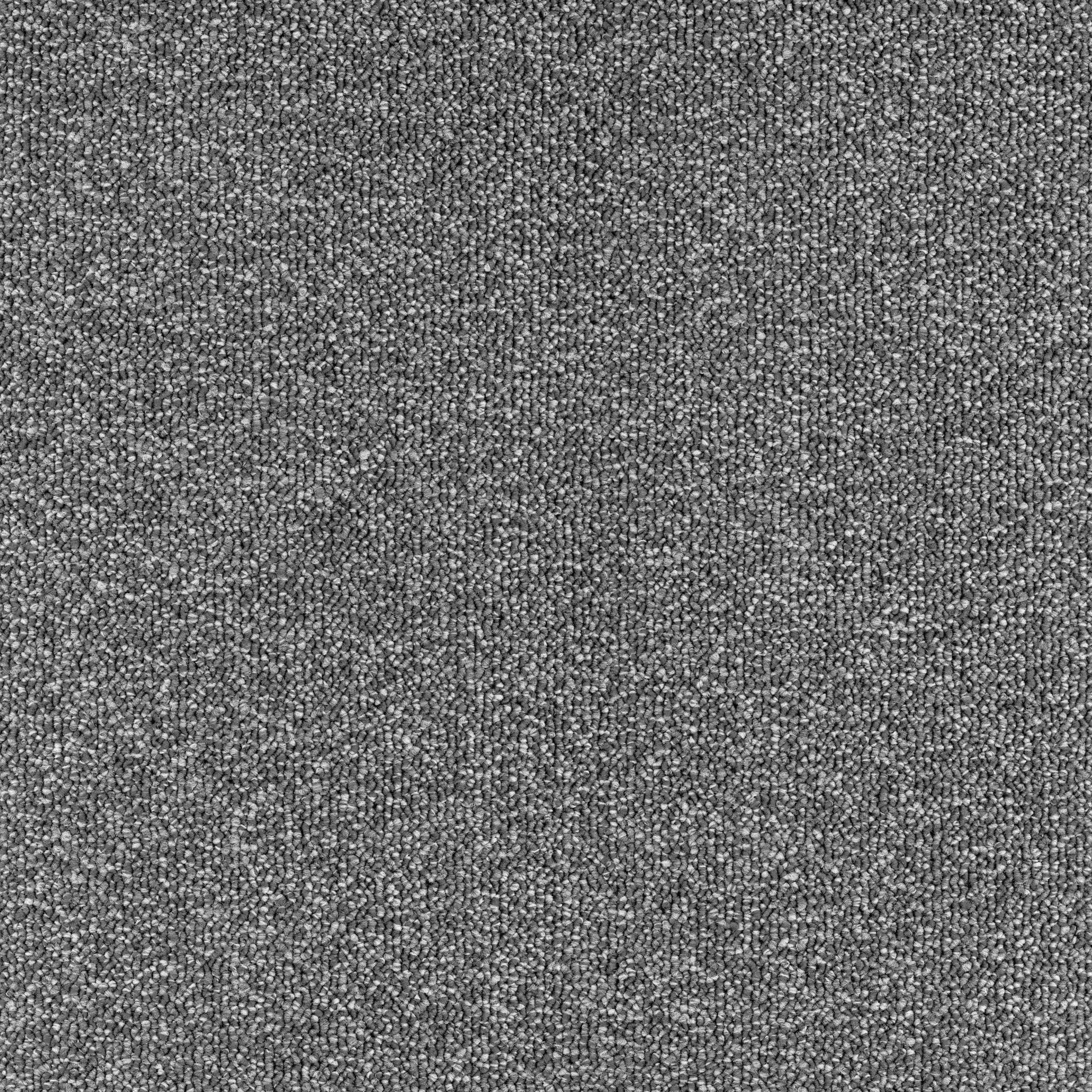
attached is a scanned and stitched carpet tile. It looks good at first.
but if you tile several of them together, the picture is very uneven.


or do you have an idea?

Thx reinhard


    6 replies

    Strangefinder
    Participant
    July 15, 2025

    Hi,

    wow!

    what great and usefull response.

    Highpass look very promising, will test it more.

    First test did make red cloudy shadow in the tile, no idea why, jpeg artifacts, i will see.


     I will test Substance 3D Sampler after holiday didnot know it before.


    THANK YOU ALL 


    I will write how it ends ....


    Legend
    July 14, 2025

    Make sure you have a high-end display such as an Eizo. A cheap display will not have uniform brightness and you won't be able to accurately tell what your tonality actually is.

    Myra Ferguson
    Community Expert
    Community Expert
    July 14, 2025

    You might try Substance 3D Sampler.

    davescm
    Community Expert
    Community Expert
    July 14, 2025

    If you doing this a lot, then Substance Sampler is the way to go as it has the tools for de-lighting, tiling (which can be AI driven) and will derive PBR material maps including Basecolor, Roughness, Height and Normal ready to work in a 3D application.


    That said if you are only working on that single file then turn pattern preview on, set the eyedropper to a large sample and add some points to view in the info panel. Then use a series and of curves and paint on their masks to limit their application. The aim being to lower the variation across the tile without losing the local texture. Each curve adjustment will be slight.

    Dave

    Inspiring
    July 14, 2025

    Lookup flat fielding. Flat fielding is the process of taking a photo of the same area with a sheet of white paper and then merging those two so the white is evened out, or flat fielded. Both PS and LR support flat fielding. 

    Stephen Marsh
    Community Expert
    Community Expert
    July 14, 2025

    Rather than using high pass as described in this ground breaking article from 2001, use the more common frequency separation method popular today.


    https://www.gamedeveloper.com/art/the-power-of-the-high-pass-filter


    Sadly the images weren't carried over from the original site, which makes things harder to understand. Edit: try here for the pics -


    https://web.archive.org/web/20211108134331/https://www.gamasutra.com/view/feature/3073/the_power_of_the_high_pass_filter.php


    This also brought the following to mind:


    https://www.metis-group.com


    jane-e
    Community Expert
    Community Expert
    July 14, 2025

    @Strangefinder 


    Which Adobe application are you using? Photoshop? One of the Substance apps? Something else? 


    Jane

    Strangefinder
    Participant
    July 14, 2025

    Haha,

    i thought i have written everything.  The latest Photoshop.  (& LR) 

    reinhard

    kglad
    Community Expert
    Community Expert
    July 14, 2025

    in the future, to find the best place to post your message, use the list here, https://community.adobe.com/

    p.s. i don't think the adobe website, and forums in particular, are easy to navigate, so don't spend a lot of time searching that forum list. do your best and we'll move the post (like this one has already been moved) if it helps you get responses.


    <"moved from using the community">