
Participant
December 23, 2020
Answered

ACR layout. Where are snapshots ?

  • December 23, 2020
  • 2 replies
  • 785 views

First off I'm completely new to PS and even more lost with it. 


All I am trying to do is create snapshots while editing a picture in camera raw but I can't find how to. 

I am following a Udemy Course in which the tutor appears to be using a very different version of ACR


I guess where I'm stuck at is summarised below:


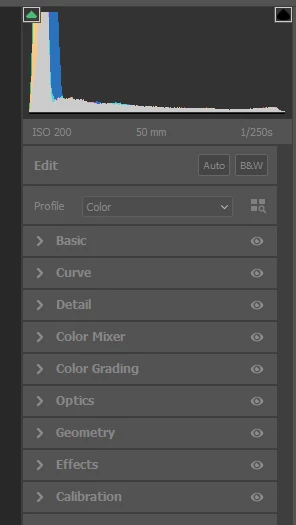
Why does my ACR look like this 
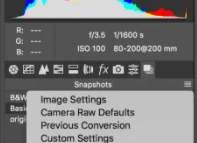
whereas I mostly see it looking like this
 

If anyone can elaborate on what I'm missing, please... 
This topic has been closed for replies.
Correct answer davescm

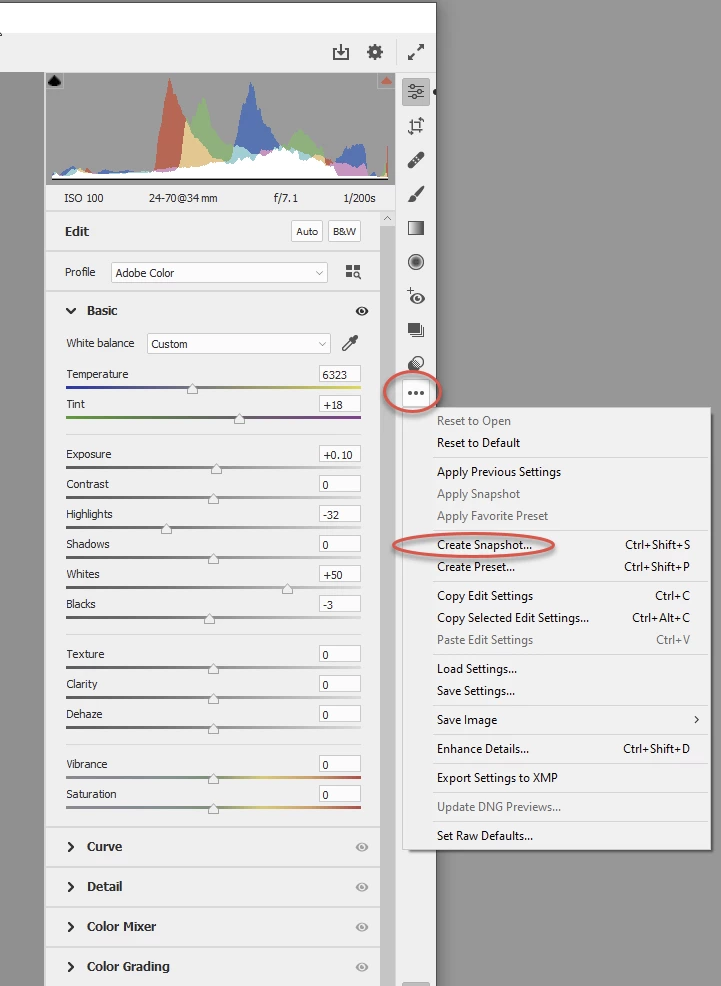
The snaphots have moved - see below:


Dave

2 replies

Conrad_C
Community Expert
Community Expert
December 23, 2020

 This happened because of very unfortunate timing. A few months ago, for the first time in many years, Adobe Camera Raw was thoroughly redesigned in version 12.3. So any tutorials based on Camera Raw 12 or earlier show the old design.


To get current training, look for tutorials for Camera Raw 13 or later.

davescm
Community Expert
davescmCommunity ExpertCorrect answer
Community Expert
December 23, 2020

The snaphots have moved - see below:


Dave

Participating Frequently
February 23, 2021

I don't see snapshots in the Camera Raw Filter as shown in Daves illustration.