
Inspiring
June 4, 2022
Question

Action saves with the word 'copy' appended to file name

  • June 4, 2022
  • 2 replies
  • 370 views

I have a bunch of PSD files that need to be saved as JPG files.

I created an action to do that. 
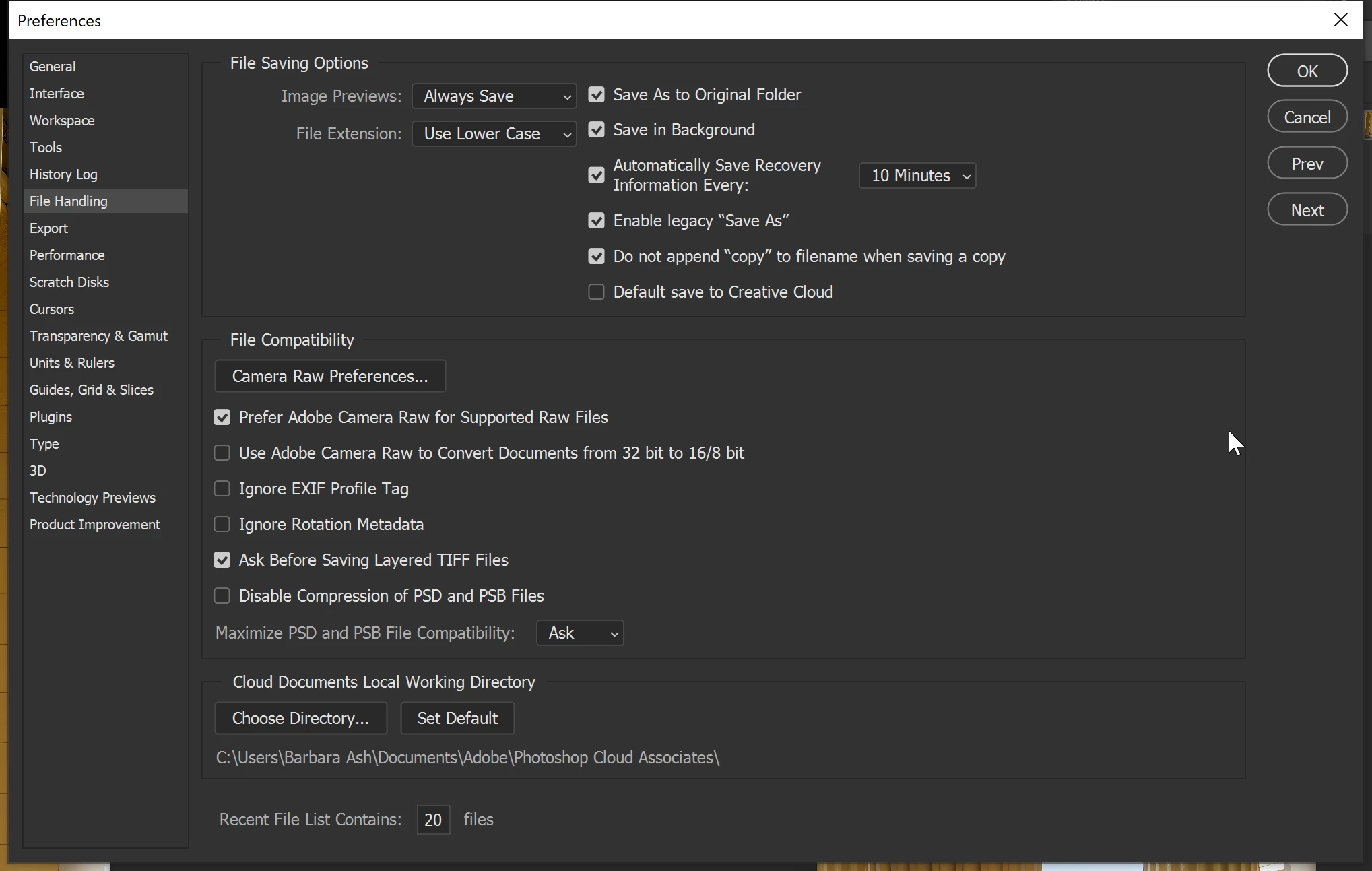
In Preferences > File Handling, I have checked Do Not Append Copy. However, when I play the action, it invariably appends 'copy' to the end of the file name. 

How can I save my PSD files as JPG and NOT have Photoshop append the word 'copy'?
This topic has been closed for replies.

2 replies

Stephen Marsh
Community Expert
Community Expert
June 4, 2022

@jay fresno – Will you be using the Batch command to run the action over many images in one go?


Or do you use the action one image at a time?


Perhaps a screenshot of the action with the save step expanded and the panel wide enough to view all content including save path and or save name would help.


Photoshop has a built-in script in the File menu > Scripts > Image Processor which bulk saves to JPEG without using an action for saving, however it can use an action without a save step for other processing.


Then there are other scripts for bulk saving that offer other features too.

Inspiring
June 5, 2022

I'm using the action to process one image at a time.


Thanks for bringing my attention to Photoshop's built-in Image Processor script. That worked without adding 'copy' to the file name. My action included the 'Close' command, which the processor doesn't seem to have, but it would be simple enough to close all open files when the script completes.

I had an image open when I recorded my action and that image was saved without adding 'copy', but when running the action 'copy' was added to every image.

This is what the action looks like. It's strange that I turned off 'copy' in preferences and yet the action includes it.

Inspiring
June 4, 2022

Adding to my post. When recording the action, and I choose JPG file format, a checkmark appears on 'copy' and since it is grayed out, I cannot remove it.