

add a selection to an existing mask
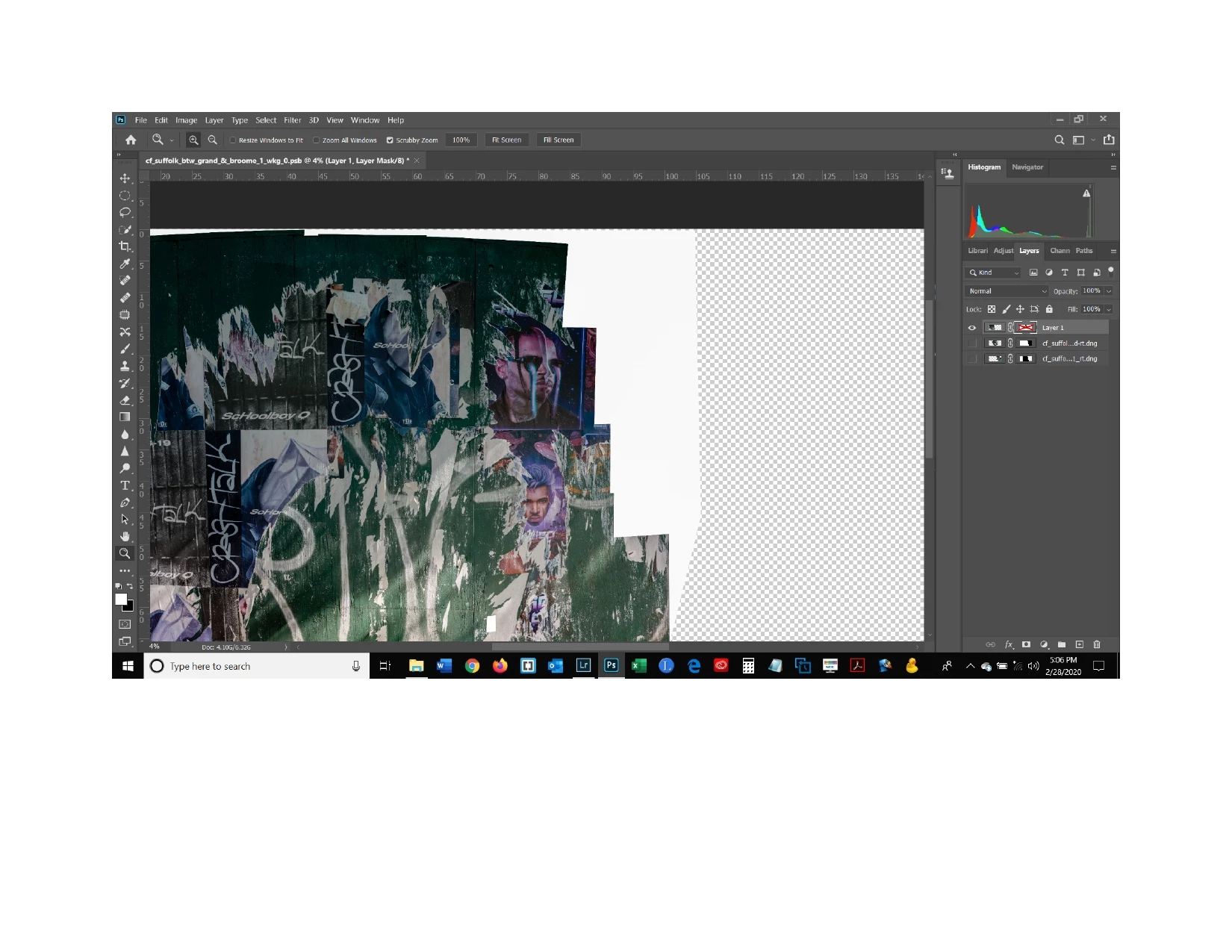
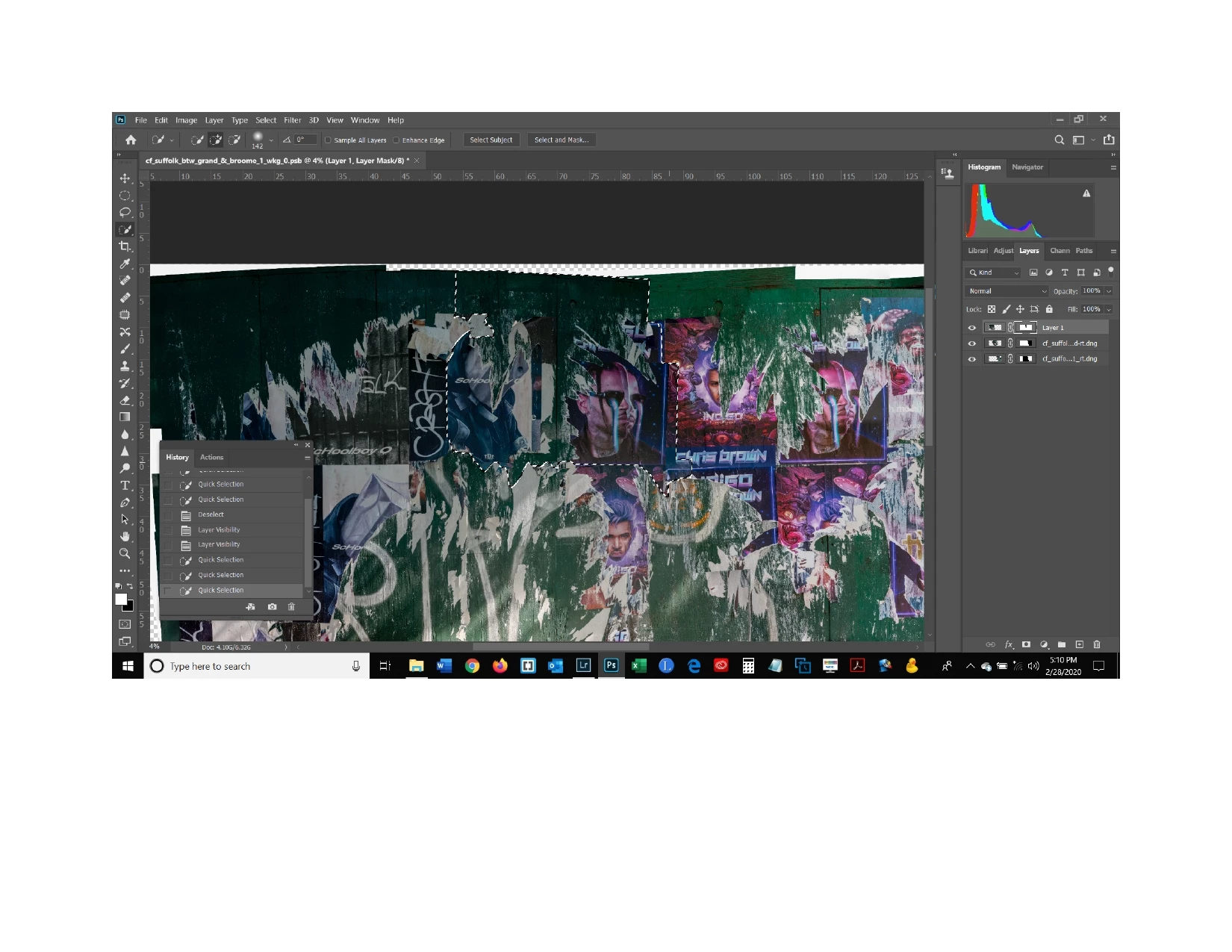
I created a mask that hid part of a layer allowing the layer underenath to show through as shown in the first screen shot. The mask is turned off so you can see the portion that I hid. Now I want to hide another portion of that same layer so that the layer undereath will show through - the selection shown in the second screen shot. I tried finding a solution by typing the words "how do you add a selection to an existing mask in a layer" and got the following answer: "Select the new objects and apply whatever refinements you require. Hold Shift and Ctrl (PC) or Cmd (Mac) and click the mask thumbnail. This will add the new selections and the original mask selections together. Now you can fill with black or white on the mask layer." But when I do that, it just makes the selection either black or white, it doesn't hide it. I think I would need to press Ctrl i in order to actually hide the selected portion (and not the rest) but that doesn't work either. So what am I doing wrong?
 AdChoices