
Question
Add Custom Paper size - PDF
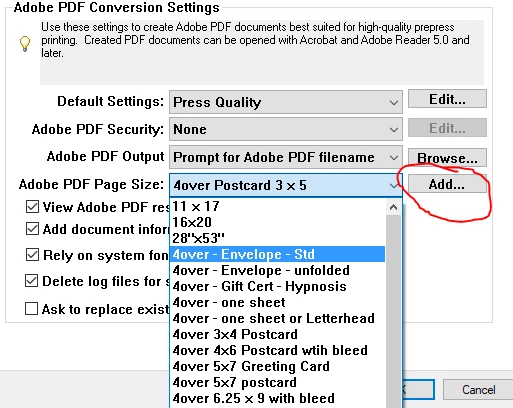
For years now, I've been creating custom pages sizes for printing-to-PDF in PhotoShop using the "Add" function pictured. Ever since upgrading from an older version of Photoshp to the latest version - it simply doesn't work anymore. By doesn't work - I mean I go through the motions - and at the end of the process - there is no new no size listed (nor does my document print at the proper size in the moment). Super frustrating. I've tried doing it via Acrobat as well, with the same result.
1. is there an alternative way to add these?
2. is there an alternative way to print custom sizes (but not Save as Photoshop PDF, as the file sizes tend to be huge this way)
Thank you...
 AdChoices