
Answered
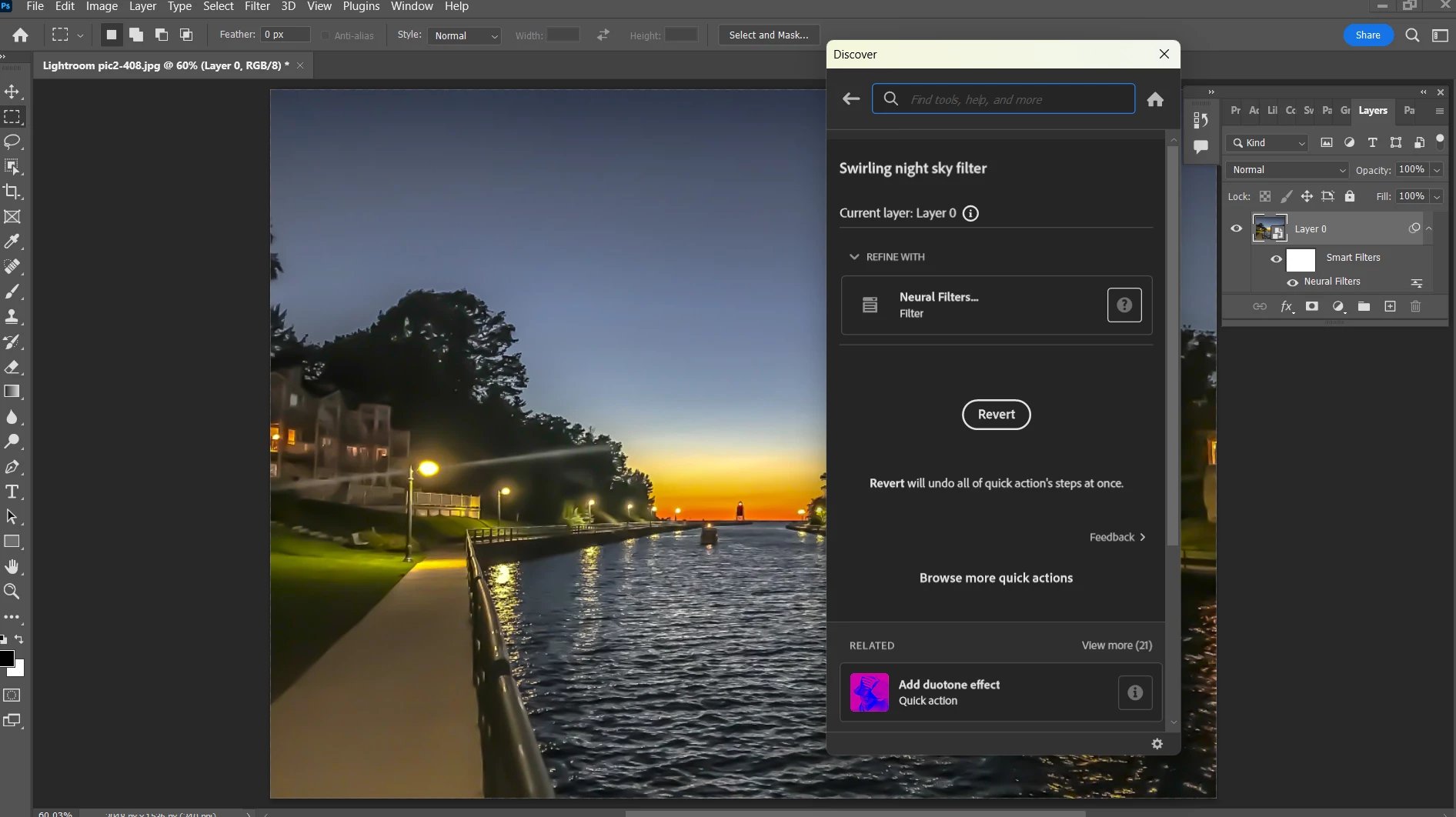
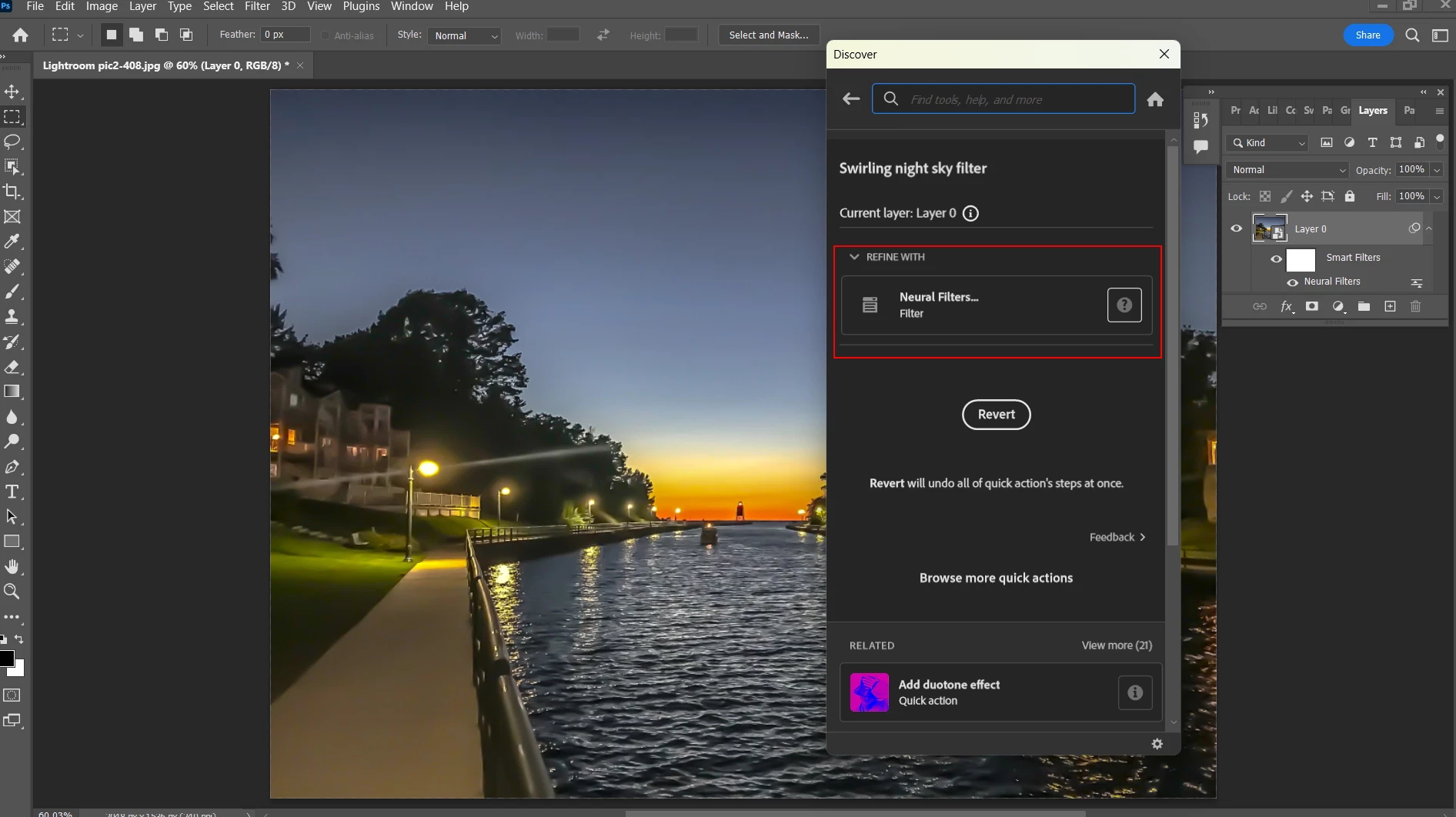
Adding swirling starry night filter results in no action.
Windows 10
Photoshop 24.1.1
Image Mode-> 8 Bits/Channel
I understand that adding a swirling night sky filter is an easy thing to do (watched a YouTube video demonstrating this). Well, I am having no luck. Here is a screen shot of the steps I took and as you can see, the image has not changed. A few quick action filters work, (such as Add lens flare, Stained Glass) but this one doesn't
 AdChoices