
adjusting the color of a layer? Is it really so hard?
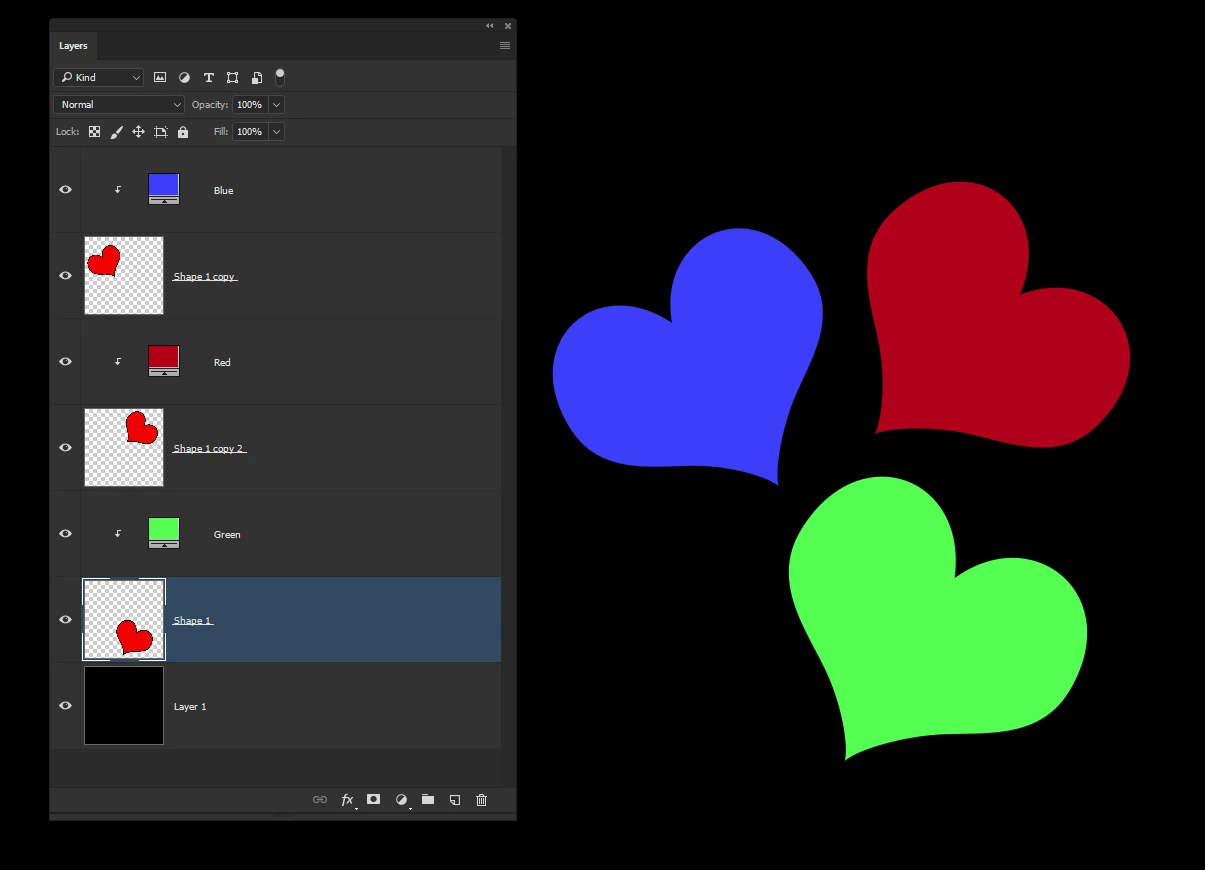
So I’ve a project made up of 3 sketches on 3 independent layers staked on top of one another in Photoshop CS6. There are 3 layers because it’s a design for a screen print that will have 3 colors.
Now that the drawing is done I want to adjust the colors of each layer until I find the right combination for a print run.
I thought this would be easy and I’m sue it is but it’s proving very difficult to work out by my self.
I can select the whole layer or I can select a color or mask off part of the layer. I can, I think, select with the magic wand and change colors that way but all these methods are time consuming and very fiddly.
I just want to be able to select the layer and use the color picker or better use a set of sliders to control the hue saturation and luminescence of the whole layer; but I just cant see how to do it…
 AdChoices