
Question
Adjustment layer invisible?
Hello! I just got back to photoshop after a break and I can't seem to figure out how to render the adjustment layer, see on photo. I want to paint the layer manually. When I souble click to refine my selection I either get the original photo or the default gray and white checkered background. I want to see the black and white adjustment layer. I feel like I am missing something obvious or I dont have some setting togled on as in tutorials this works. Thanks! 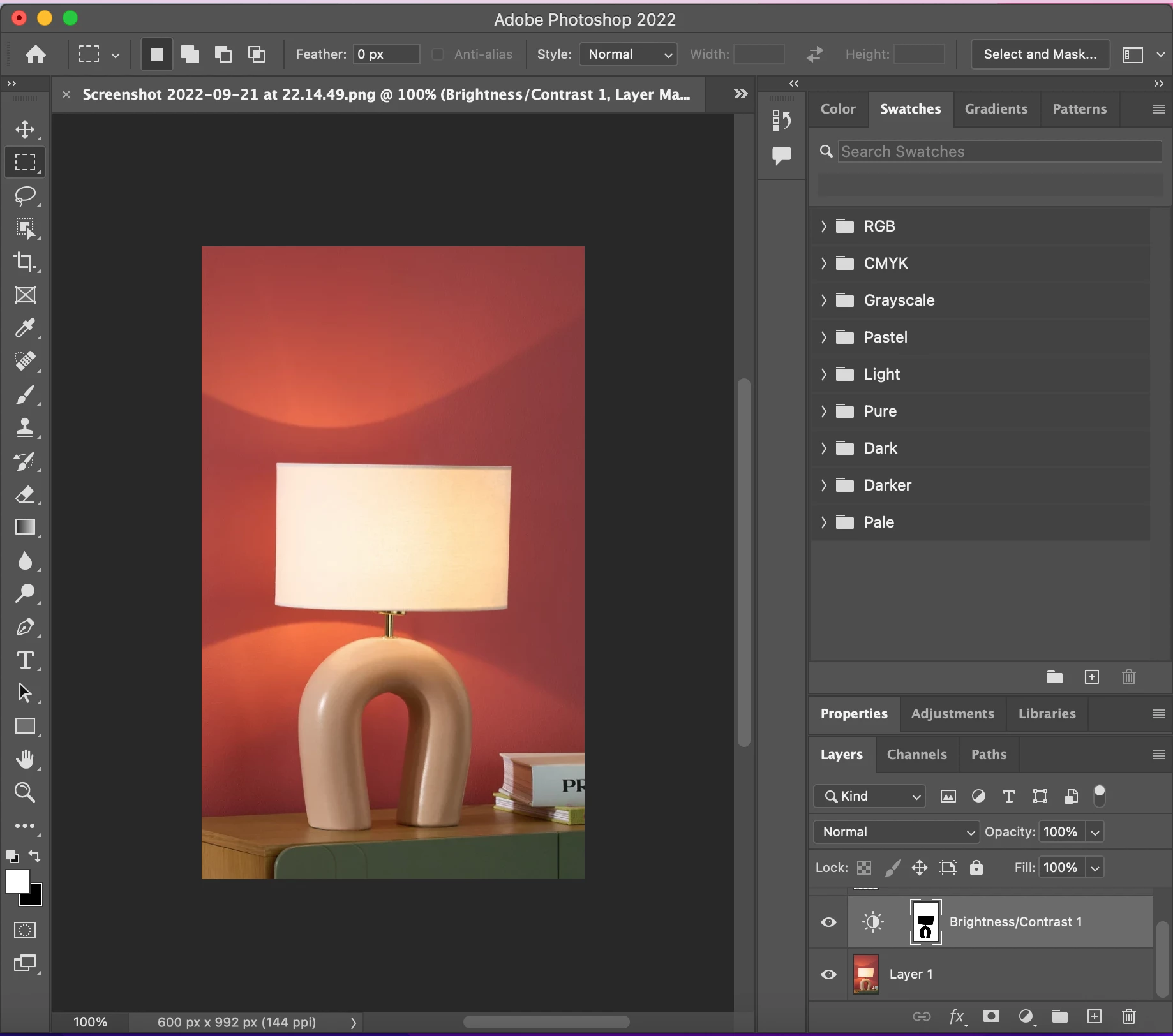
 AdChoices