
Question
Adobe fixed one problem (I think) and created a worse one
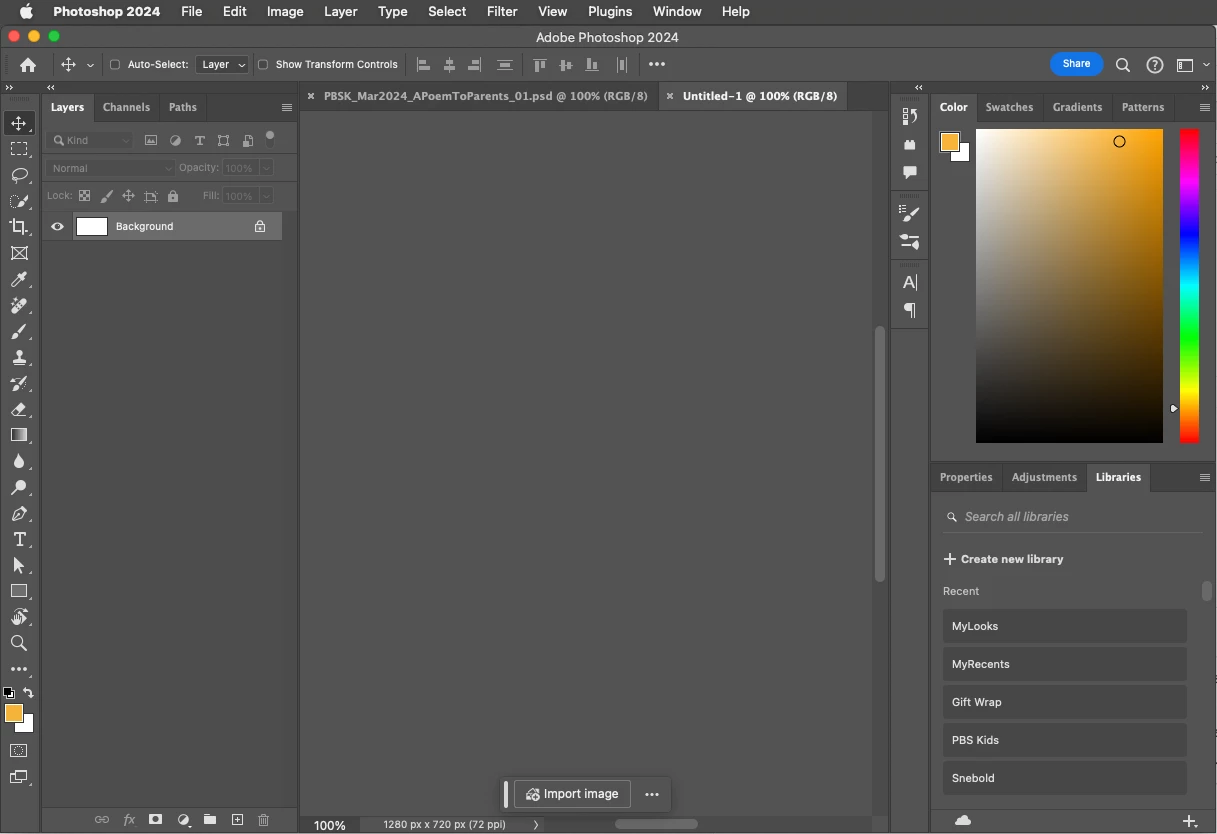
The previous version of Photoshop 25.4 craeted an issue where if I tried to use the eyedropped tool from the style panel to pick a color of a shape layer I got an error, so I had to downgrade to the version before that (25.3.1). Today I saw they had posted an new update (25.5) and read in the release notes that the eyedropped bug had been fixed. After updating to 25.5 I can no longer see my document. I mean not at all. All the panels and the rest of the UI is there, but as for the document itself, only the title in the tab at the top of the window appears.
Here's what it looks like with two open files.
 AdChoices