
Answered
Adobe Photoshop is exporting images brighter than they show on the canvas
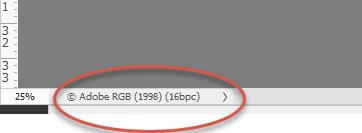
As it says in the title, in the Export window in PS, the image is much brighter than it looks in the canvas, and the image is exported brighter too. I have checked the Color Profile under Edit>Color Settings and it's set to 'North America General Purpose 2'
I have checked my monitor calibration, and it's the Windows 10 default profile(s).
I've also looked through the settings to see if there's some option somewhere that brightens up the image during export that's not shown on the canvas, but I didn't find anything.
 AdChoices