
Participant
May 23, 2018
Answered

Adobe Photoshop Ram mistake

  • May 23, 2018
  • 1 reply
  • 404 views

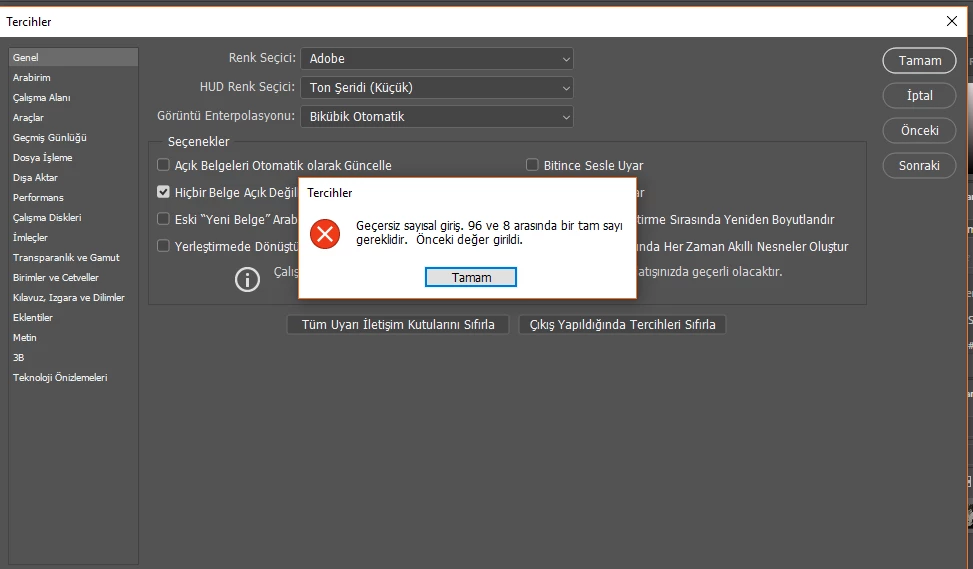
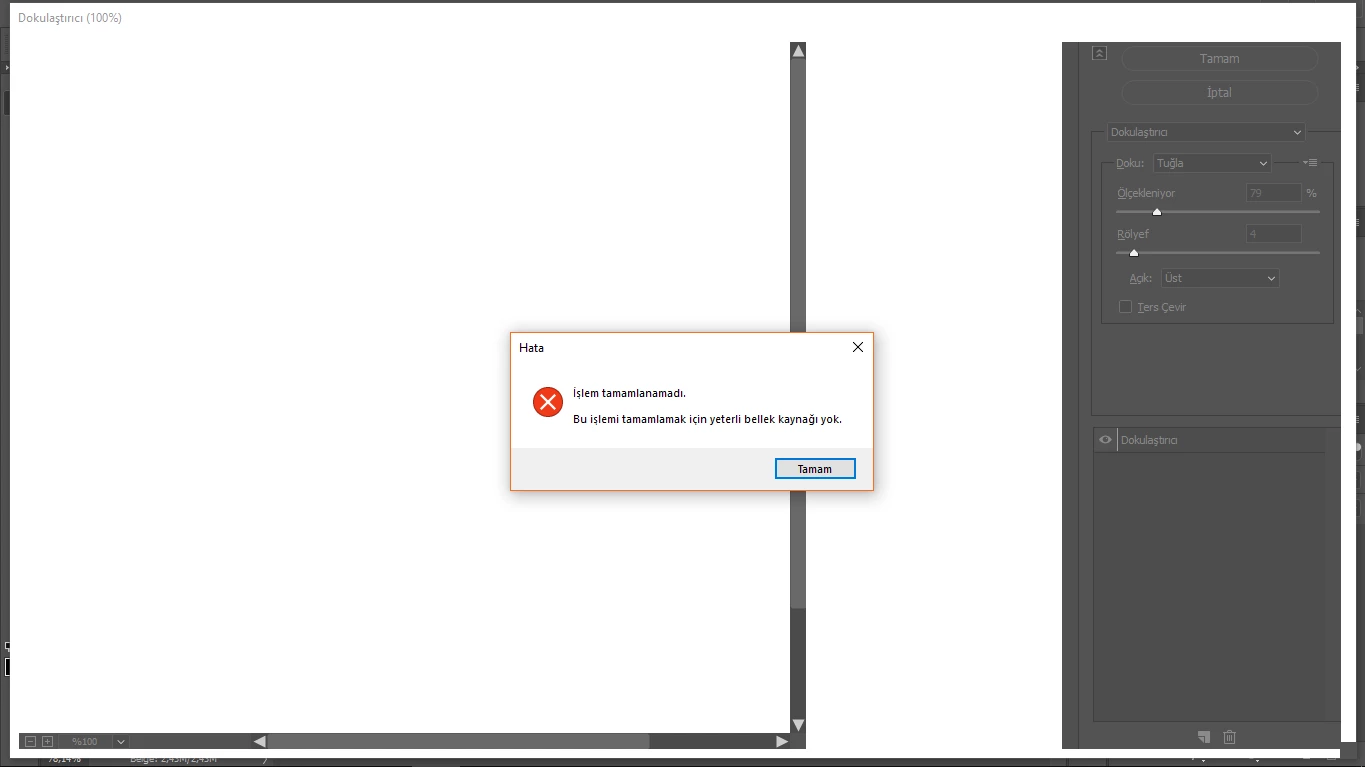
Uygulamada çalışmaya başladığımda bir süre sonra Ram(bellek) hatası alıyorum. Performansını düzeltmek için Edit>Prefences>Performance'den ram verimliliğini yükseltmeye çalıştığım zaman görsel birdeki hatayı alıyorum. Ne yaptıysam çözemedim. Lütfen yardımcı olur musunuz?
This topic has been closed for replies.
Correct answer davescm

Hi

Adobe released Photoshop 19.1.5 today which fixes the issue.

Once installed, to allow Photoshop to manage memory - the temporary fix needs to be removed . See this :

Error while accessing performance preferences - 'An integer between 96 and 8 is required.'

Dave

1 reply

davescm
Community Expert
Community Expert
May 23, 2018

Hi

See this Invalid Numeric Entry - An integer between 96 and 8 is required   Set the value to match your Ram size i.e. 8000 for *GB , 16000 for 16GB etc

Dave

davescm
Community Expert
davescmCommunity ExpertCorrect answer
Community Expert
June 19, 2018

Hi

Adobe released Photoshop 19.1.5 today which fixes the issue.

Once installed, to allow Photoshop to manage memory - the temporary fix needs to be removed . See this :

Error while accessing performance preferences - 'An integer between 96 and 8 is required.'

Dave