
Participant
November 26, 2023
Question

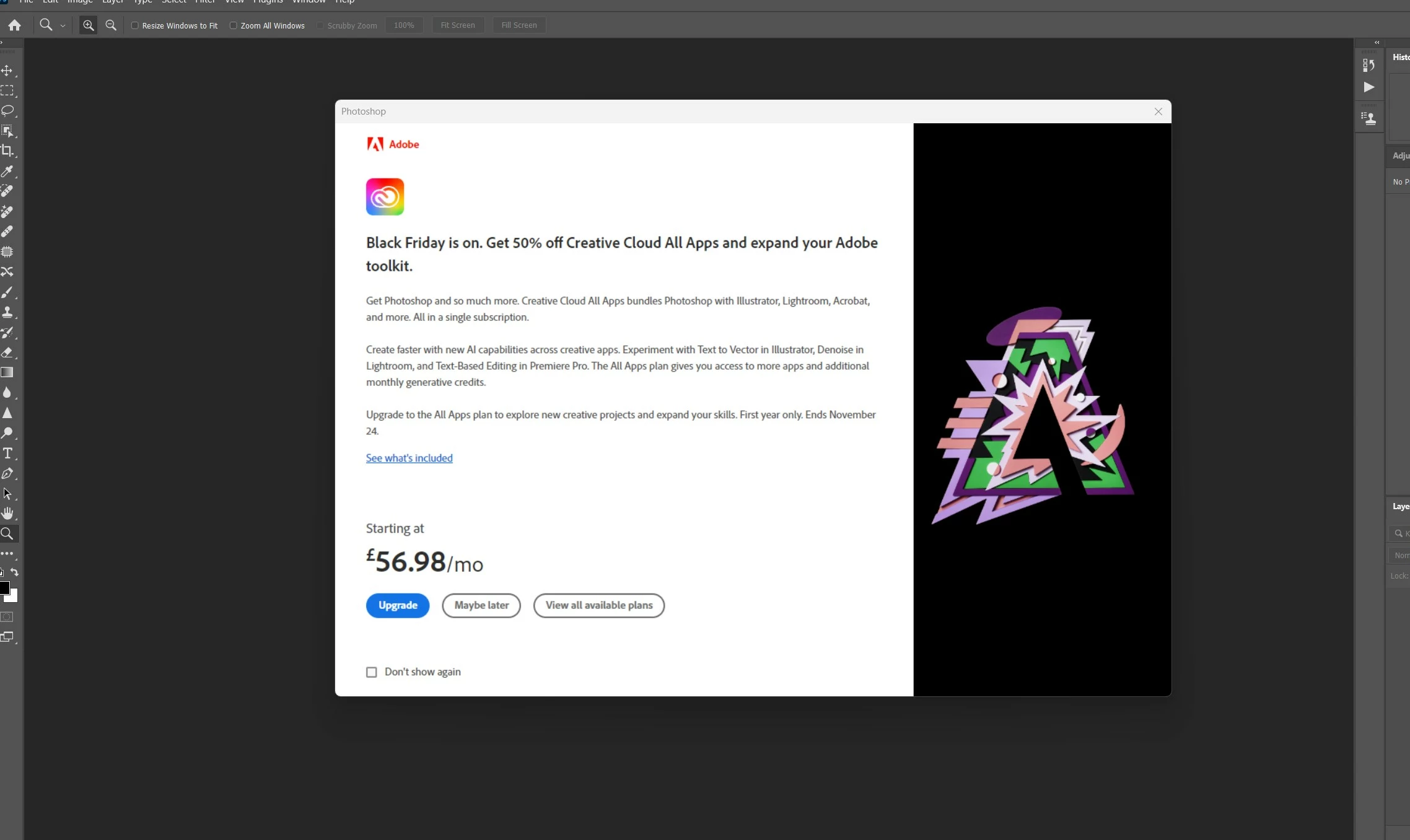
Advertising pop up in Photoshop

  • November 26, 2023
  • 4 replies
  • 552 views

Hello,

After fresh install of win 11 and Photoshop each time when I open Photoshop add pop up opens. Any ideas how to stop it? Ticking `do not show again` doesn`t help.  I did re-install Photoshop and Creative Cloud - no changes too.

Any ideas how to deal with it?
Thanks!

This topic has been closed for replies.

4 replies

Participant
November 26, 2023

No luck and this time @J E L 

Double chacked Preferences in Photoshop and alll is as you sugested.

Thanks for trying to help!

J E L
Community Expert
Community Expert
November 26, 2023

Okay, sorry that didn't seem to fix it, @Saulius33848805aaga. I've seen other people reporting the same problem, but I don't have the pop-ups appearing for me. It's possible something in your Photoshop preferences is causing it. Under Preferences > Tools, do you have Show Rich Tooltips checked? If so, try turning that off. I'll keep looking for some answers, and others here may have some for you.


Also try resetting your Preferences. Go back through each to your liking and make sure “Auto show the Home Screen” is unchecked.

Participant
November 26, 2023

Hi @J E L 

Thanks for respond!

It was ticked just File Sync and App Updates. I have ticked Adobe Fonts but unfortunatly no changes - that pop up loads again

J E L
Community Expert
Community Expert
November 26, 2023

Hi @Saulius33848805aaga, in the Creative Cloud Desktop app, under File > Preferences > Notifications, is the Adobe Communications box ticked?