
Participant
January 4, 2021
Question

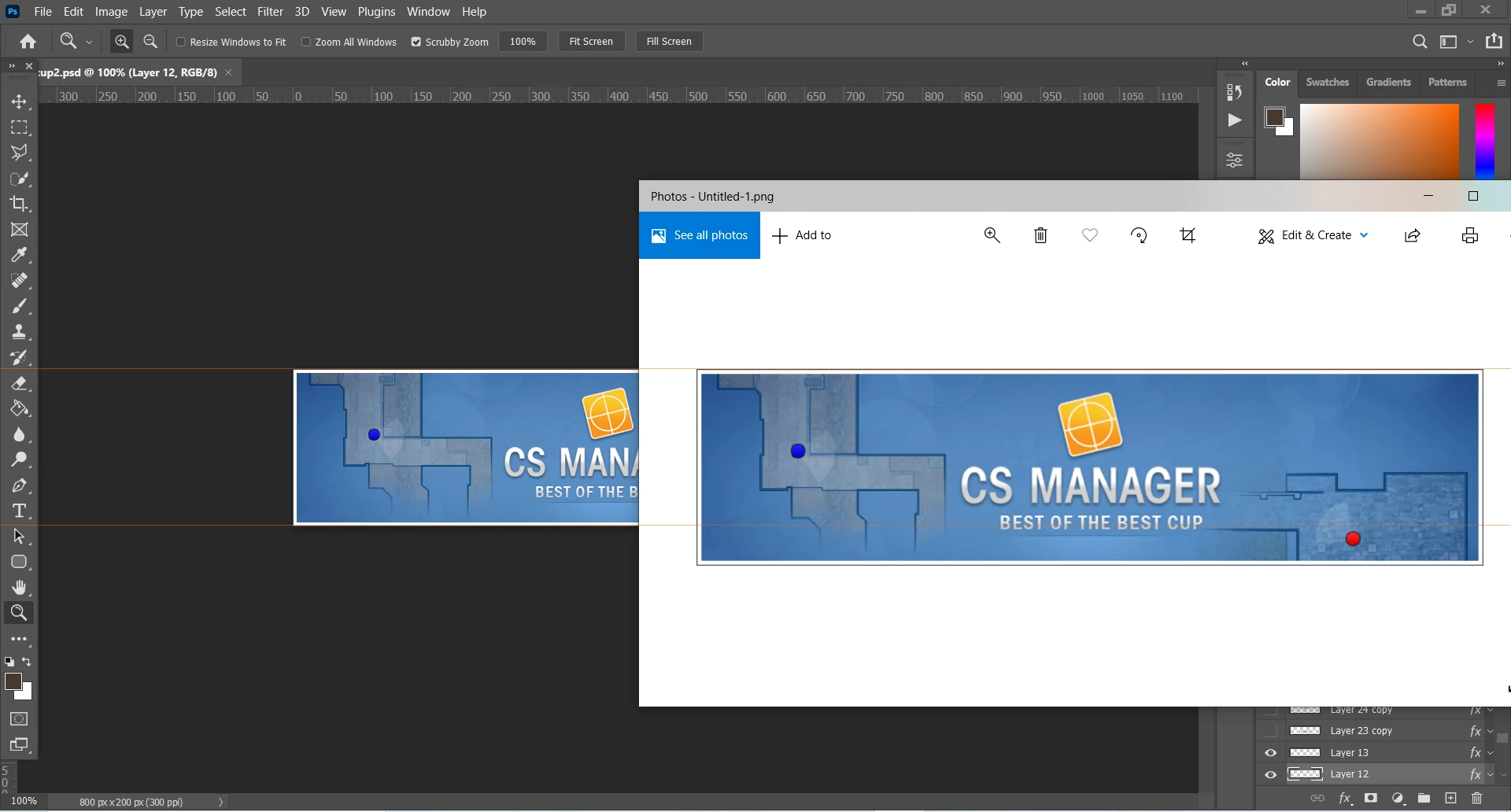
After saving an image/file the size/resolution gets bigger?
  • January 4, 2021
  • 2 replies
  • 212 views


So as you can see they are both at 100%, but the .jpg or .png file looks a lot bigger then in photoshop it self? Also the quality looks of the image looks way worse.

Anyone knows whats going on or how to fix?  Thanks

This topic has been closed for replies.

2 replies

Bojan Živković11378569
Community Expert
Community Expert
January 4, 2021

Check export settings and viewing percentage in Microsoft app. Do you have Adobe Bridge installed? Try with different viewer because Microsoft does not offer good apps for serious work.

D Fosse
Community Expert
Community Expert
January 4, 2021

100% in Photoshop has nothing to do with physical size. It means that one image pixel is represented by exactly one screen pixel. The size on screen depends on the actual screen pixel density, whatever it happens to be.


Consumer-oriented image viewers don't have to display accurately. They will usually scale the image according to the scaling set in the operating system, something Photoshop will never do because it has to display the pixels accurately. So if Windows scaling is set to, say, 125%, Windows Photos will also scale the image up to 125%.