
Answered
After Using 3D, My Canvas/Image Area Has Disappeared But The Image Still Shows In Layers Panel
Hi,
I tried opening 3D > New 3D Extrusion From Selected Layer, because I thought I'd try and tilt an image I was working on. I couldn't get it work and my image disappeared (although the layers still show in the layers panel). I thought closing the document without saving the changes would reset it, but it hasn't and although I've done Window > Wordspace > Essentials, to turn 3D off, the image hasn't returned? The image is still showing in the layers panel though.
The question thus being - how do I bring my image back into view on the main canvas area so I can continue restoring/repairing it?
Any help would be hugely appreciated
Screenshot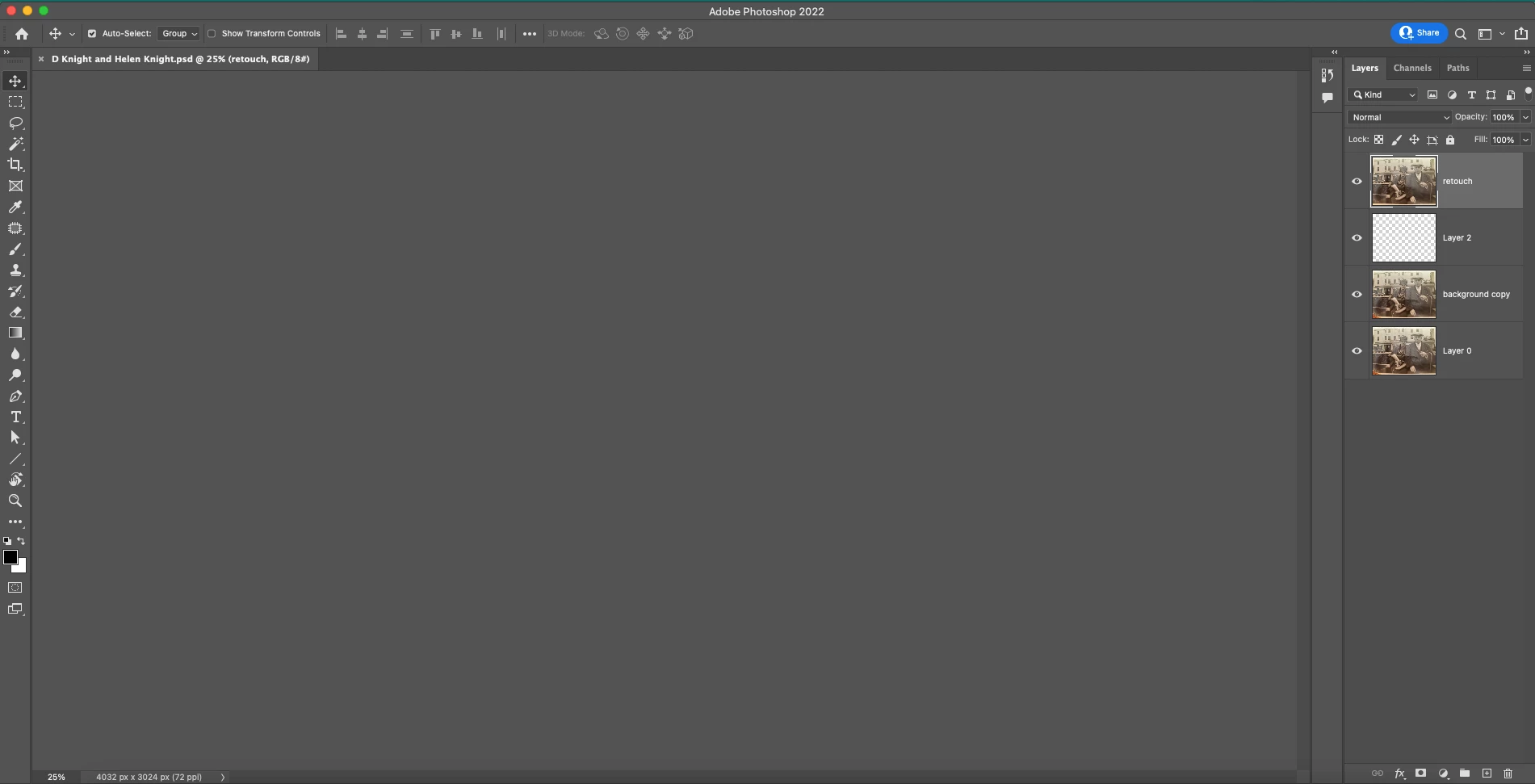
 AdChoices