chrissydetroit
Known Participant
September 9, 2018
Answered

Airbrushing in Photoshop/Retouching

  • September 9, 2018
  • 2 replies
  • 2332 views

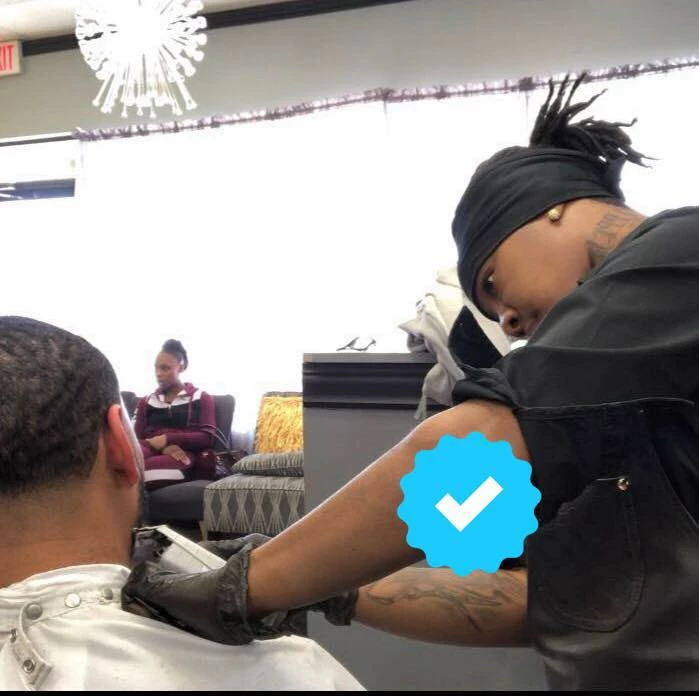
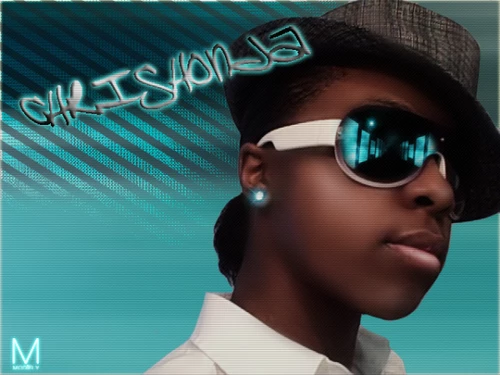
Hi, I came across a photo (first pic) that I had a graphic designer edit for me a few years back and I want to know is this photo retouching or a digital drawing. I wish I had the before photo to post but only have the after. Can someone point me towards a tutorial where I can learn how to make my headshots look airbrushed. Thanks in advance.
This topic has been closed for replies.
Correct answer Trevor.Dennis

Hi Chrishonda

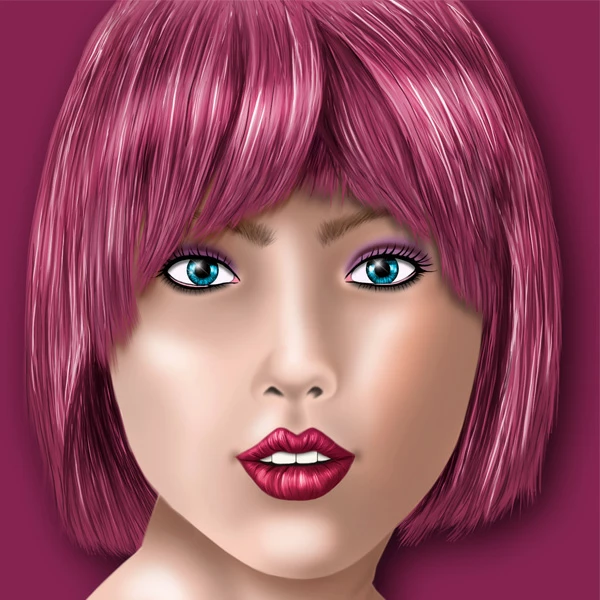
They look like digital paintings, which are a bit too involved to cover in a forum thread, but I can get you started.  I start with a photograph as a template to get the size, scale and positioning etc. right, and build up the painting layer by layer on top of it.  There are lots of little tricks to streamline the process, like making the eyes.

Myself and another of this forum's regular posters worked as teaching assistants with Bert Monroy at Adobe MAX in 2016, and I still have the workshop notes from that session.  If  you send me your email address in a PM, I'll flick the PDF file back to you.

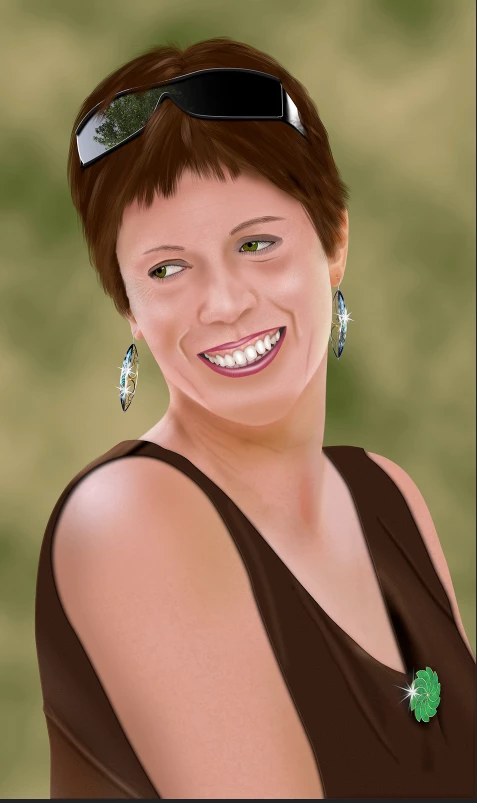
I did this painting of my wife after that session.  This is 100% Photoshop.

2 replies

Trevor.Dennis
Community Expert
Trevor.DennisCommunity ExpertCorrect answer
Community Expert
September 10, 2018

Hi Chrishonda

They look like digital paintings, which are a bit too involved to cover in a forum thread, but I can get you started.  I start with a photograph as a template to get the size, scale and positioning etc. right, and build up the painting layer by layer on top of it.  There are lots of little tricks to streamline the process, like making the eyes.

Myself and another of this forum's regular posters worked as teaching assistants with Bert Monroy at Adobe MAX in 2016, and I still have the workshop notes from that session.  If  you send me your email address in a PM, I'll flick the PDF file back to you.

I did this painting of my wife after that session.  This is 100% Photoshop.

chrissydetroit
Known Participant
September 10, 2018

Thank you. That's a very nice painting.

Trevor.Dennis
Community Expert
Community Expert
September 10, 2018

Chrishonda2016  wrote

Thank you. That's a very nice painting.

Thanks, but looking at it now, there are so many things I'd do differently, like add more highlights to the hair and more lines in the face.  I was pleased with the lower half which looks almost like a photograph, and I think that is down to the texture added to the skin.  That was done with one of the texture brushes in my favourite brush set    Choose a slightly darker tone of the same colour, and paint the texture on a new layer clipped to the skin layer beneath it.  Then reduce opacity for best effect.  

JJMack
Community Expert
Community Expert
September 10, 2018
chrissydetroit
Known Participant
September 10, 2018

Thank you.