

alternatives to ACR adjustment brush in Adjustment Layers
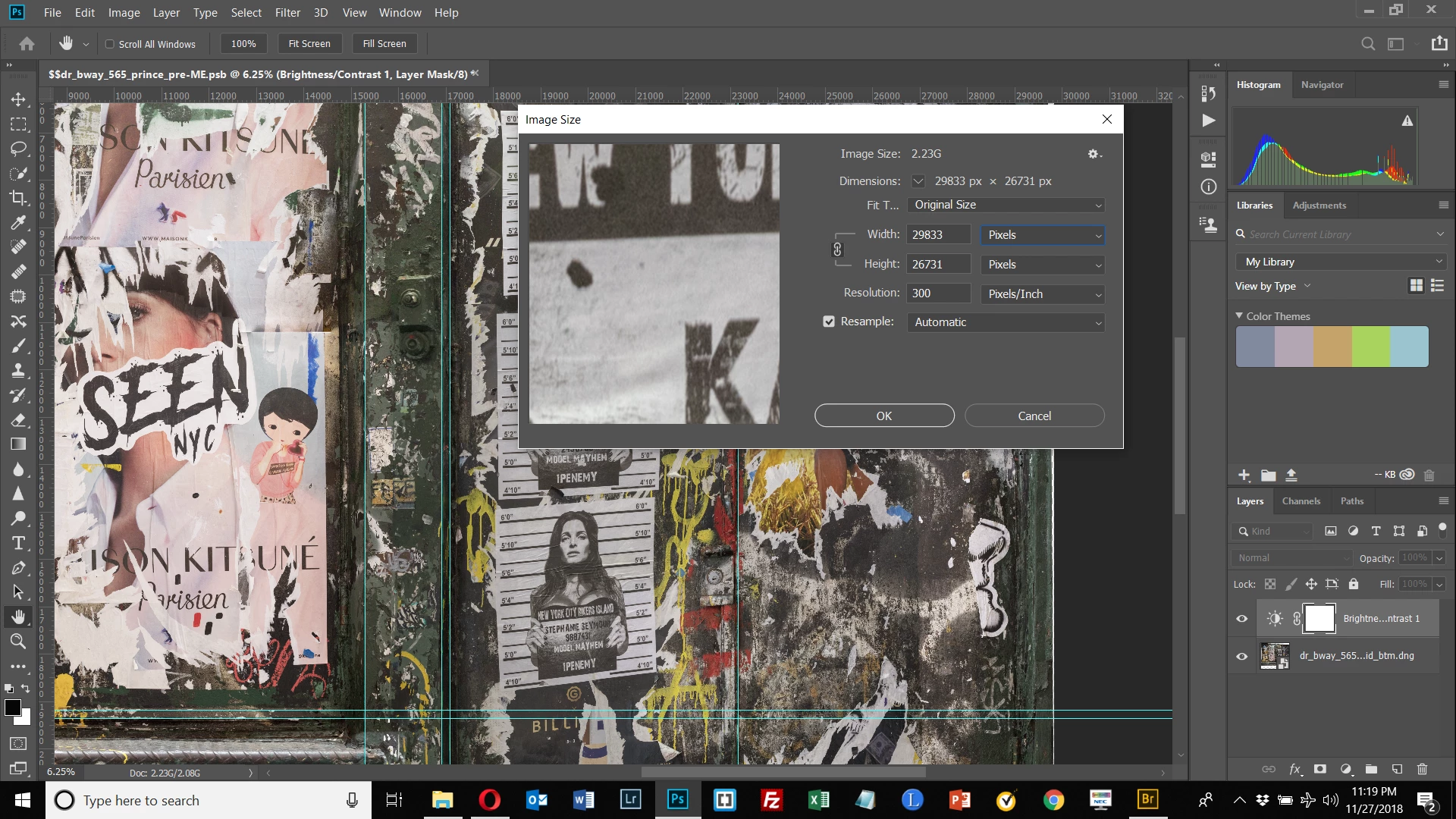
I'm getting the message "the image size exceeds 65000 pixels on the long side" and so can't use ACR. However, when I choose File>Image (2nd screen shot), my image is approx. 30000 x 27000 pixels. So why am I getting that message?
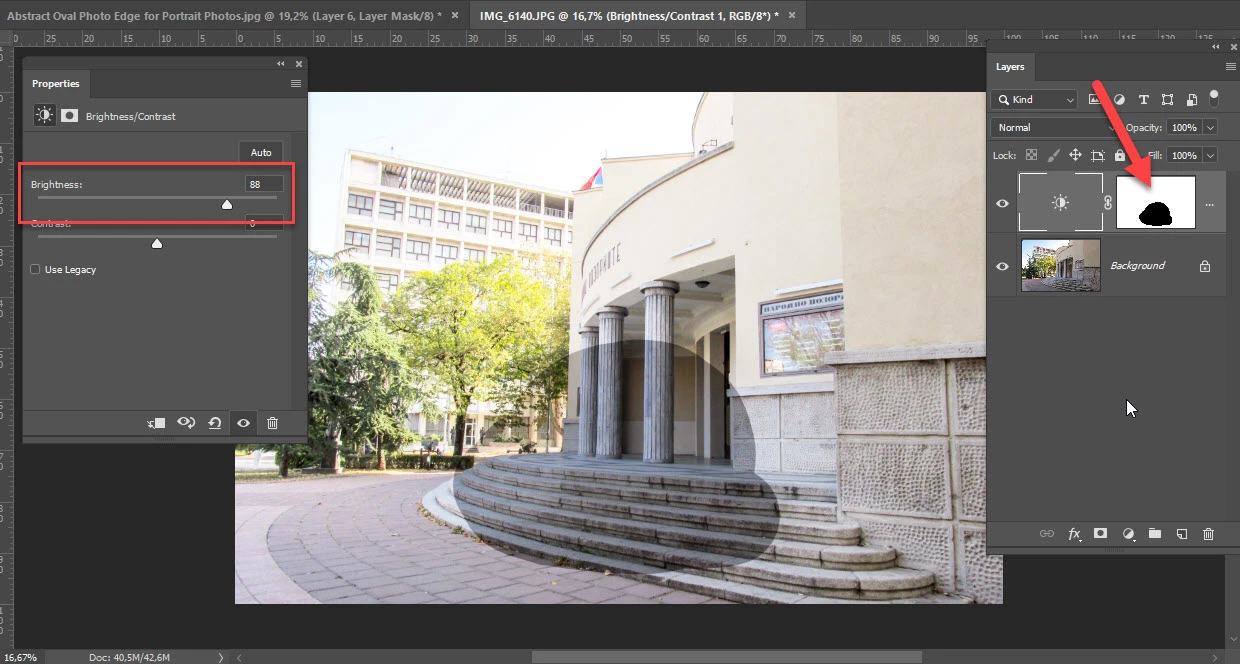
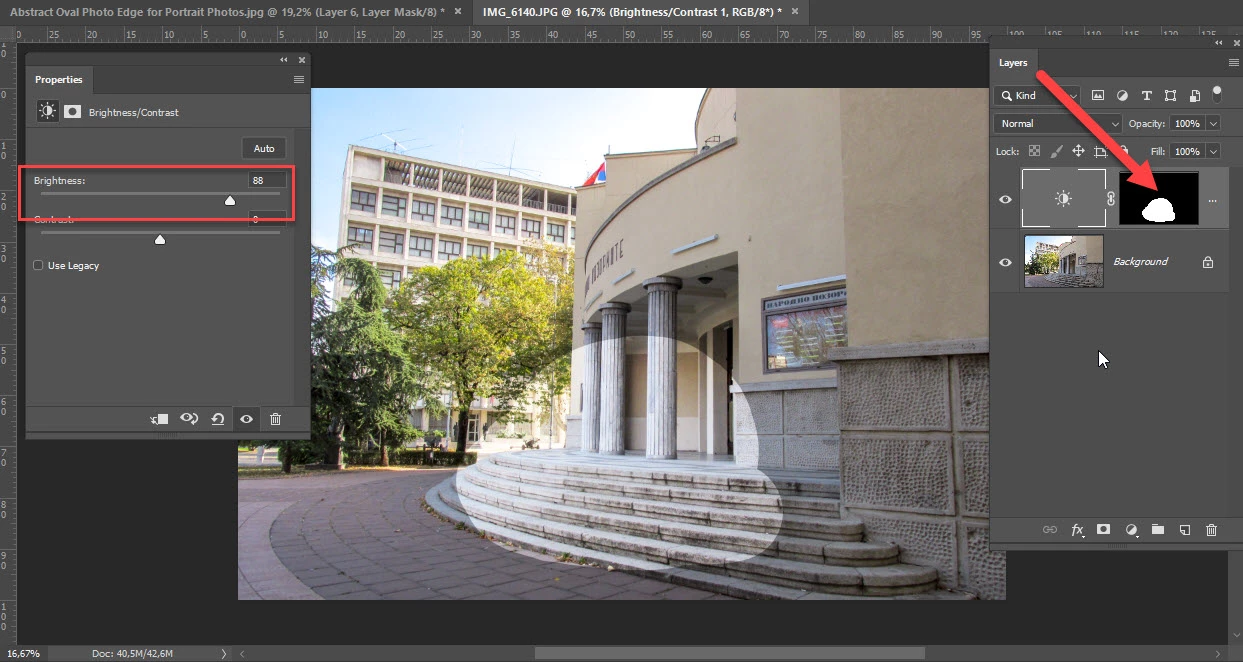
To the extent I can't use ACR, I need a workaround for selectively applying exposure changes to parts of the image. I created a Brightness/Contrast Adjustment Layer. I clicked on the mask, and hit "b" to select the brush, then started painting in the area in the image on the right that is underexposed. The painted area became darker, but I needed it darker still. If I click on the Brightness/Contrast icon and bring up the panel, and move the Brightness slider, it affects the rest of my image, not where I want to paint. How do I effect the painted area only? Thanks.

 AdChoices