
Answered
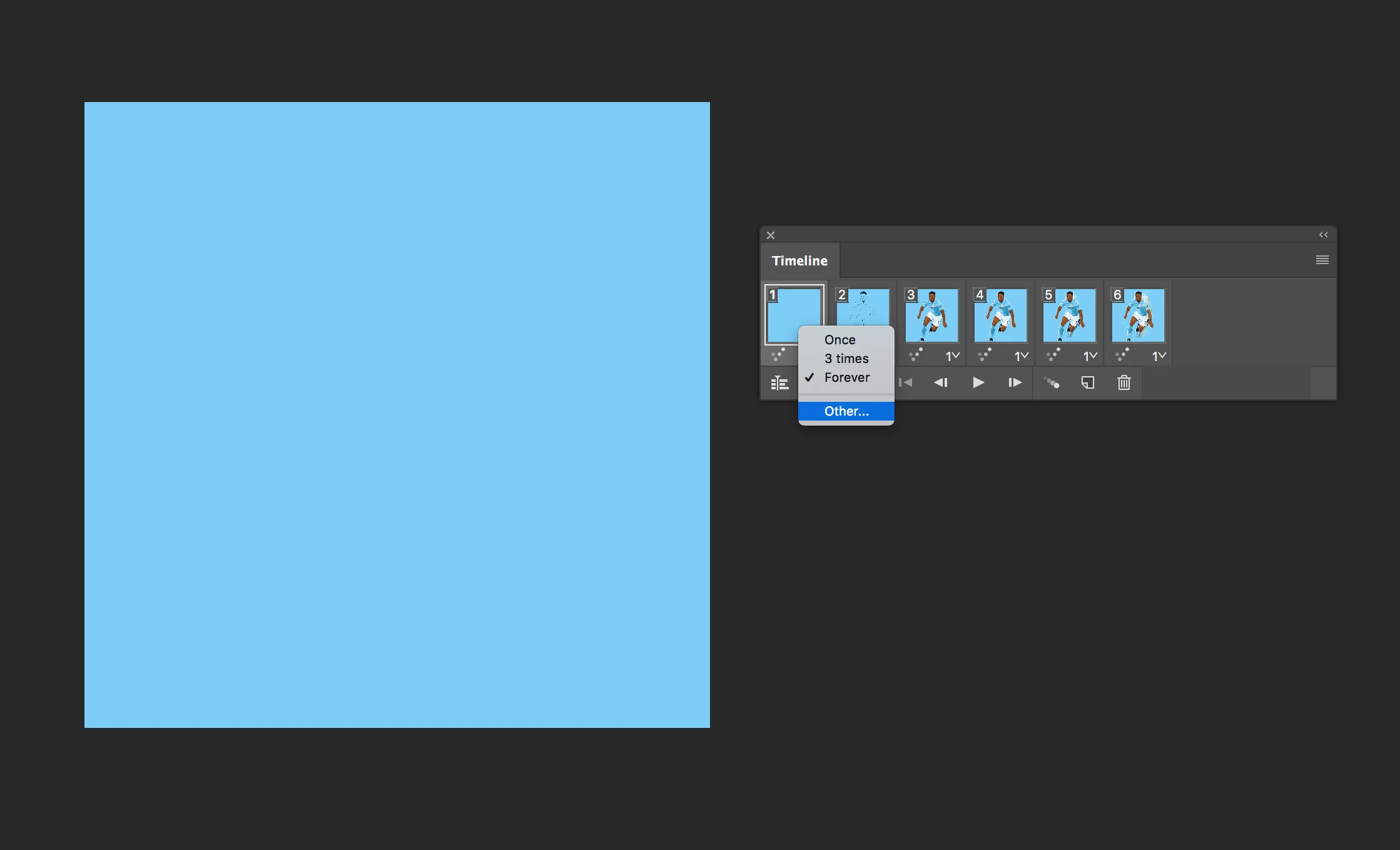
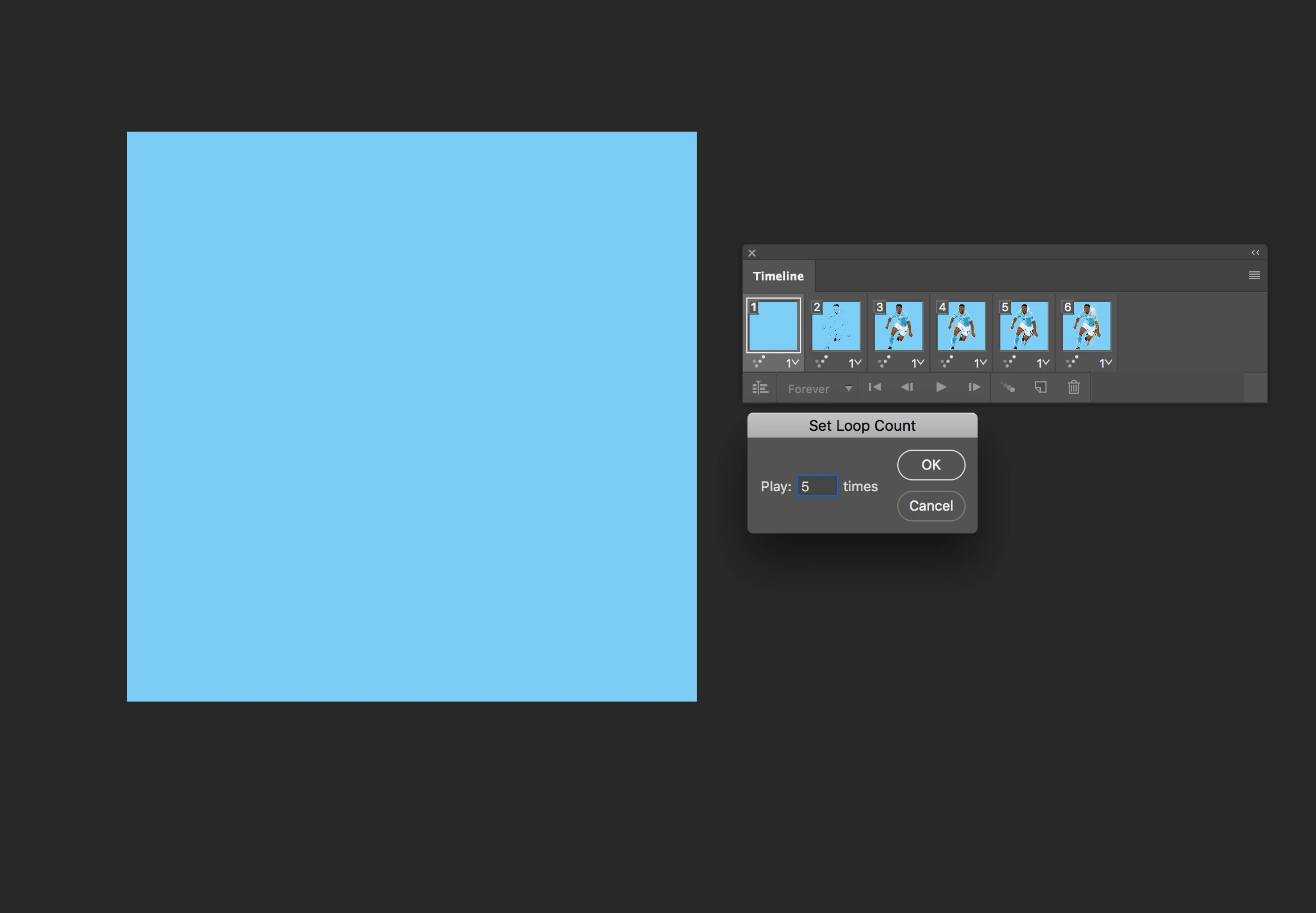
Animated .gif— looping options: Once
Software: Premiere Pro CC, Photoshop CC 2018
Mac OS High Sierra
My need: an animated gif that stops looping after 5 seconds
My method so far:
- screen capture in Quicktime Video (of 3D protein model)
- imported into Premiere Pro and took 5-second clip, exported H264
- imported the .mp4 into Photoshop and cropped it
- saved for web (legacy) as .gif with looping option: Once
Problem: When I open the .gif in a browser, it loops continually.
I apologize if this is actually an html issue. What does the Once looping option do exactly?
Thank you for any insights you may have!
 AdChoices