
Inspiring
September 26, 2024
Question

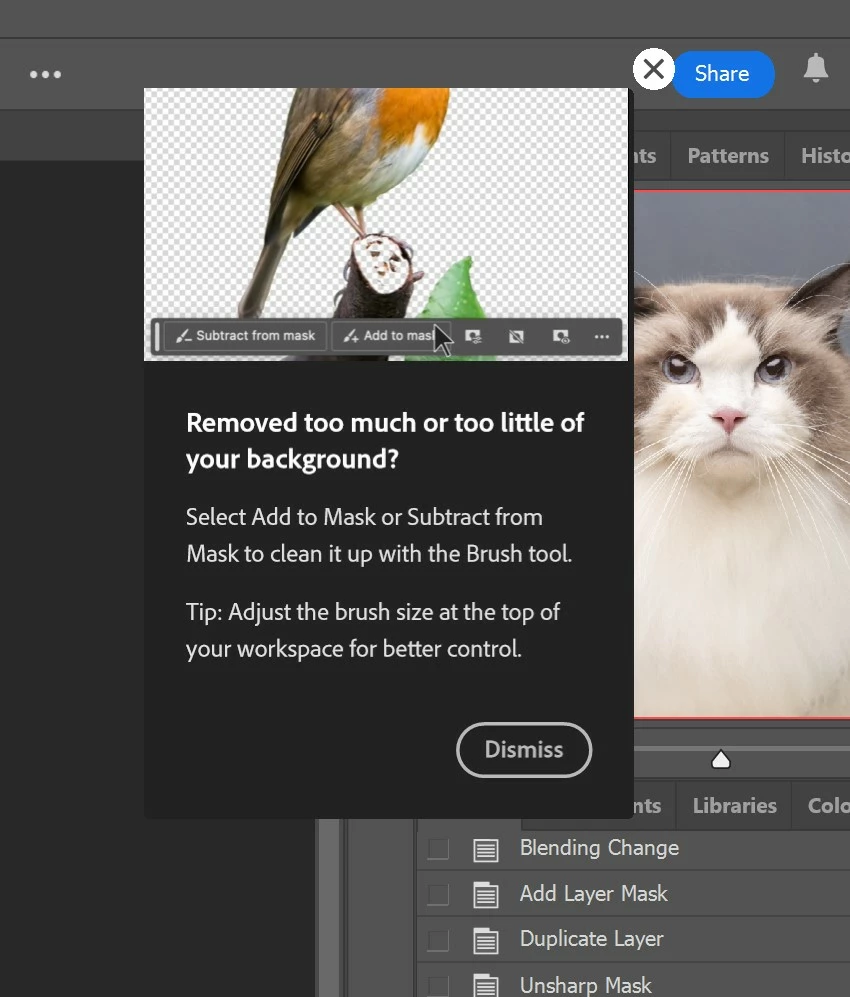
P: Persistent Mask tips keep popping up.

  • September 26, 2024
  • 6 replies
  • 4009 views

Whenever I clicked on the mask, the tooltip will pop up. I have already turned off the tooltips. If I don't close the tooltip, and press the number pad to adjust the opacity, it will run an action. Is this a bug? I'm on V 25.12.0.
This topic has been closed for replies.

6 replies

Participant
September 28, 2024

Try this one..
1. logout your email on HHelp>sign out account

2. close Photoshop

3. Re login your email 

Participant
September 28, 2024

That worked for me - thanks!

Participant
September 28, 2024

Nevermind! It doesn't show up when I click on masked layers anymore but it pops up when I add an adjustment layer.

Participant
September 27, 2024

I have the same problem it's a right PITA!

Participant
September 26, 2024

Photoshop v 25.12

Windows


I am getting what looks like a rich tooltips pop up every time I run an action on an image. 

I have clicked dismiss, the "x" and have disabled rich tooltips in preferences.


Its very irritating to have to dismiss this pop up every single time I run an action.

This just started happening after the most recent update.

I have included photos of the pop up and also the preferences window.

Participant
September 26, 2024

I have the same issue. Anytime you click on a layer mask the pop up returns.


Participant
September 26, 2024

Hello, since yesterday I've been getting a popup tooltip (see attachment) every time a create a mask or click on a mask. Show tooltips and Use rich tooltips are unchecked in preferences. PS 25.12.0 Windows. Reinstalling PS is not fixing the problem. Very annoying, so far I have no clue what´s going on, appreciate any help.

Participant
September 28, 2024

Hi -


Same thing is happening to me. Very annoying. Using Mac and PS latest version! Reset prefs and rebooted etc. Still a problem.

Thanks!

-Larry


Also any help appreciated. 

Participant
September 26, 2024

I have this same problem since the last 2 updates. Does anyone know how to stop this?

dragantomas
Inspiring
September 26, 2024

Hi all, 


Since Ive updated Ps to its latest version, every time I tap on the mask or the stamp layer itself I get these pop up tips, see screenshot. Where can I disable this to stop it happening?


16' MBP, latest version OS and Photoshop.


Community Expert
September 26, 2024

Go to Settings --> Tools and you can disable rich tooltips to get rid of those popups.

Community Expert
September 26, 2024

Please see my comment above.
I posted before I saw your comment, but thanks for the try.


quote

Please see my comment above.
I posted before I saw your comment, but thanks for the try.


By @TrikinDave


My answer was to the original poster who is using a Mac so the path to preferences is Photoshop --> Settings --> Tools. In Windows, you are correct it would be Edit --> Preferences --> Tools.


If the settings for you are not saving you could try resetting the preferences and then making that change again: https://helpx.adobe.com/photoshop/using/preferences.html#reset-preferences