
Participating Frequently
May 29, 2024
Question

Apply adjustments to multiple artboards

  • May 29, 2024
  • 2 replies
  • 1179 views

I want to apply various adjustments to multiple artboards and am using this method:
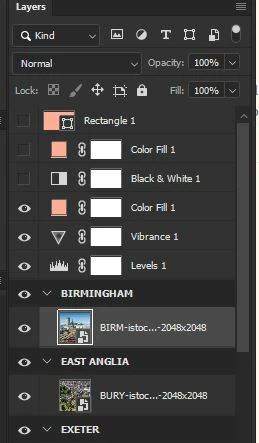
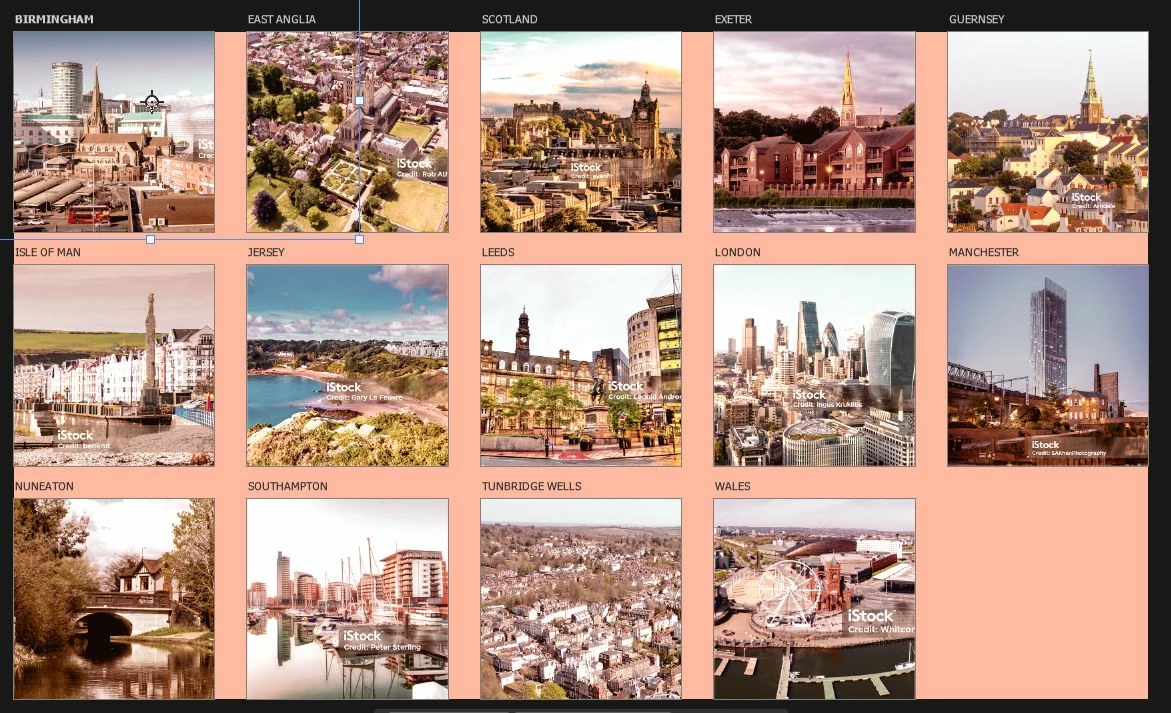
The adjustments appear to be applied on the canvas:
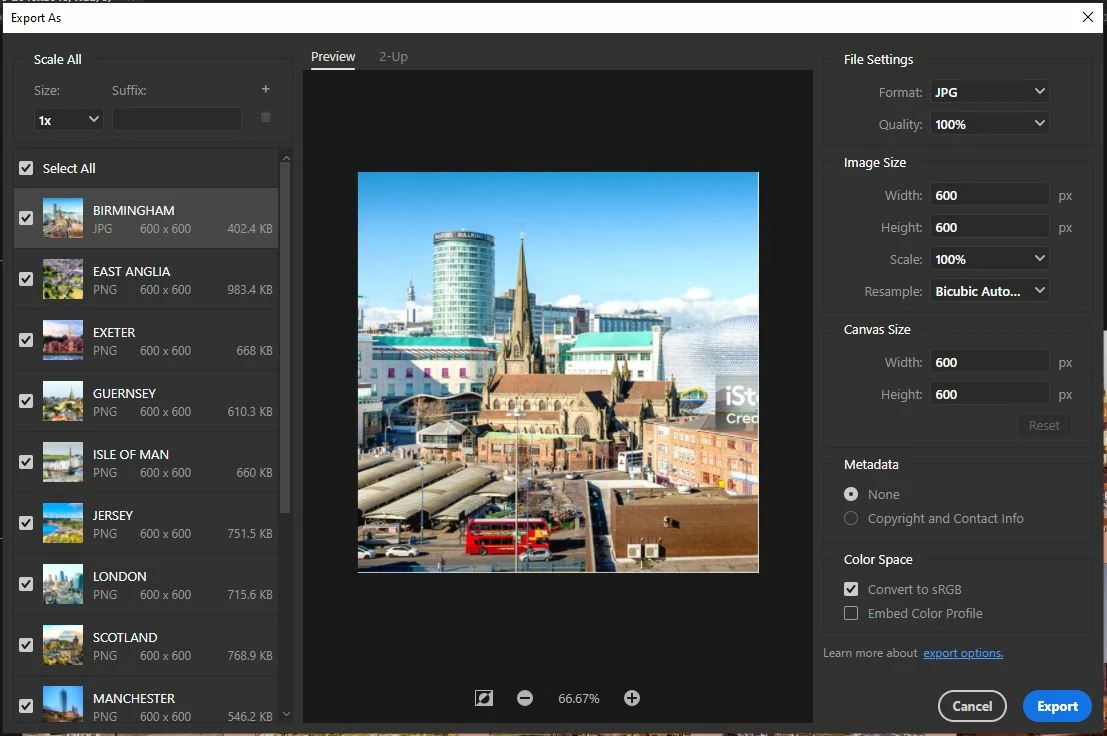
But when I use 'Export as' the adjustments aren't there:
Have done some googling but can't find anything helpful so hoping someone has some tips.

Using 25.9.0 on windows 10

This topic has been closed for replies.

2 replies

c.pfaffenbichler
Community Expert
Community Expert
June 4, 2024

Sorry, I had missed your second post. (»I should clarify that it seems that it's just the color fill that doesn't work.«)

Edit: And that Fill Layres and Adjustment Layers are treated differently in this context does indeed seem like it might be an inadvertent effect. 


Try using a Gradient Map Layer with only one Color Stop instead of the Fill Layer. 

Stephen Marsh
Community Expert
Community Expert
June 4, 2024

@c.pfaffenbichler 


Thats a creative idea!

didiermazier
Community Expert
Community Expert
May 29, 2024

It seems rather normal that "Export as" shows only the artboards. But the question is : Are the overall settings applied or not to the exports?

PDW-BMAuthor
Participating Frequently
May 29, 2024

I should clarify that it seems that it's just the color fill that doesn't work. I've also tried using a coloured shape but that doesn't work either.

Stephen Marsh
Community Expert
Community Expert
June 4, 2024

I disagree too. Why would I apply an adjustment on every artboard when I could apply a single adjustment to all artboards at the same. Much quicker workflow. And most adjustments allow this so why not?


It works for adjustment layers, so one can only conclude that Adobe designed all artboards to be affected by adjustment layers placed above the artboards.


That this doesn't work the same for a solid fill layer could either be by design or an omission or bug.


As pixel and vector layers behave the same way this would appear to be by design, being treated as content that should be inside the artboard or placed behind all artboards as a common element for save as or save for web with all visible layers.